Closing an Expense Purchase Order
Purchase orders created for non-stock or expense items are handled differently than inventory purchase orders.
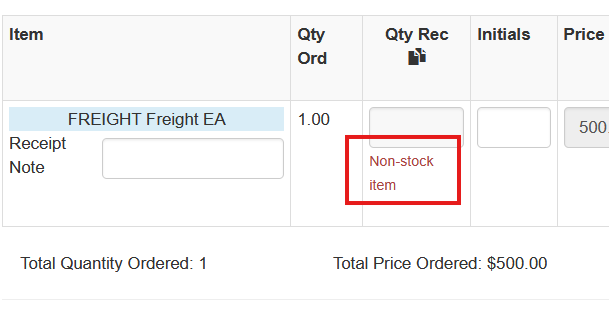
Because these purchase orders do not represent physical inventory, there is no quantity to receive. Instead, the purchase order is completed by closing the PO.
For example, if a user attempts to click Receive on an expense purchase order (such as a freight expense), the system will indicate that there is no quantity available to receive.
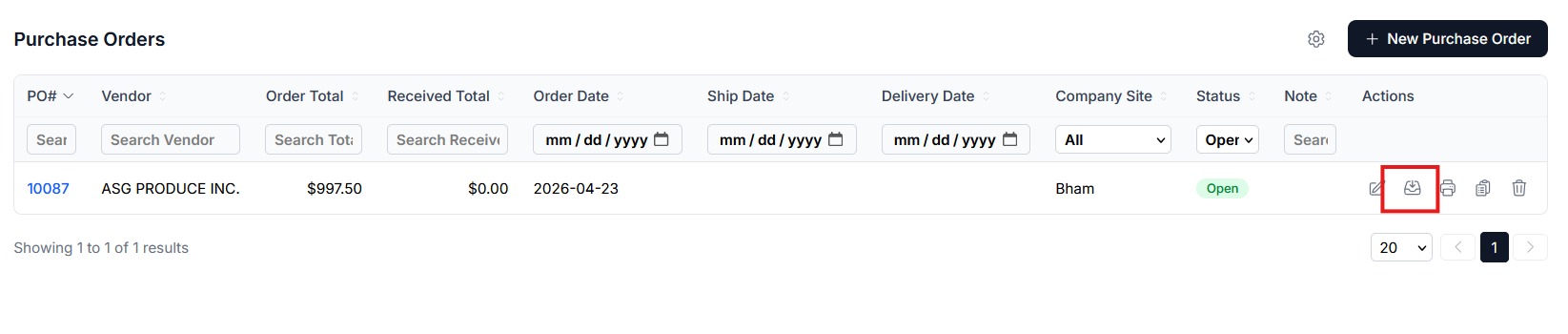
Expense purchase orders are typically closed when the payable invoice associated with the expense is entered.
Closing Expense Purchase Orders
Once the payable invoice is entered against the expense purchase order, the purchase order will be closed.
Users may also close an expense purchase order manually using the Close As Is option.
However, if Close As Is is used on a purchase order that contains distributed costs (such as freight allocated through a Purchase Order Set), those distributed costs will be lost.
For this reason, the payable invoice should normally be entered before closing the purchase order.