Entering A New Statement
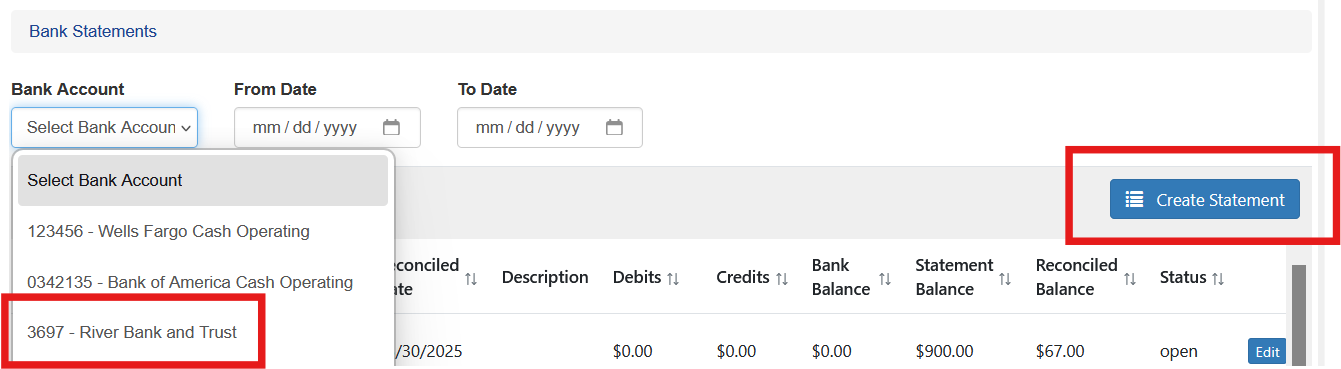
To enter a new statement and reconcile the current bank period choose Create Statement.
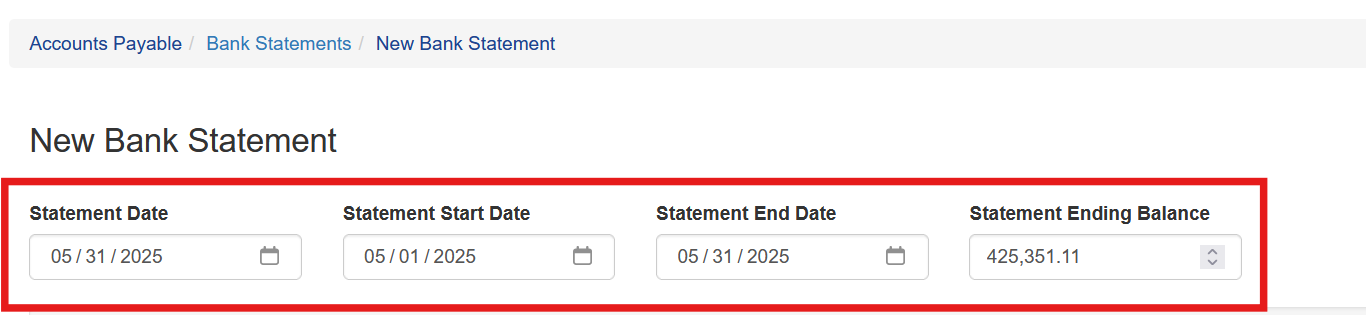
From the bank’s statement first enter the date, the starting and ending date and the ending bank balance.
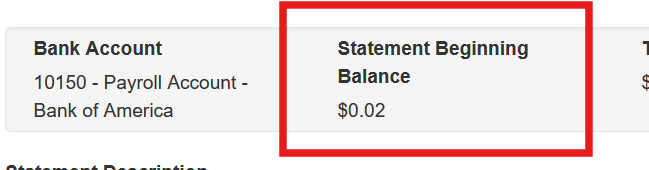
The beginning balance will be prepopulated with the ending balance from the prior statment.
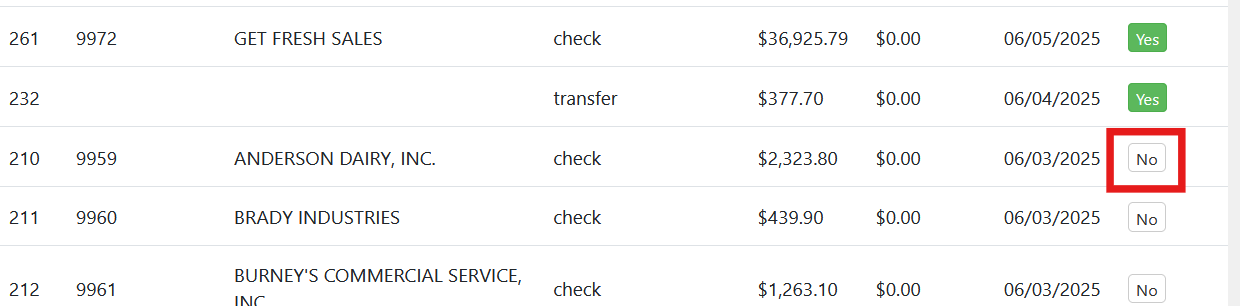
All transactions for that account that have not yet been cleared during a prior statement period will be displayed. As items on the statement are matched to items in Sprout the user clicks the “No” button. This turns cleared to Yes and turns it green.
As items are cleared the totals at the top change.
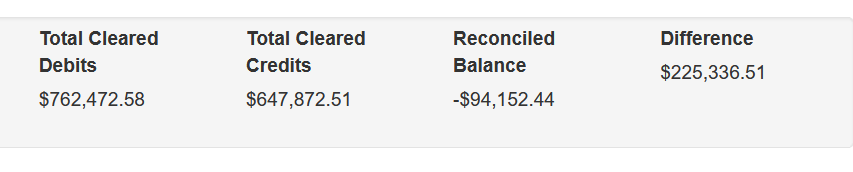
The math for a statement is:
Beginning Balance + Deposits + ACH In + Transfers In (all called credits in bank terms) - Withdraws - Fees - Checks - ACH Out - Transfers Out (all called debits in bank terms) = Ending Balance
The difference shows what remains to be accounted for.
Saving Reconciliation Progress
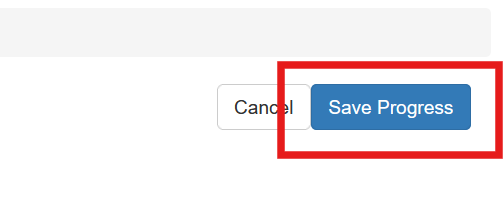
In many cases the user may find entries on the bank statement that are missing in Sprout. Work can be saved by clicking Save Progress at the top. This will allow the user to leave the statement process and come back to it later without losing the work completed so far.
Unclear All
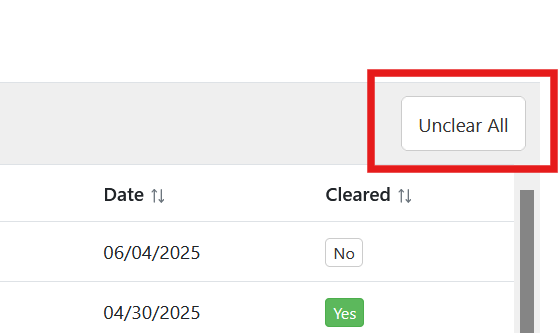
Occasionally a user may want to start the statement process over. The Unclear All will remove all Cleared statuses for transactions that are within this statement period.
This is a non reversible action. Once Unclear All is clicked the user can’t recover what was cleared and must clear all entires again
Completing the Reconciliation Process
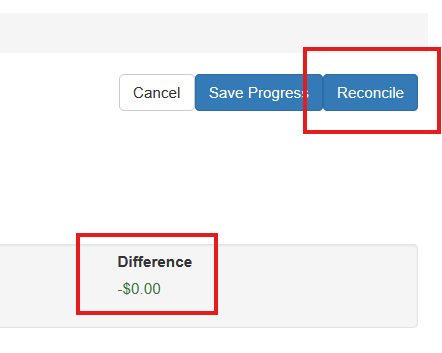
Once the reconciled balance equals the ending statement balance the difference shows as $0.00. At this point the bank account and Sprout’s bank transactions are in agreement.
Printing Bank Reconciliation Reports
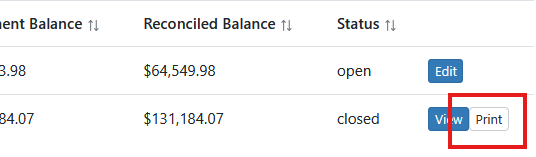
Once a reconciliation is completed a reconciliation is complete a report can be printed from the Bank Statements screen for your records