Handheld Use & Navigation
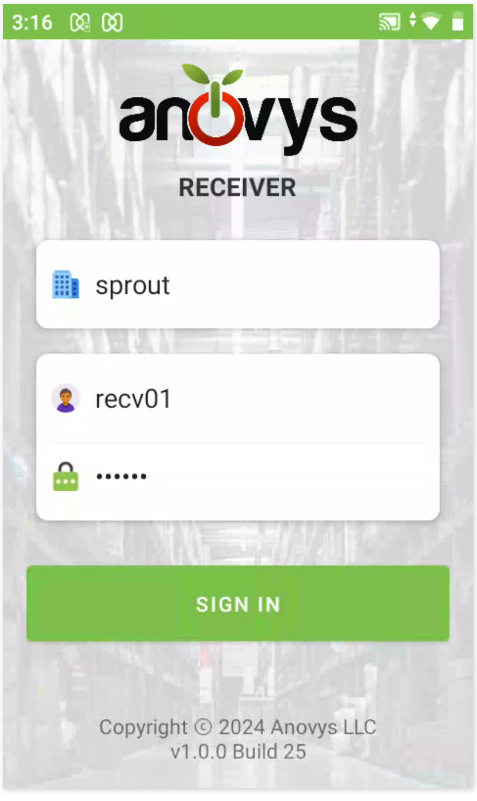
Logging in to the handheld
Fill in your organization name (provided by your manager), your receiver clerk’s username, and the password. A separate document describes how to set up and maintain receiving clerks.
Note: Two users can work on the same PO at the same time from more than one handheld. It is recommended that they use their own username for tracking purposes.
Handheld Navigation
The blue key on the bottom will take you to the next field.

The blue check will execute the sign in or enter process, depending on the screen.

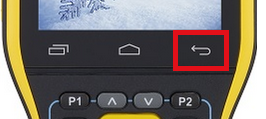
To hide the keyboard on the RK95 handheld (the gun style) push the hard key on the screen that is an arrow circling back to the left:
The scan symbol tells the WMS device to start the barcode scanner and capture data.
To visually see how many steps must be completed and remain you will see icons similar to this.

When the tasks are completed you will see an icon like this with a green check.