Move Inventory Between Bins
Moving inventory between bins within the facility is accomplished both within the Sprout UI as well as on the WMS handheld. Lots can be split between multiple bins as needed for staging, consolidation etc.
Moving Inventory In Sprout’s UI
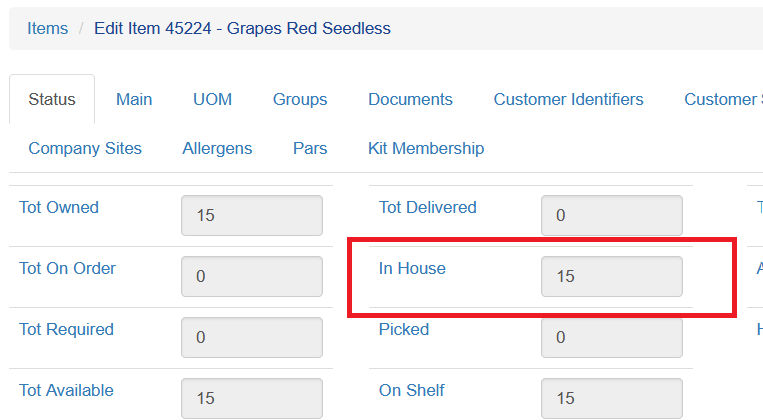
Locate the item in Sprout, on the Status tab choose In House. This will show all current lots.
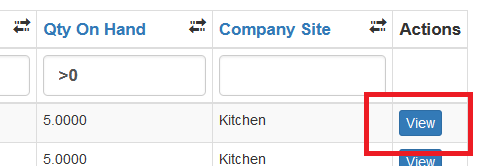
Click View on the line with the lot that is being moved
The current location and quantity will be displayed.
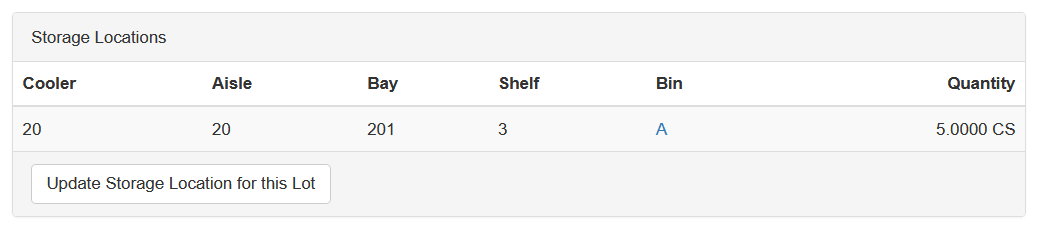
To change the storage location click Update Storage Location for this Lot.
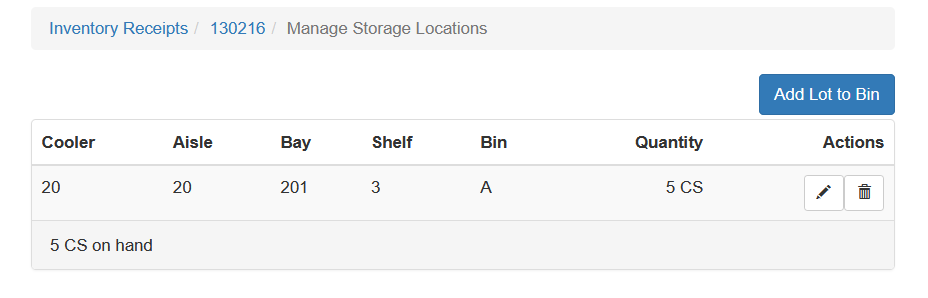
To move a quantity other than all from the current bin to another location click the pencil to edit the quantity, update the number to the quantity remaining in the source bin and click Save.
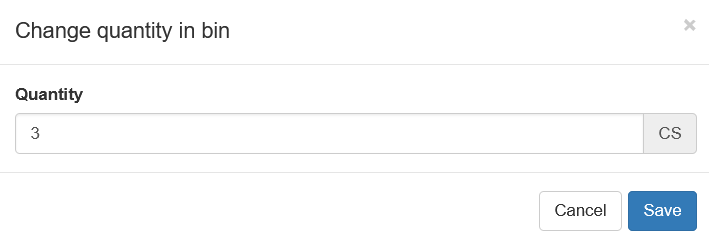
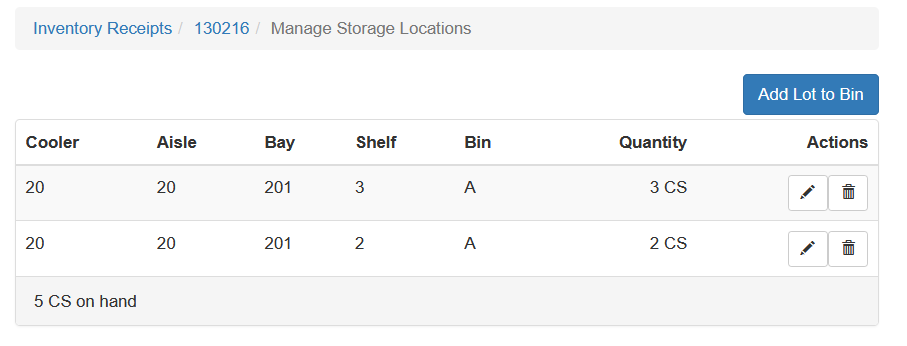
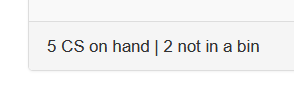
This will update that bin and return you to the prior screen. The bottom left number will show total quantity as well as the quantity not currently in a bin
Click Add Lot to Bin
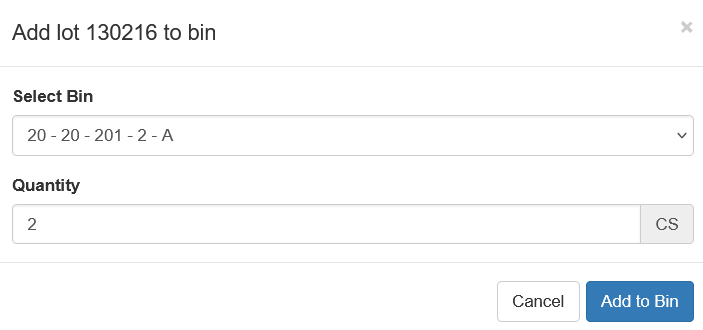
Choose the new bin and the quantity and click Add to Bin.
The updated locations will then be shown.