Moving Pallets to Storage
At this point the item is still stored on the dock. On the handheld you can move this to its correct storage location by clicking Verify Pallets
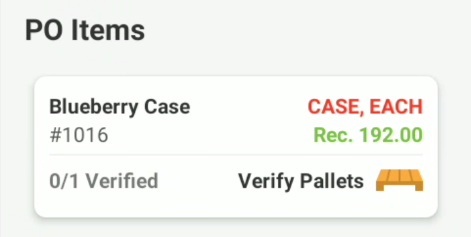
Choose Verify Pallet Tag
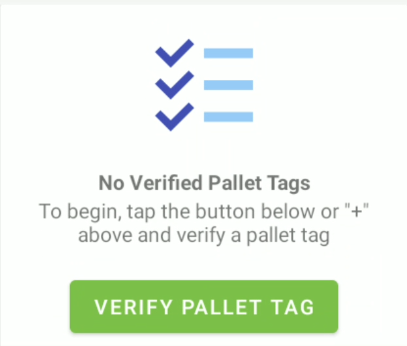
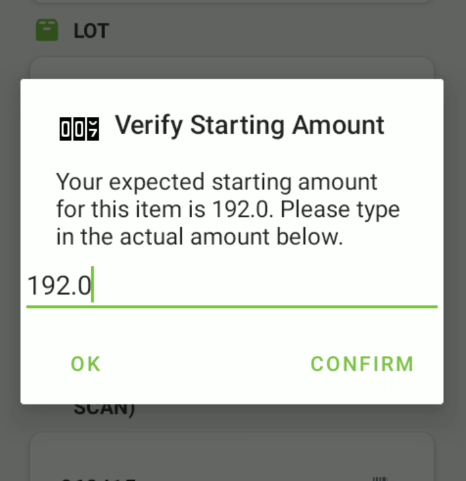
Move the pallet to the storage bins
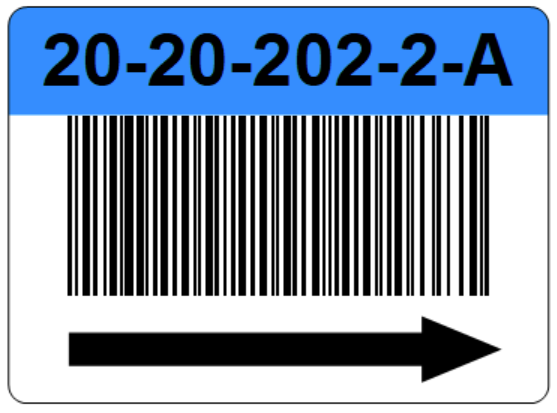
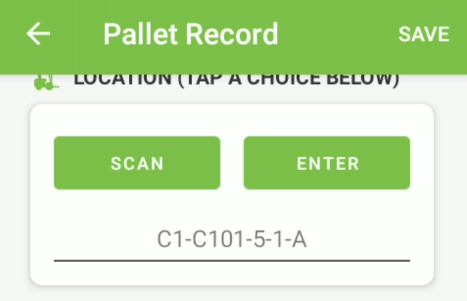
Move the pallet with your equipment to its storage location. Here you will have a bin/slot sticker that looks similar to the image below. This is the ID for your cooler storage as defined in Cooler Setup. Click Scan and scan the barcode. Alternatively you can enter it, but it must be entered in the exact format, with the dashes.
Once you have captured all the required information click Save in the top right corner:
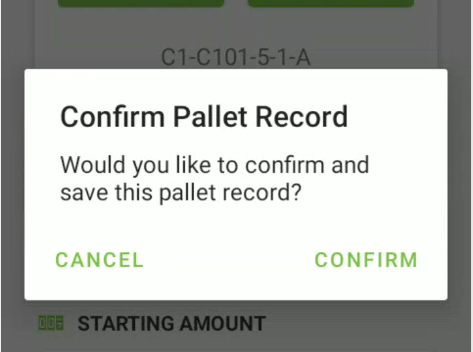
And confirm:
Once you verified all pallets for that item on the PO you will see green checks next to those pallet tags:
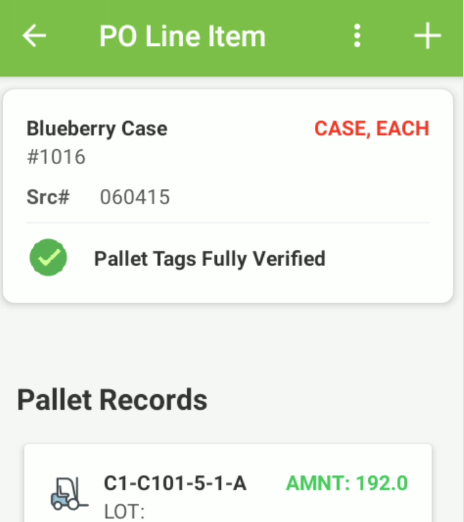
Click the back arrow in the top left: