Multi Currency Setup
Initial Setup
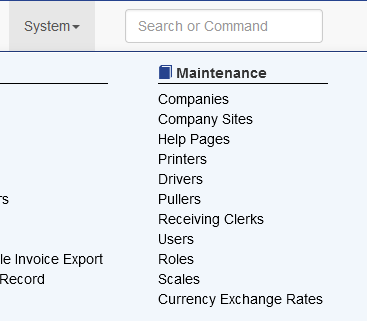
To begin using multiple currencies visit System - Currency Exchange Rates
Adding the Default Currency
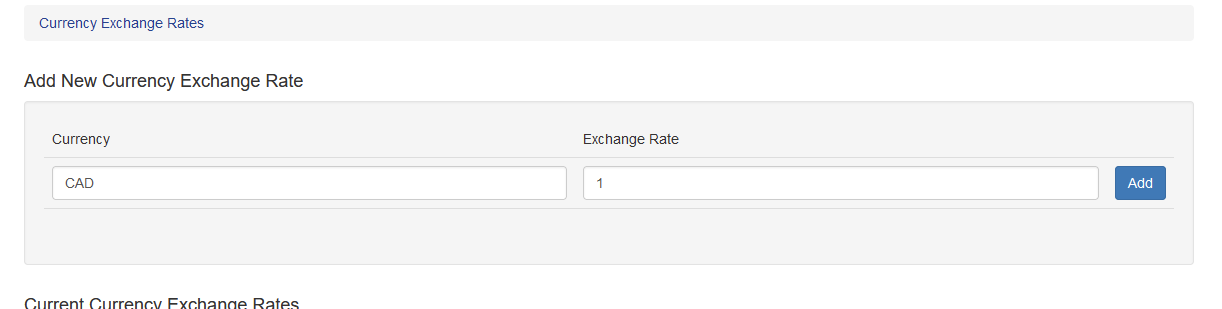
The first currency that should be entered is the default currency the business functions in. If the business is United States based, this is USD. If it is Canadian, for example, the first currency should be CAD.The exchange rate for the default currency MUST BE set to 1.
Adding Additional Currency Entries
Once the first currency is added, subsequent currencies can be added in the same way. For additional currencies enter the desired exchange rate.
Updating Exchange Rates
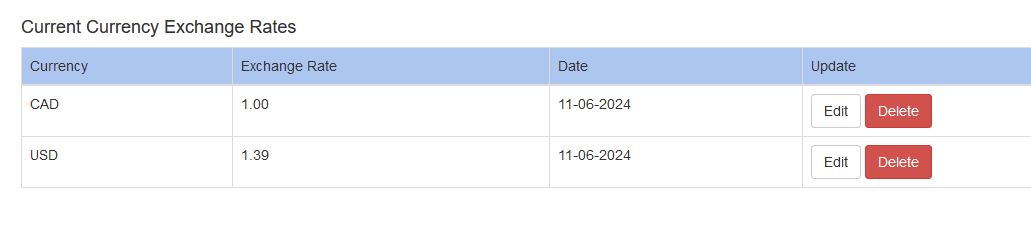
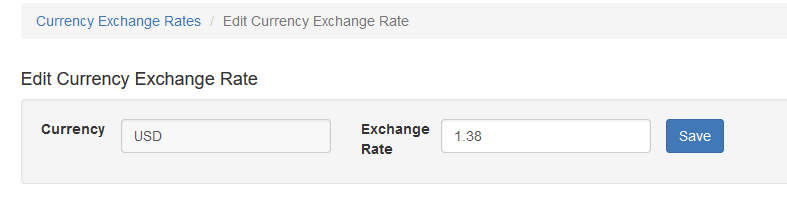
To update an existing exchange rate click Edit. Enter the new rate and click save.
Foreign Currency Historical Rates
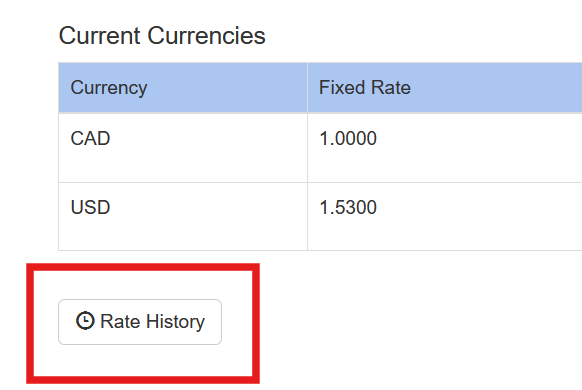
To view historical rates use the Rate History report. From there the user can choose a starting and ending date to view all changes during that time frame.
Setting Up Overrides
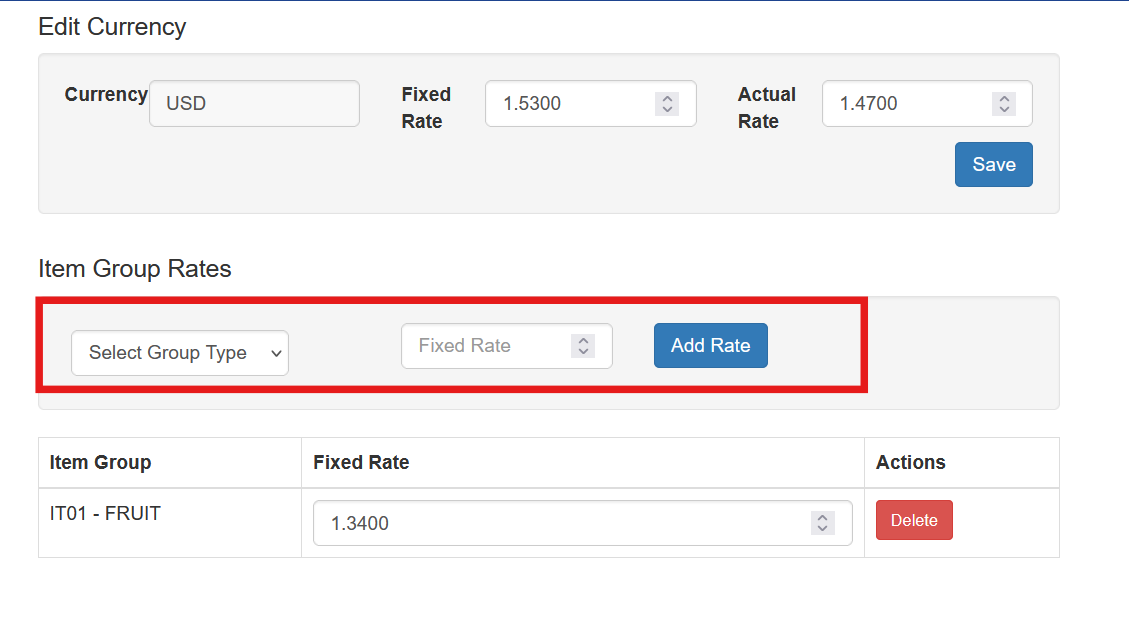
A user can set overrides for a particular item group. When this function is used, items that are members of the selected group will use the override Fixed Rate when calculating the foreign exchange rate on a Purchase Order.