Selecting a PO
Once signed in to the handheld you will see a list of open Purchase Orders that are open from previous sessions, or you can locate POs.
Scan A PO
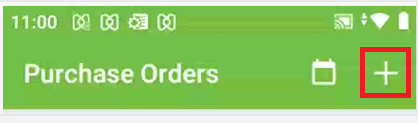
In the top right add a new PO by clicking the + sign in the top right corner:
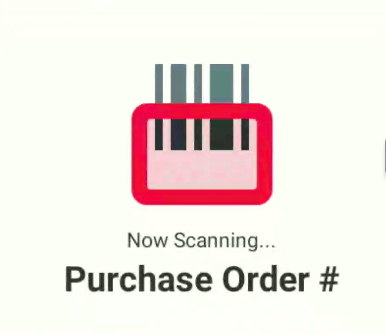
This will bring up the scan entry box. Here you scan the PO or receiver barcode:
Locate a PO By Date
The user can also search for POs by delivery date by clicking the calendar icon:
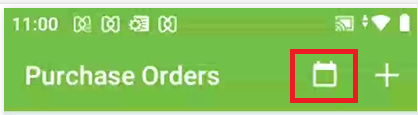
This will allow the user to choose a date and see all POs for that date.
PO Details
The PO will now open and get listed in the open POs on the handheld. You will see the PO number, the vendor’s name, and additional vendor information.