Additional Fields on POs
Users can customize which fields appear on the purchase order screen.
To show or hide fields:
- Click the dropdown menu on the purchase order screen.
- Select the fields to display.
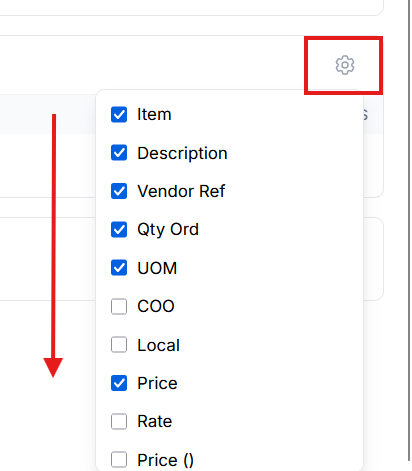
Because many fields are available, users may need to scroll through the list to see all options.
Users should also consider their screen size and resolution when selecting fields, as smaller displays may not be able to show all columns at once.