Create a Purchase Order Set
To create a Purchase Order Set:
- Navigate to PO → Enter/Edit Purchase Order Sets.
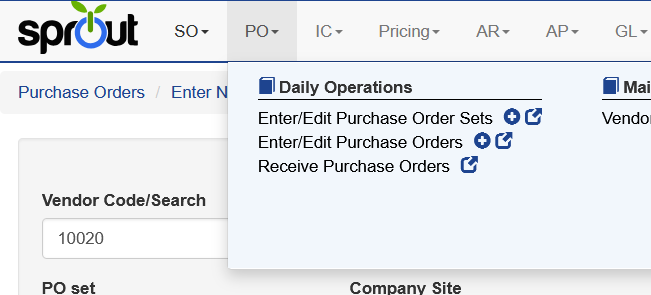
- Enter the required information:
- Delivery Date
- Company Site
- Optionally enter:
- Description
- Notes
These fields help describe the shipment represented by the purchase order set.
Adding Purchase Orders
Once the purchase order set has been created, purchase orders can be added to the set.
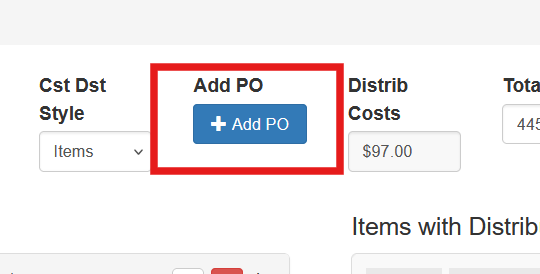
- Select Add PO.
- Choose the purchase orders from the list.
- Click Add Selected.
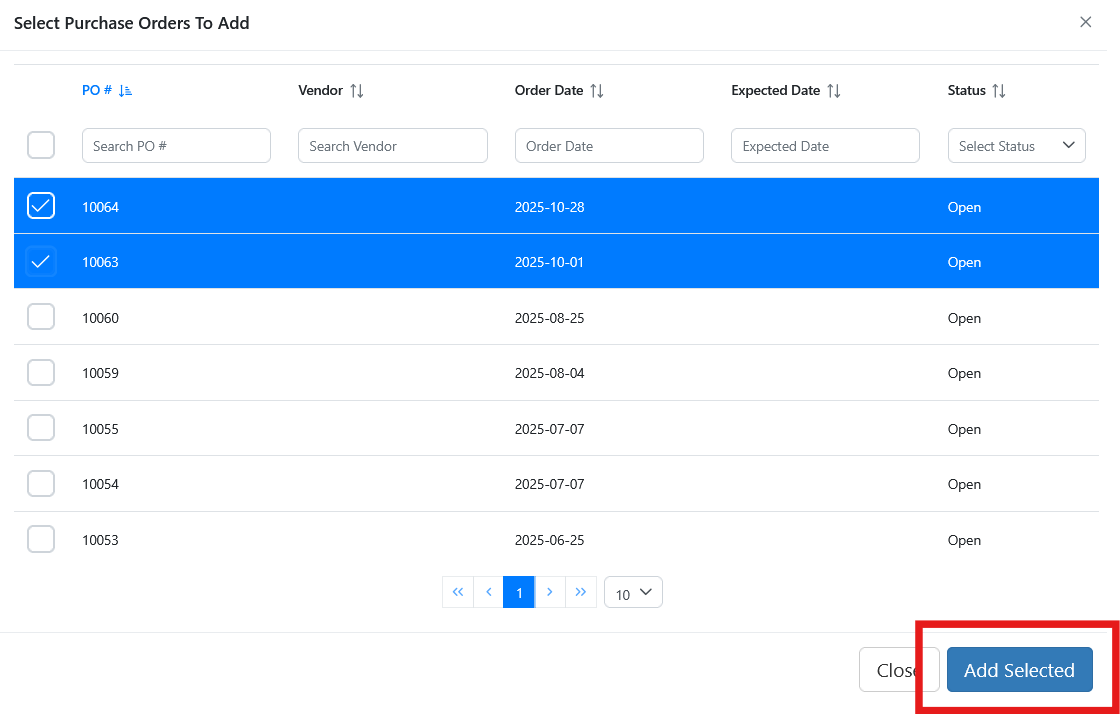
The selected purchase orders will then appear in the purchase order set.