Create an Item
Under IC select items, scroll to the bottom and click Add New Item, or to immediately open the Create New Item screen click the Green plus icon
Or
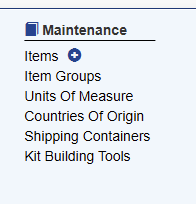
You will be presented with the Item Creation Screen
Required Data To Create Item
To create a new item the user must first add just the item code and description and click save
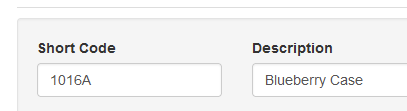
Once these two fields are added the user can continue with other values. Adding units of measure, for example, before saving the item will result in validation issues if every required field is not set.