Creating General Ledger Accounts
GL accounts must be created in Sprout before entries can be posted.
Note: Bulk importing of GL accounts can be handled by support. Please contact support@anovys.com for assistance.
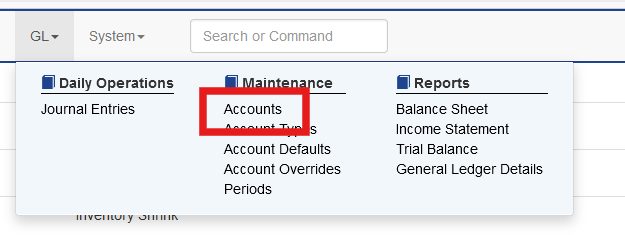
To create individual accounts as needed select GL - Accounts
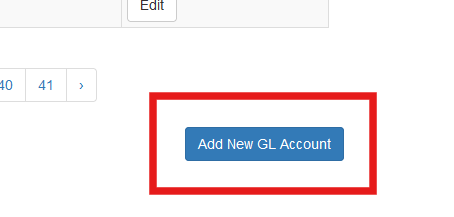
All existing accounts will be shown. At the bottom of the screen click Add New GL Account.
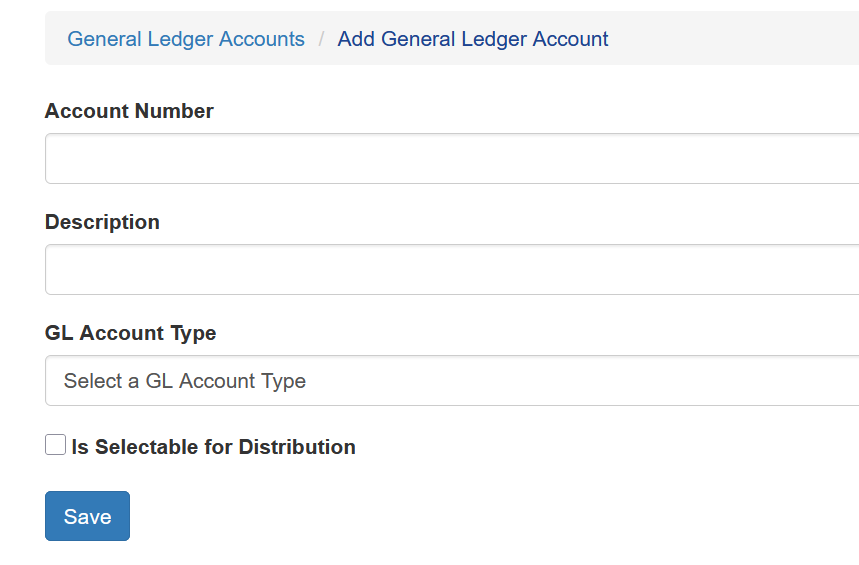
Enter the desired account number, a description and choose a GL account type.
Allow Manual Distribution Use
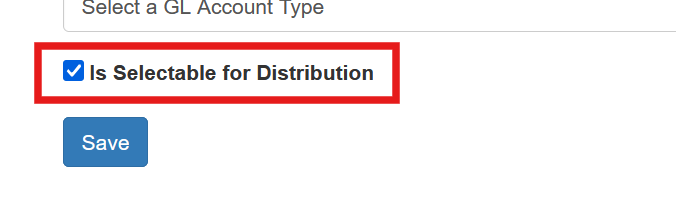
To allow an account to be chosen during manual entries, such as AP Payable Expense distribution, the account must be marked as selectable for distribution by checking the box during GL Account Setup