Customer Credit Management
Customer Credit Management
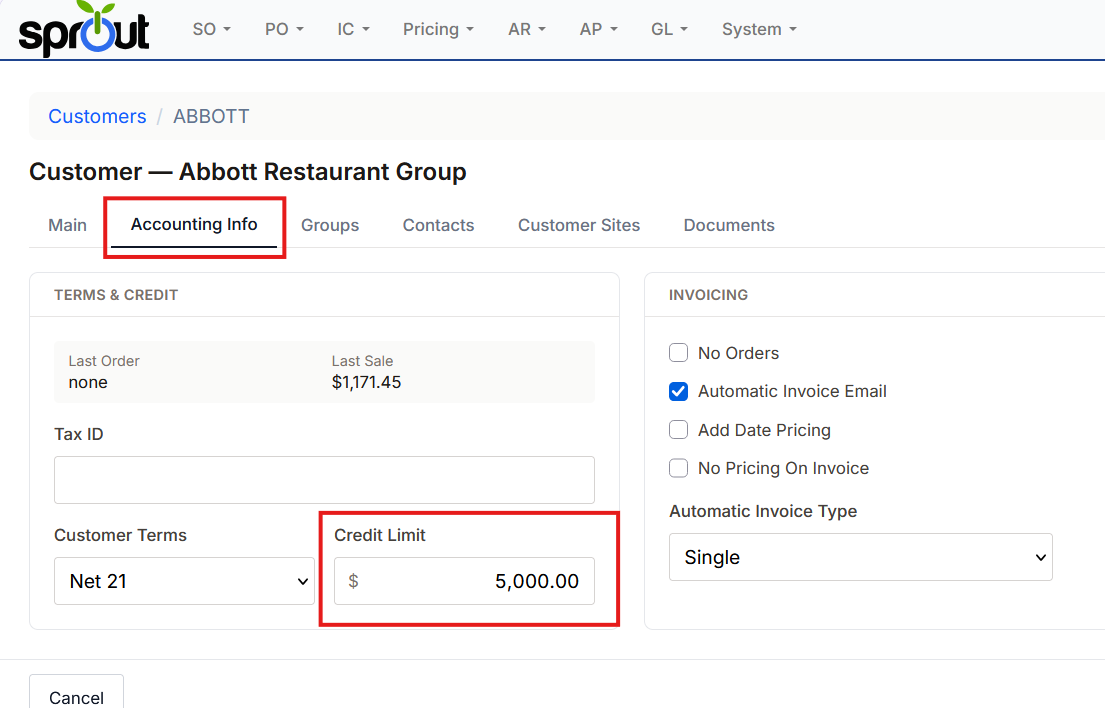
When customers are created in Sprout they are given a default credit limit. This applies to all customer sites associated with that customer.
To set this select AR - Customers, select a customer and choose the Accounting Info tab. Adjust this limit to the desired amount.
Credit Utilization Reporting
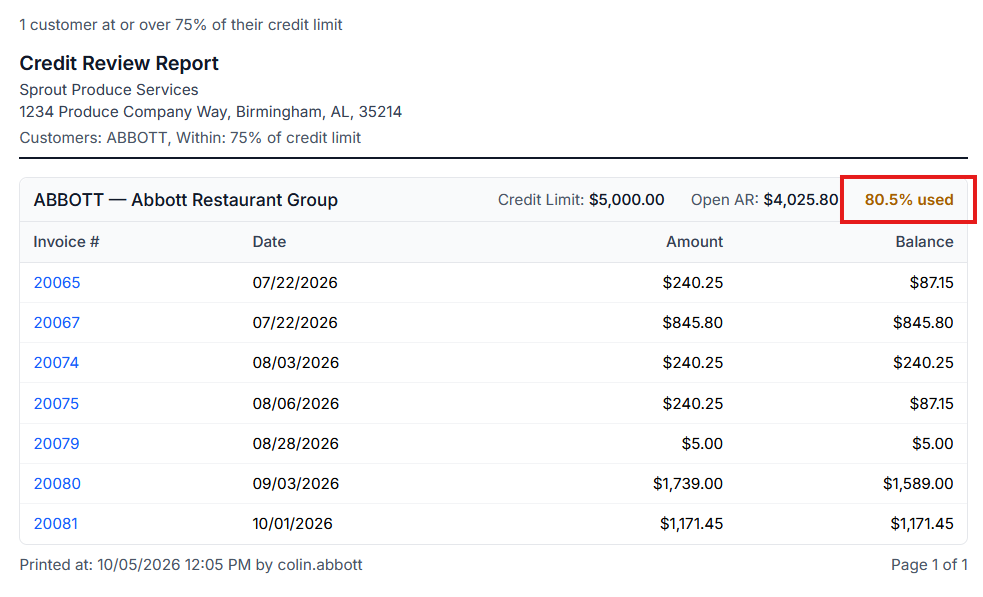
To see current credit utilization for customers run the Credit Review Report by visiting AR - Credit Review Report. The default warning range is 75%, however this can be adjusted. Set any filters and then run the report. In this example the customer is at 80.5% of credit used. The report also has a link to each open invoice for review.
Warnings on Order Entry
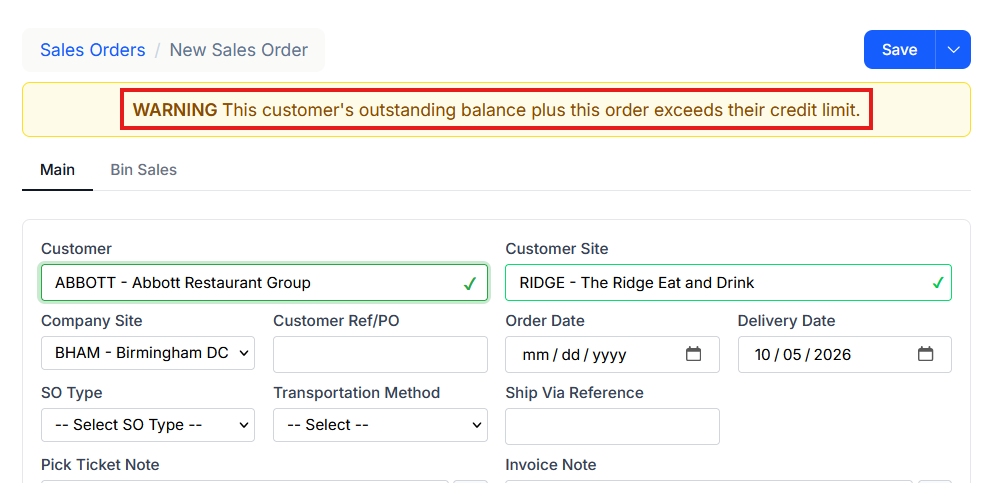
When an order is entered for a customer, if that order, along with open invoices, causes the balance to exceed the configured credit limit a warning will be displayed.
Restrictions on Order Entry
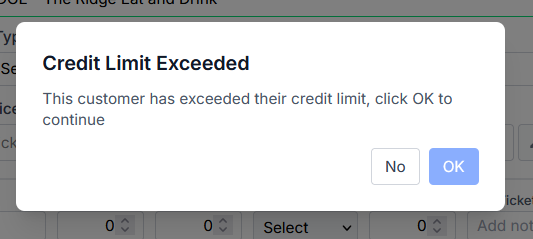
If the customer's credit limit is exceeded only users with the rights to enter orders past the credit limit can enter the order. The specific right is: so.override_credit_limit. If the user has the right, click OK and the order will save as normal.