Driver Delivery Notes
Driver Delivery Notes
Specific driver delivery notes can be entered by customer site. These notes are only shown on the drivers manifest and can be used information such as alarm codes for drivers, are now an option on the customer setup.
Adding Driver Notes
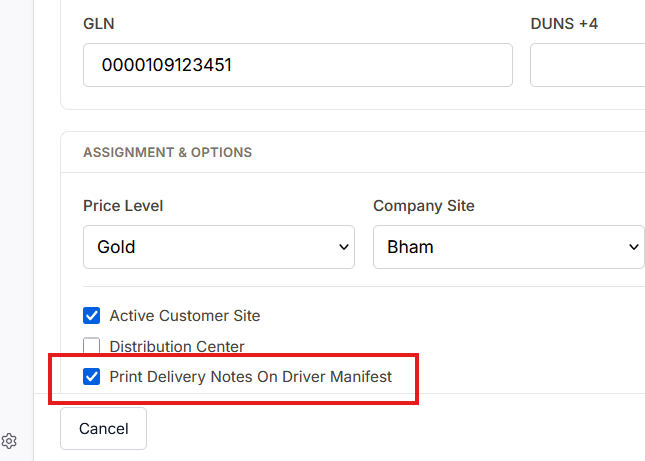
To add notes for the driver visit AR - Customer. Select the customer and then select Customer Sites. On the tab check Print Delivery Notes on Driver Mainfest
Next choose the Delivery tab. Enter the notes for this specific customer site
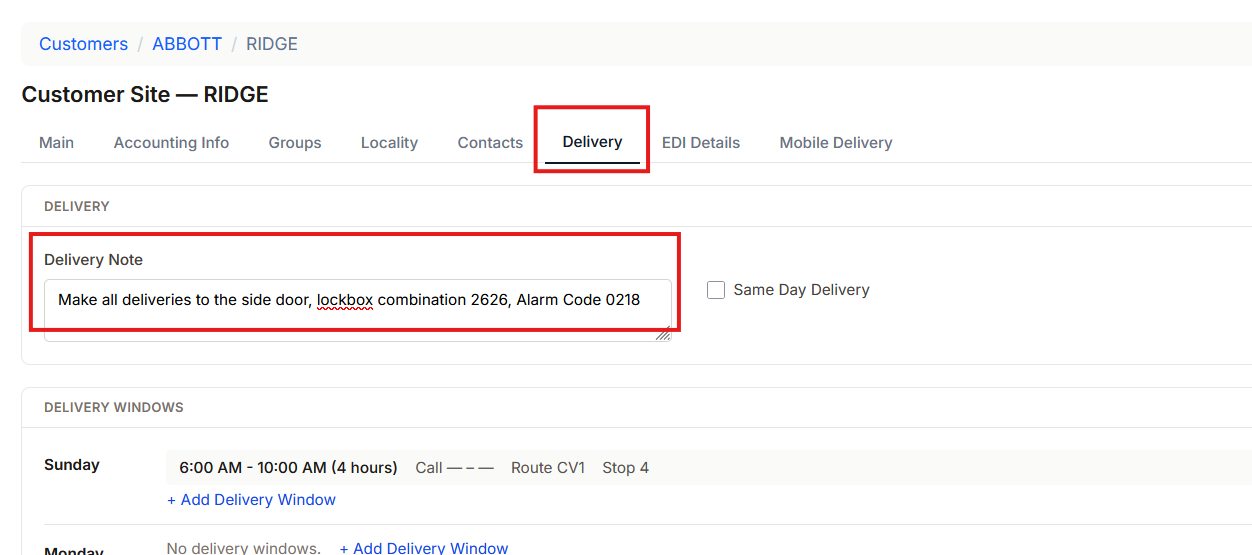
Save the customer site. WHen a driver manifest is printed for this customer site the note will appear.
