Customer Identifiers and Customer Site Identifiers
These screens allow you to map an unlimited number of customer codes to your internal item codes. This is used primarily for EDI functions. The function is nearly the same, except the customer site identifier tab allows you to select the customer (bill to) and customer site (ship to) code to map to. In some cases a customer may use different items for different ship to locations. You would only use the Customer Site Identifier tab for this scenario.
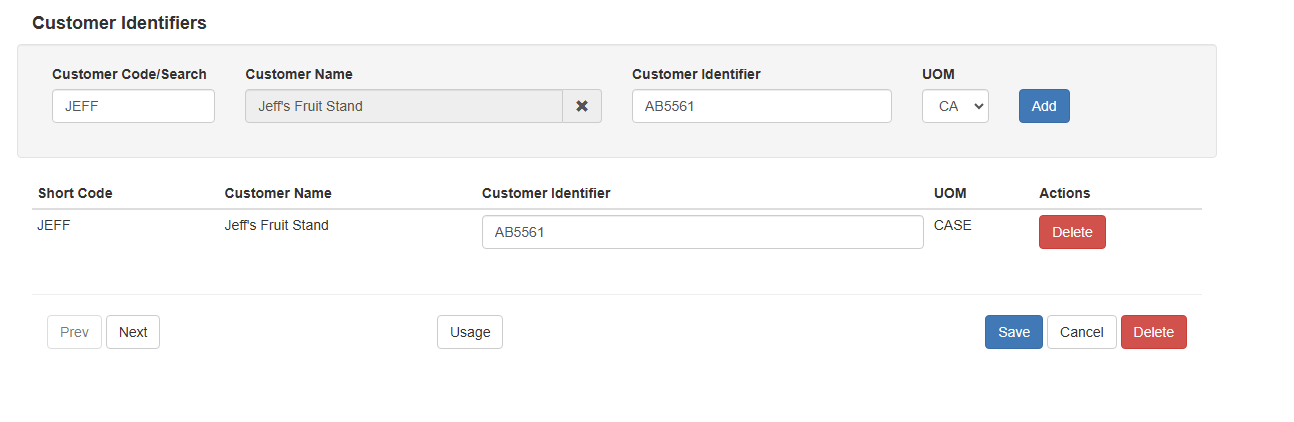
In the customer search you find your customer’s code in Sprout. THen in the customer identifier you enter the code your customer uses for this particular item. Then you choose the Sprout UOM and click add.