Driver Setup
Drivers are assigned to routes once that route is created in Sprout. It can be a route created within Sprout or imported from a routing program, such as Roadnet or Dispatch Track. This is typically done shortly before the start of a route in case a driver doesn’t come in or a route is changed.
Driver Setup
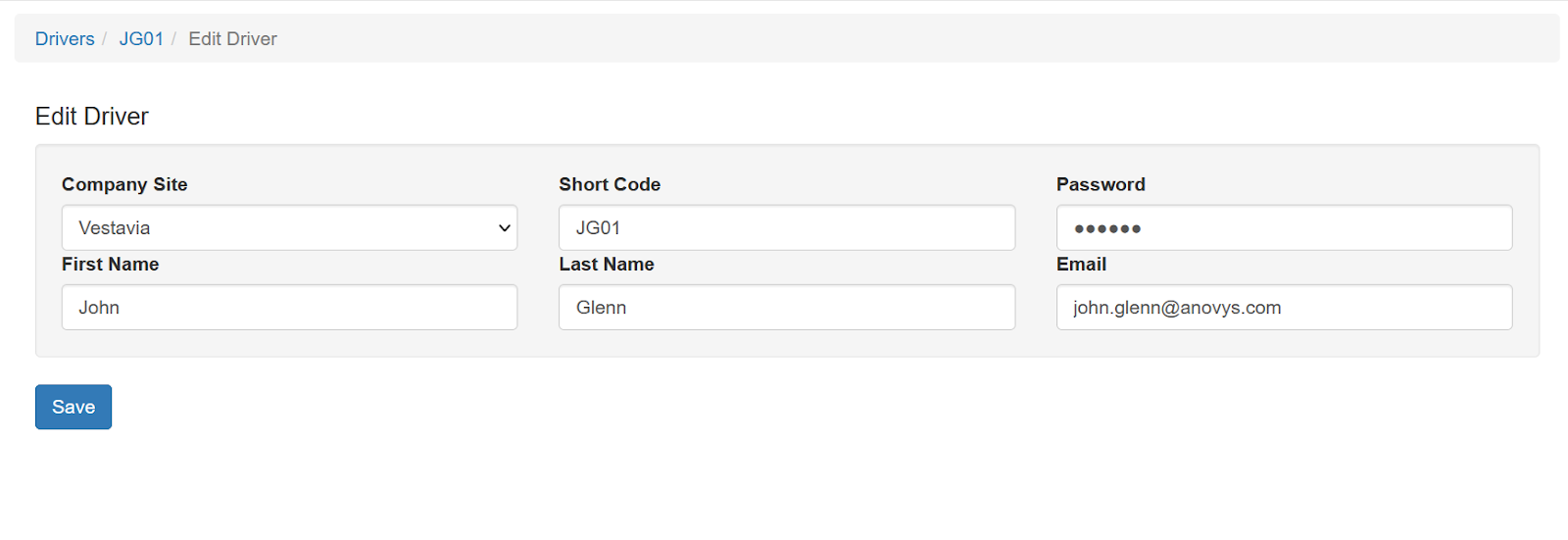
Under System - Drivers, drivers codes are created. We recommend you use something memorable, such as their employee ID number or the first letter of the drivers first and last name followed by the next unused sequential number. A driver named John Glenn would be created as JG01. Click Add and then enter the code in the Driver Code field. Enter their full name in the Name field and then their password. The password does not have to be very complex and the driver must be able to remember it. They use this to log in to the app when they start their route. Be sure to click Save.