Editing a Received Purchase Order
Occasionally a user may need to adjust the quantity or cost of a purchase order after it has been received.
When a purchase order is edited, Sprout automatically updates all related records, including:
- inventory quantities
- lot costs
- financial records
Only users with the appropriate permissions can edit a received purchase order.
Company Site Restrictions on Editing Purchase Orders
Different organizations may have different policies regarding how long purchase orders can be edited after receiving.
To configure this restriction:
- Navigate to System → Company Sites.
- Select the Company Site.
- Locate the Edit PO After Received Days setting.
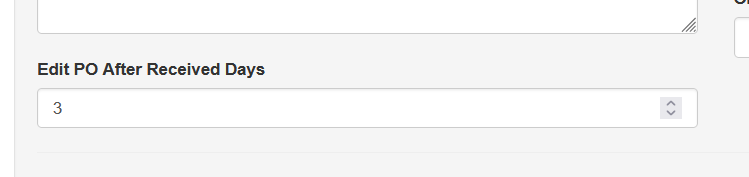
- Enter the number of days after receiving during which the purchase order can still be edited.
- Click Save.
After this period has passed, the purchase order will be locked and cannot be modified.