General Ledger Export
Users can export the general ledger details using the General Ledger Details report under GL.
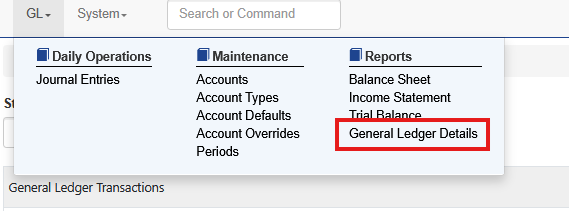
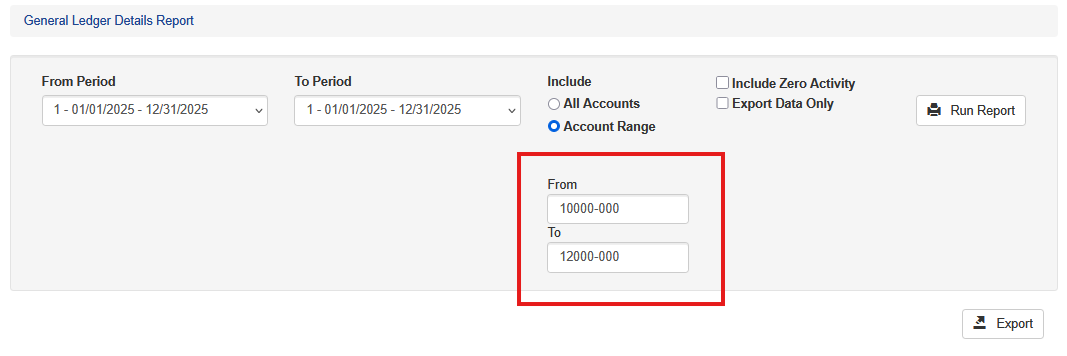
To run the export choose two periods for the beginning and end.

To filter on certain accounts select Account Range. Enter the account numbers
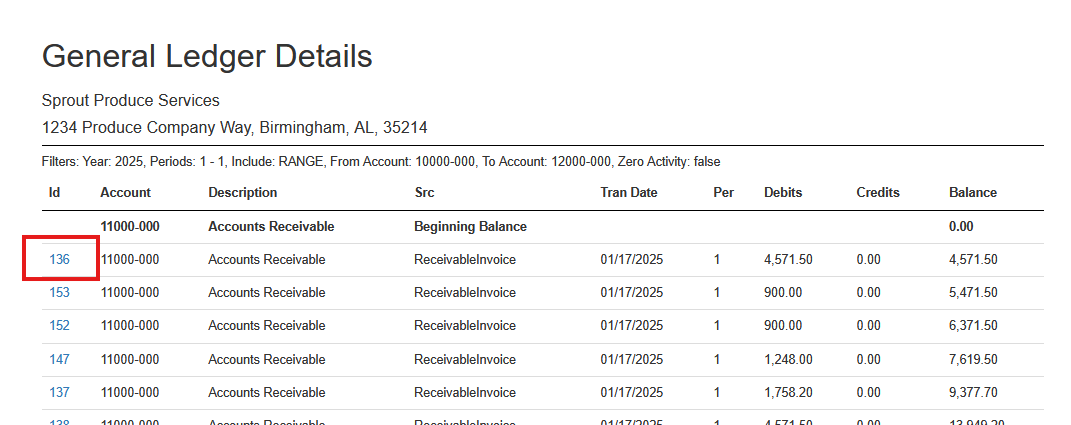
When the export is run the user can click on the transaction ID to open a screen and see the posting details
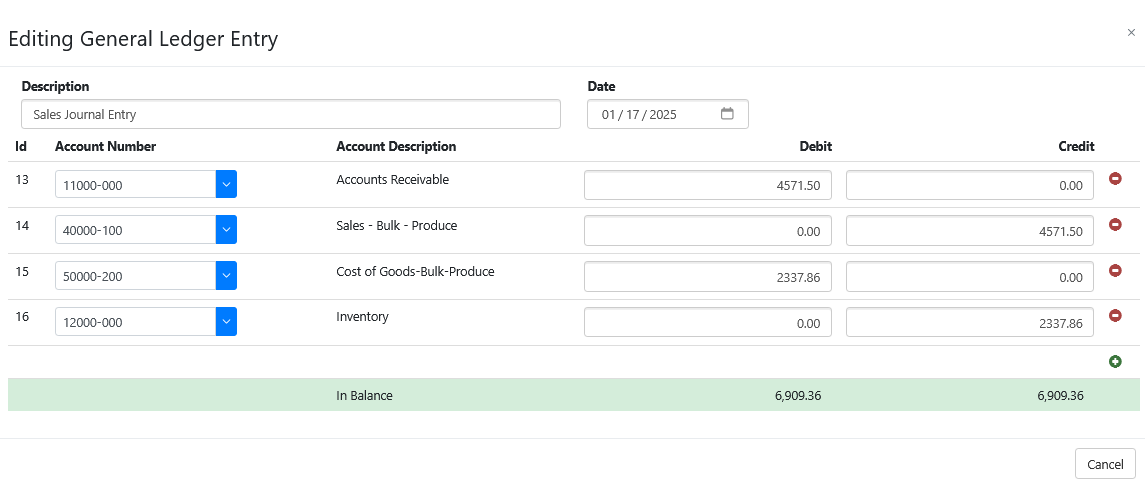
No changes can be made here, it is view only.
Export to CSV
This data can also be exported to a CSV. When exported to a CSV the user can choose to Export Data Only
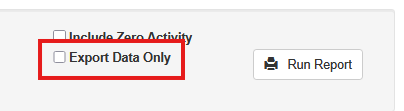
When this is selected an ending and beginning balance line is included

When it is not selected the export contains only the data
