Importing Bulk Entries with CSV Files
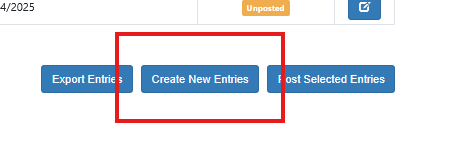
Users can also import bulk entries to the GL via pasting the entries. To use this function choose Create New Entries from the Journal Entry screen
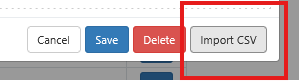
The select Import CSV
In the box the user can enter the data in the format of
Gl_account_number,description,debit,credit
gl_account_number: The full account number in Sprout (required)
description: The account description (optional)
debit: the dollar amount (required)
credit: the dollar amount (required)
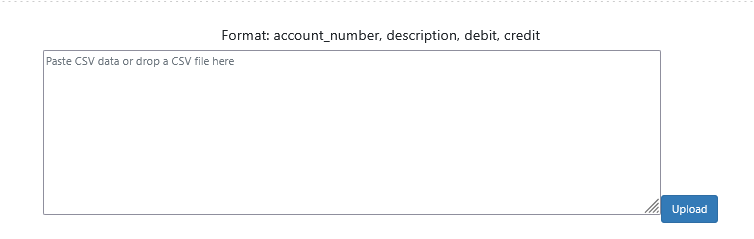
Once the data is entered in the box click upload.