Printing in Sprout
Printer Status
The status for Sprout’s print server can be checked by visiting System - Printers. A green box will appear with “CUPS is installed and running” if everything is functioning correctly.
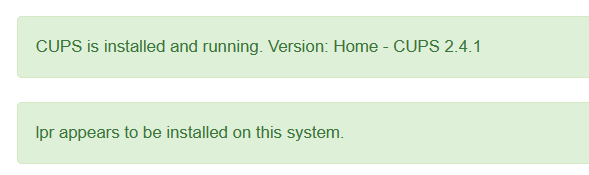
If this is red your system will not be able to print.
Clear Print Queues
When a printer is offline for a period of time, jobs sent to that printer sit in the print queue. To clear all those jobs, visit https://[SERVER-IP-ADDRESS]:631 This must be the actual IP and not hostname
Choose Administration across the top and then select Manage Printers
Click the queue name for the printer

In the drop down select “Cancel All Jobs”
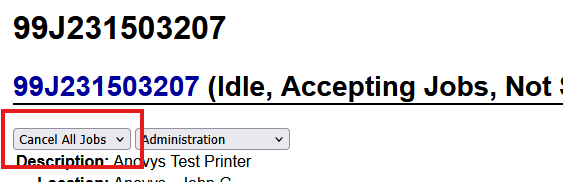
Login with your printeradmin user account.