Receiving Purchase Orders
Purchase orders can be received in Sprout without using the handheld. Most functions are available, but the item must later be slotted into the cooler manually.
Access The Receiving Screen
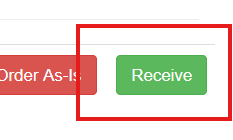
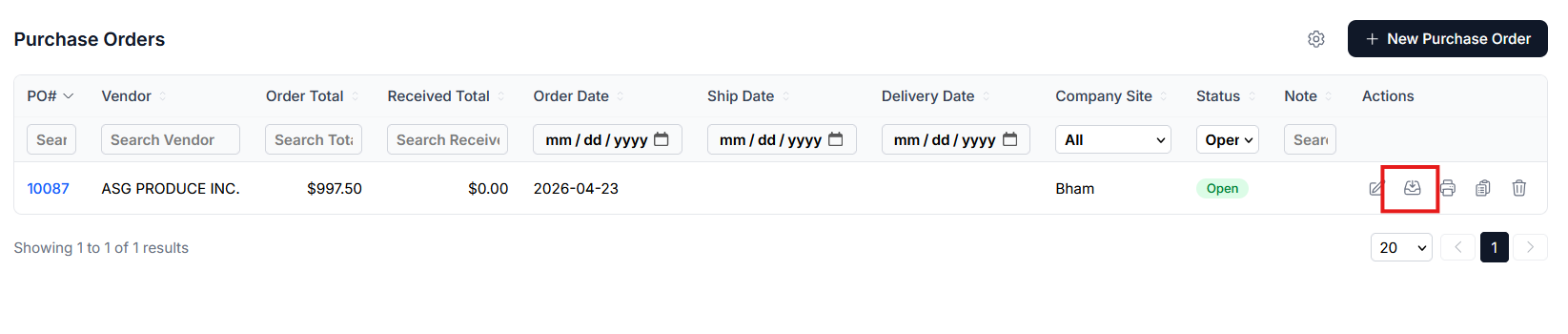
Select PO - Purchase Orders. A list of open POs will be displayed. Locate the PO to receive and click the Receive button
Required Fields
The quantity received field must be filled in. To receive all click the copy icon, outlined in green below. If some items were shorted, the user will enter the exact number of items received.
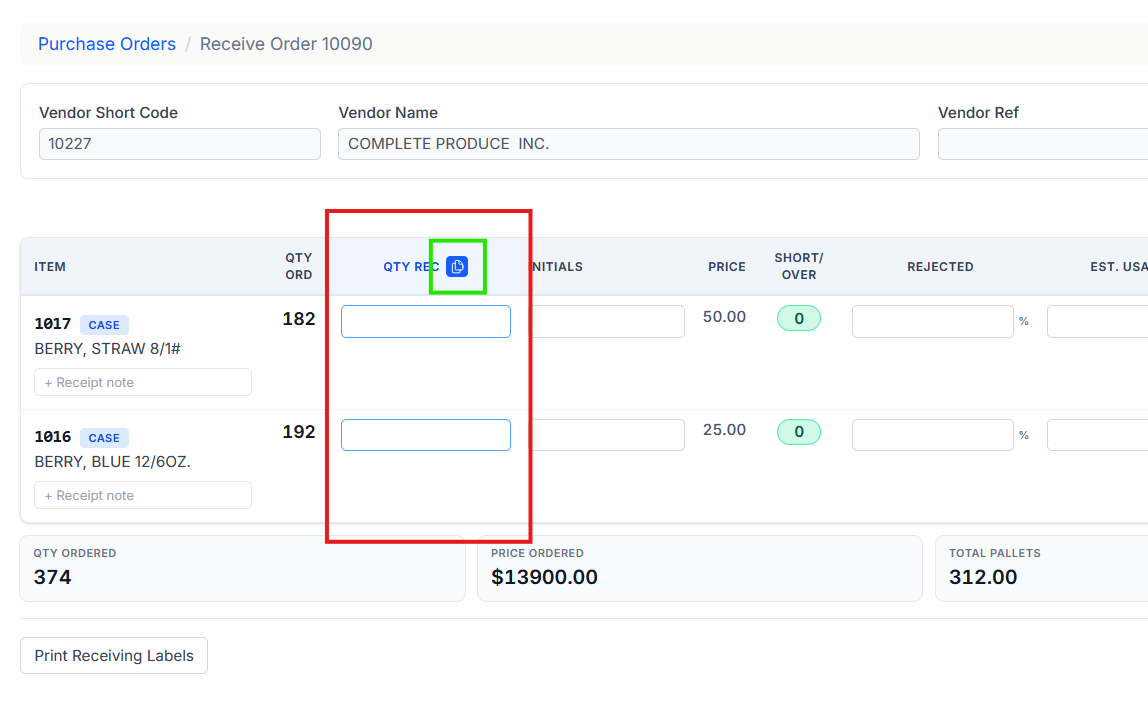
Other fields such as the Country of Origin can also be selected.
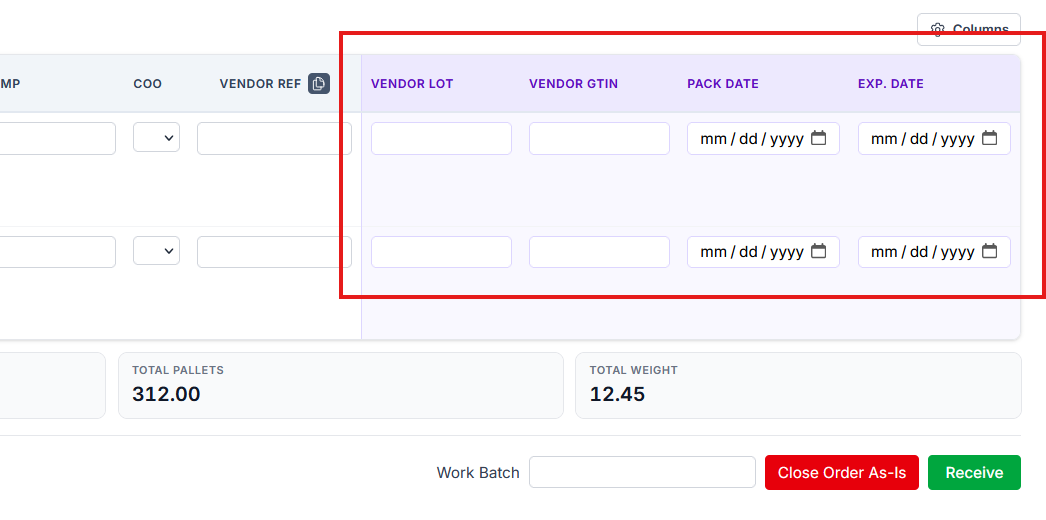
Additional Vendor Fields
Additional fields, such as the vendor’s lot or GTIN, are accessed by clicking the gear and columns option. Scroll down to enable or disable fields, as needed. These will save from one session to the next.
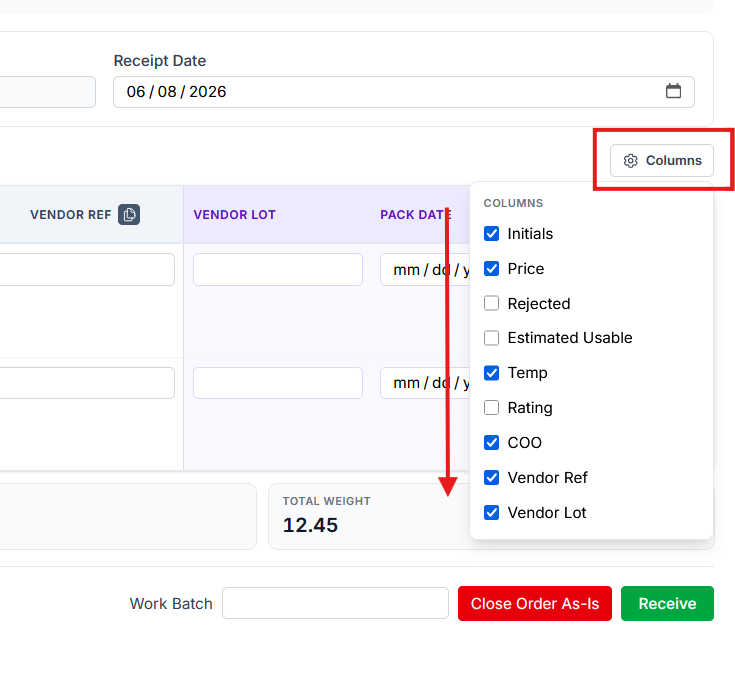
This allows the user to manually enter the vendor’s lot, GTIN, pack date and expiration date as needed
Once all information is entered choose the Receive button. Inventory will be received and be located in the Default Receiving Dock Storage Bin.