Special Tools For Payables with Numerous GL Entries
Certain payables have a large number of general ledger entries, such as payroll. Some complex payables also include debits and credits, such as payroll and certain insurance transactions. Sprout has an option that can be used to enter this type of transaction.
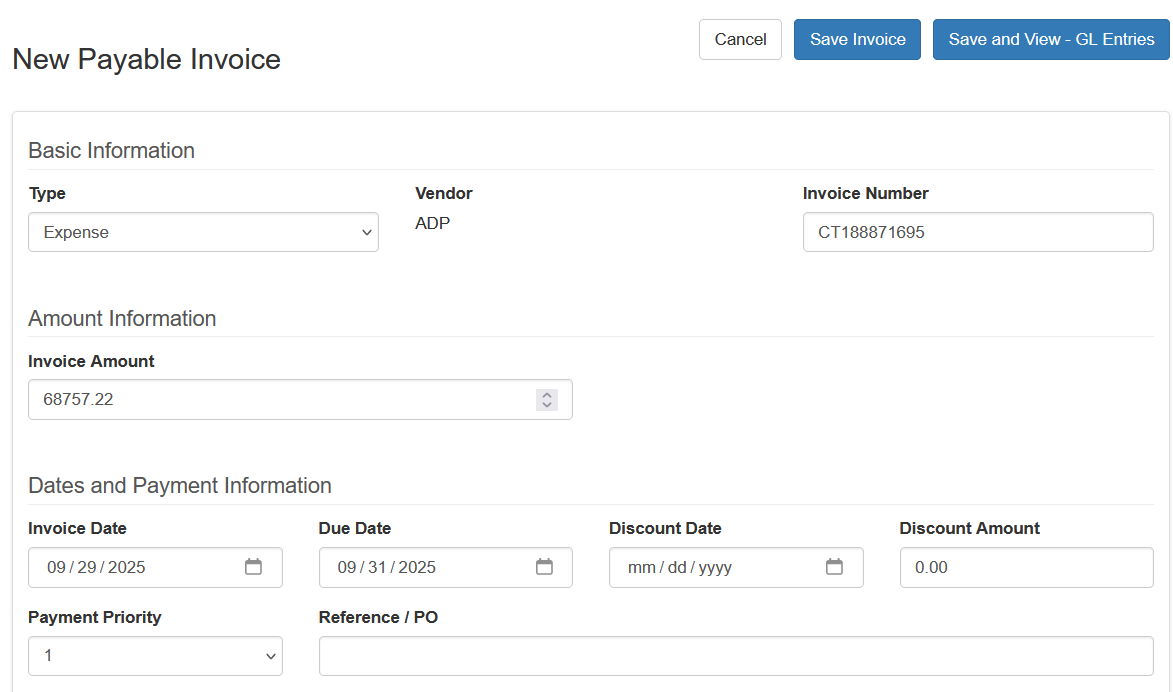
First, create an expense payable like normal. Enter the vendor, the invoice, total amount of the cash transaction, and the required dates
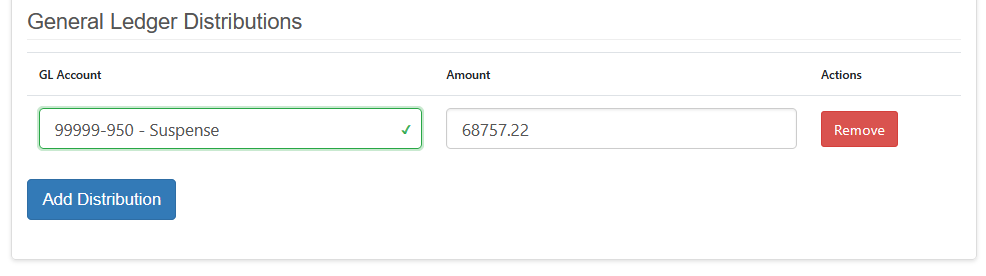
Under the General Ledger Distribution choose a suspense account. This is a holding place to take the user to the next step. The amount should be the full amount of the payable
Once all the required information is entered, at the top choose Save and View - GL Entries

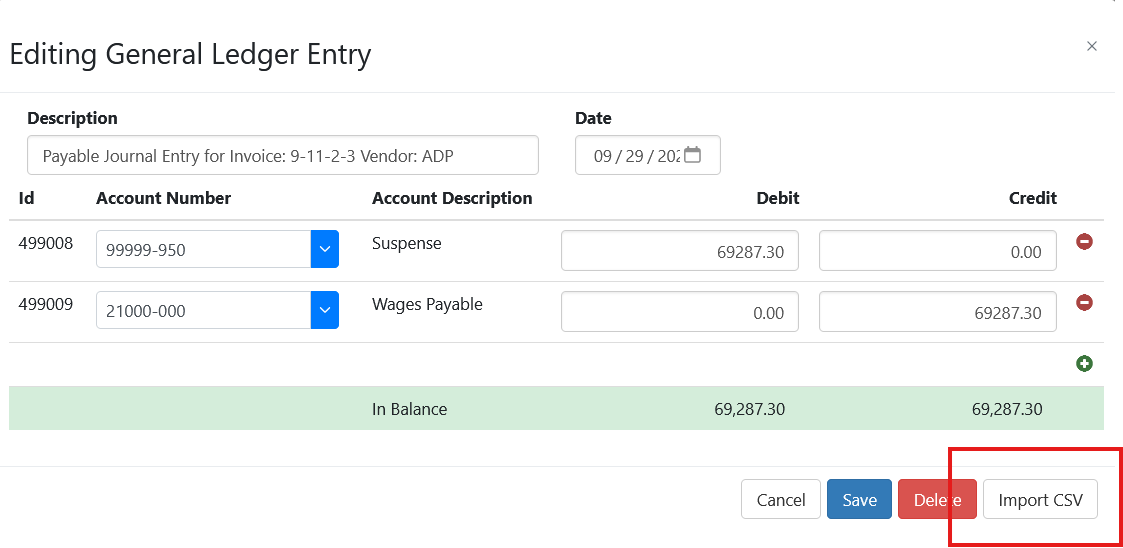
This will take the user directly to the general ledger entry that was created. Once here click the Import CSV button. This will allow you to remove and replace all general ledger entries created by the payable with a CSV file that represents the multiple transactions while keeping the transaction in the bank transaction as well for bank reconciliation purposes.
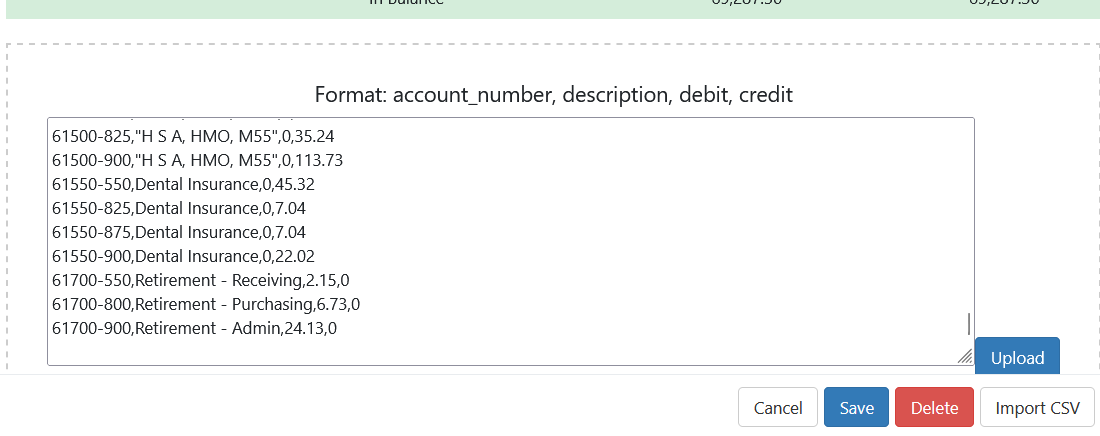
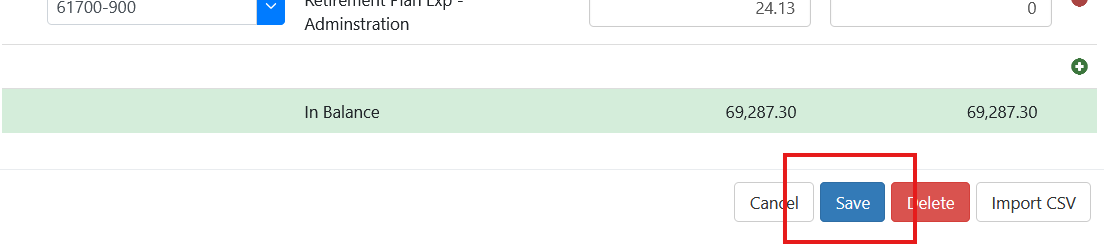
Make any changes and click save