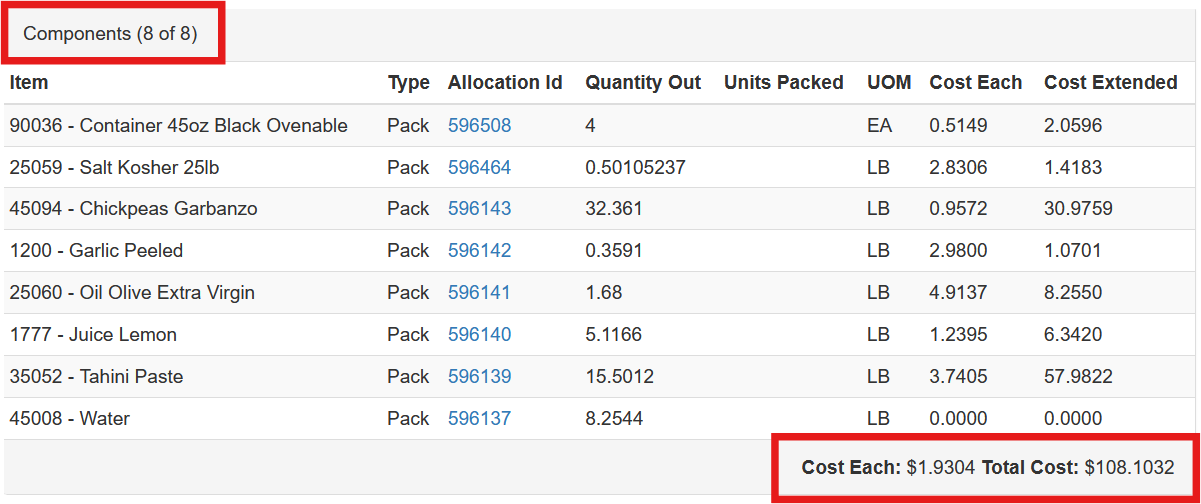
Adding An Item To A Previously Built Item
Occasionally a user may need to add an item to a previously completed item. This can be one only if the target item has not yet been allocated.
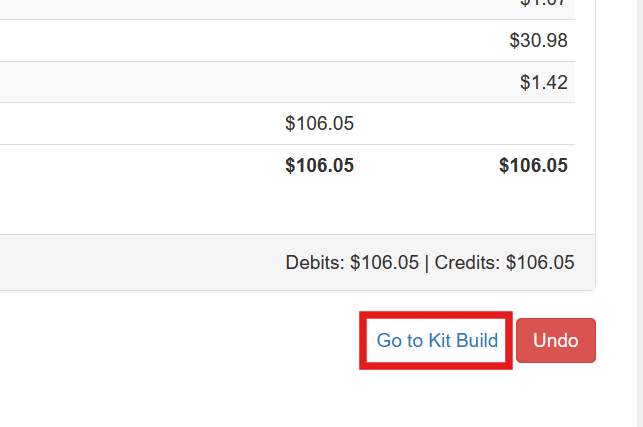
Locate the item in inventory receipts. At the bottom of the screen select Go To Kit Build
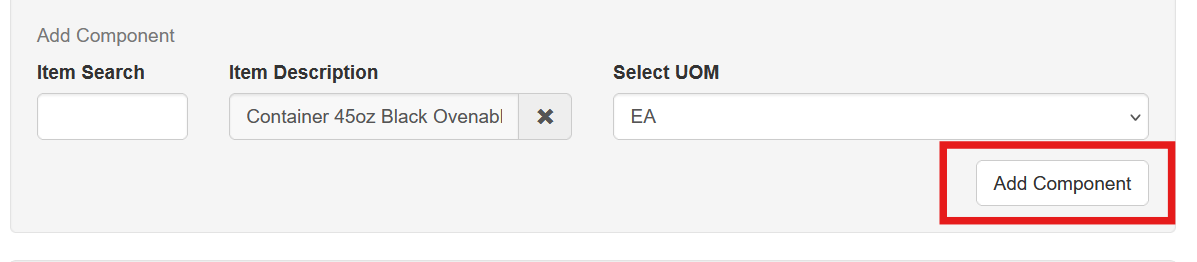
Enter or search for the item being added, choose the UOM and click Add Component.
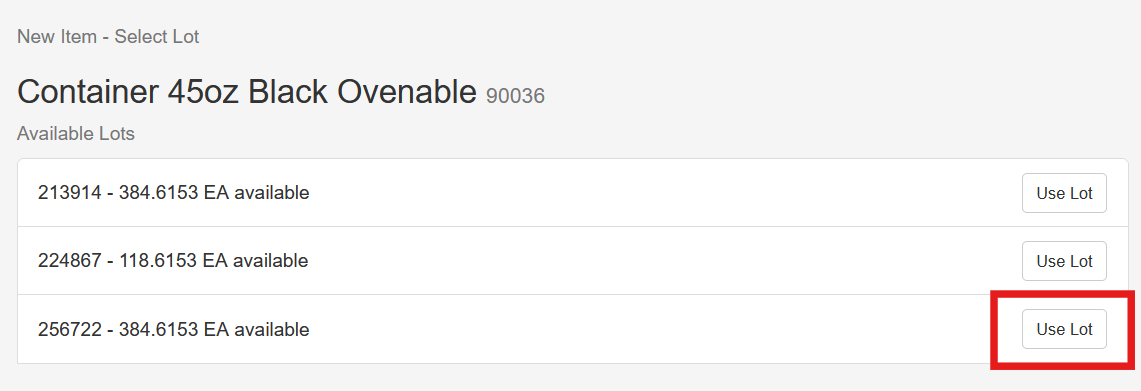
Choose a lot to use
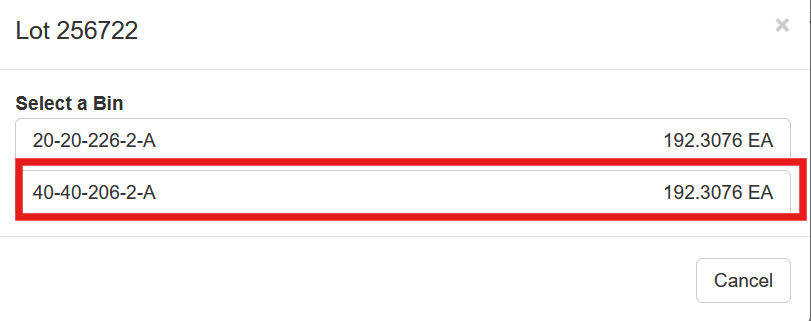
Select the storage bin that the item is coming from
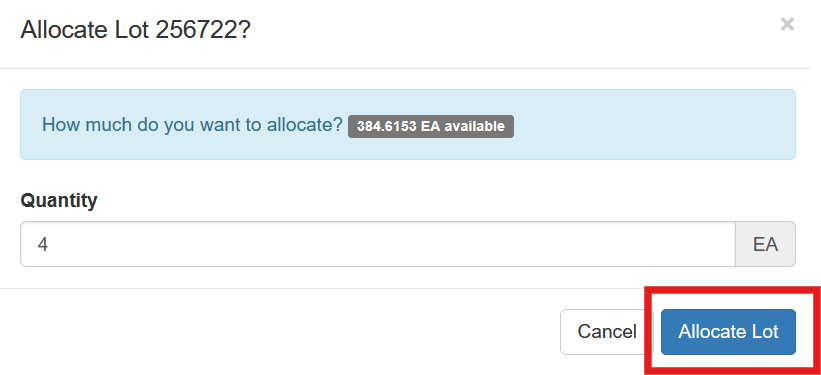
Enter the quantity and click Allocate Lot.
The new item is added to the list of items allocated to the job and the cost is adjusted accordingly.
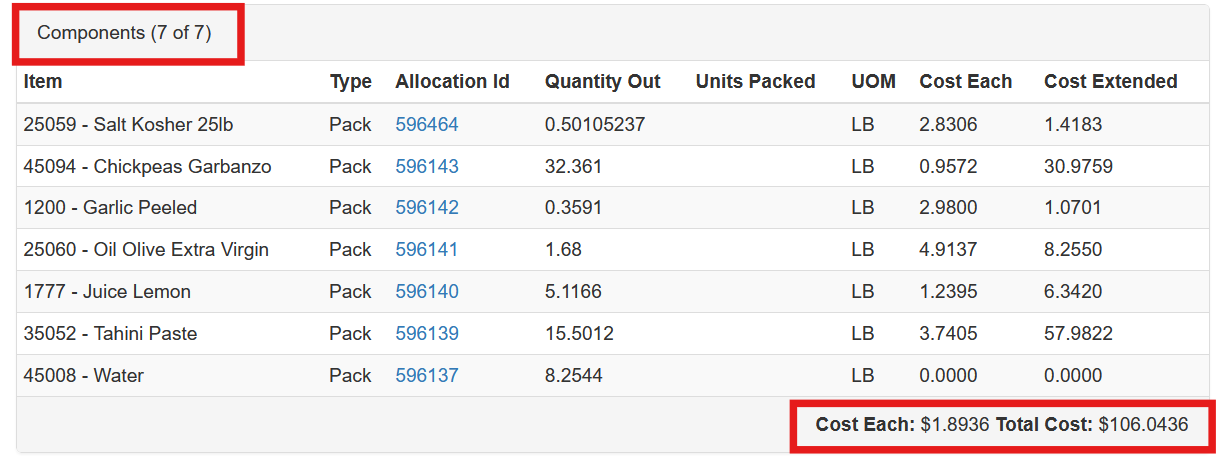
And reflects the new totals.