Packout System
The Sprout packout system is used for an ad-hoc build or to move one inventory item to another item. Often a customer may order one item, such as a Gala 138 and the company may not have enough to fill the order, so a substitute is shipped. The packout system also allows the inventory movement from one item to another.
Creating a Packout
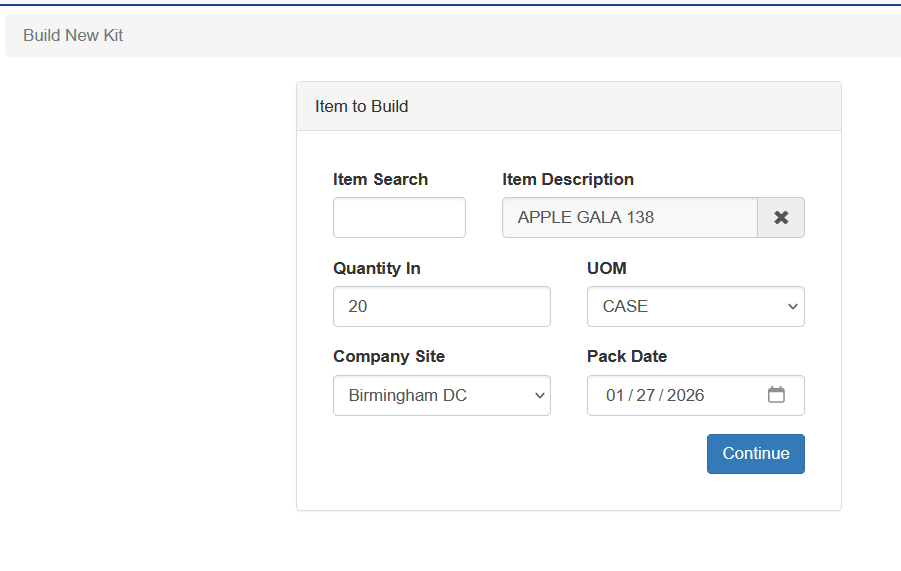
To create a packout select IC - Build Kits (Pack Outs). Inter the item that is being built - only active items will show, selecting the quantity to be made and the UOM. The company site will be prepopulated with the users default company site and the date will be the current date. Once all the fields are entered click Continue
Select the item that is being used to create the selected inventory item and the UOM. The system will then show a list of available lots. Select the lot and the bin for the item being used. Then click complete.
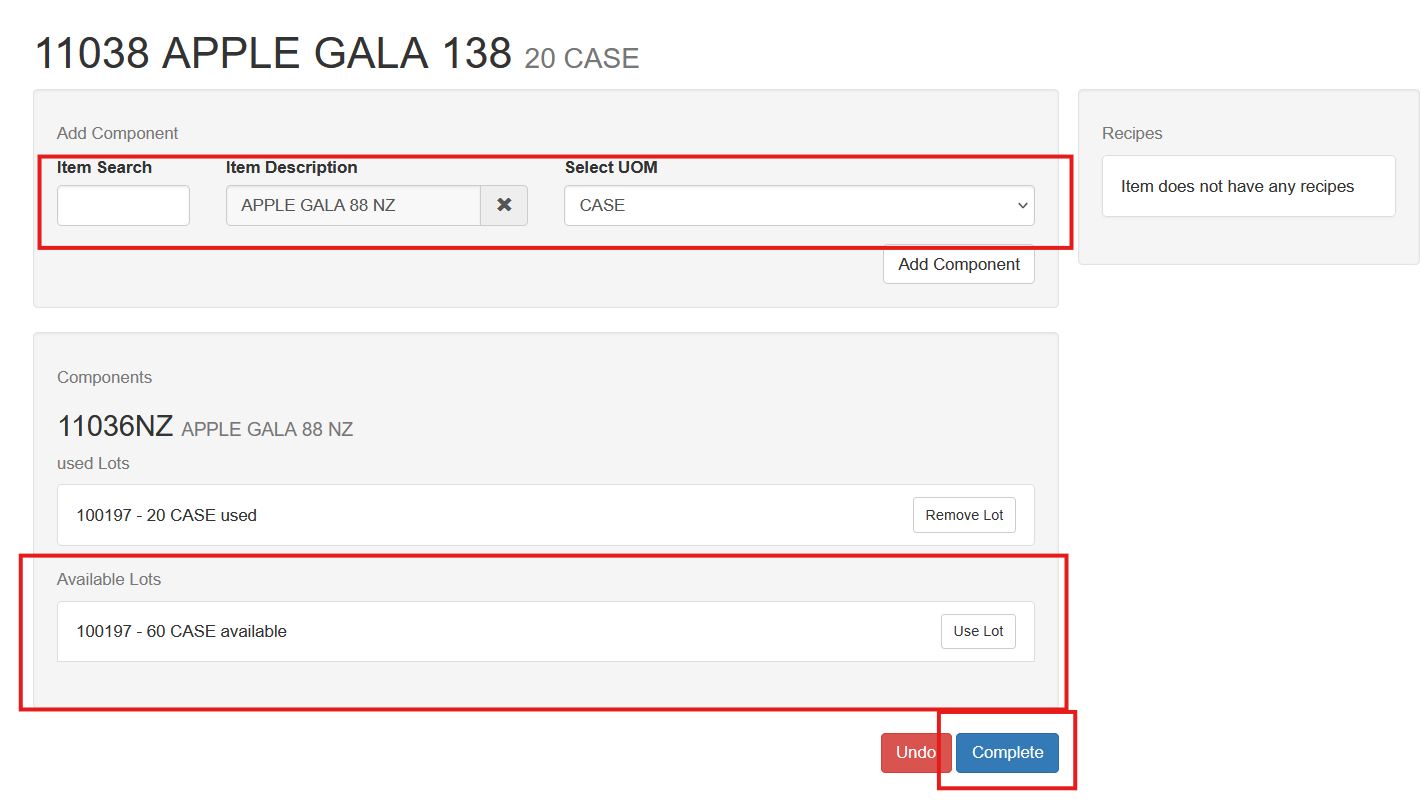
If the item being built has a recipe that recipe will show as a guide.