Compost Creation
Creating and Assigning the Task
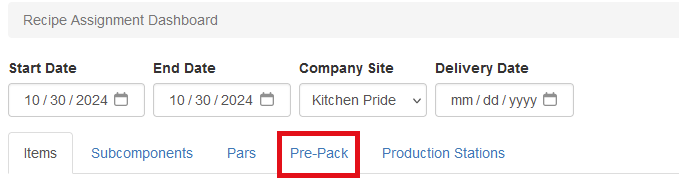
The first step is to create the compost in Sprout. To accomplish this, visit IC - Recipe Assignment Dashboard. Then choose Pre-Pack
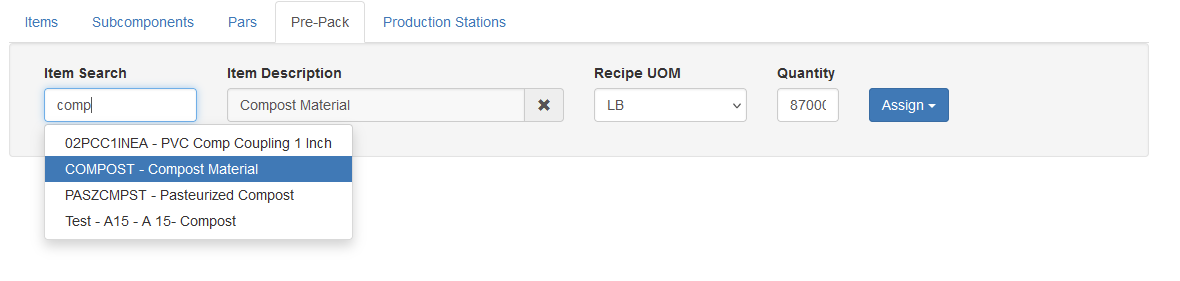
Search for and choose the compost item that is being created. If there is more than one recipe select it and enter the quantity of compost being created. If the item has a default production station assigned, click Assign to complete this task, or choose a specific station.
Building the Assignment
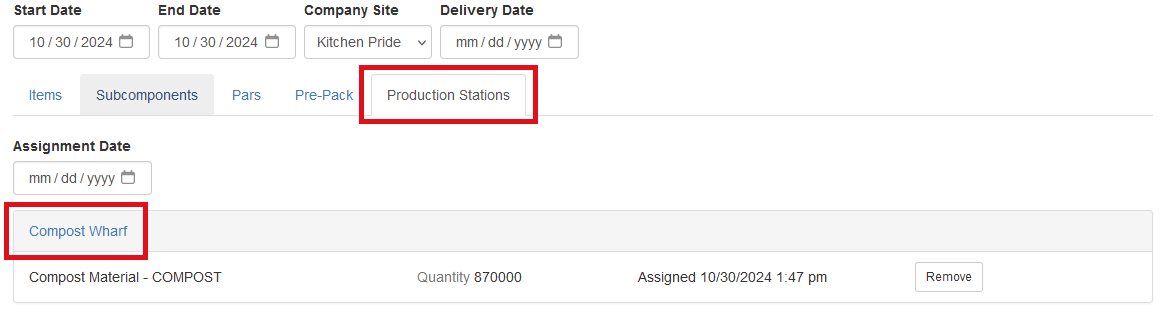
Once the WIP assignment is created, the job can be completed on either the wharf in real time, or by a user after the fact. To accomplish this, visit IC - Recipe Assignment Dashboard. Then choose Production Stations. Choose the station that has the assigned job
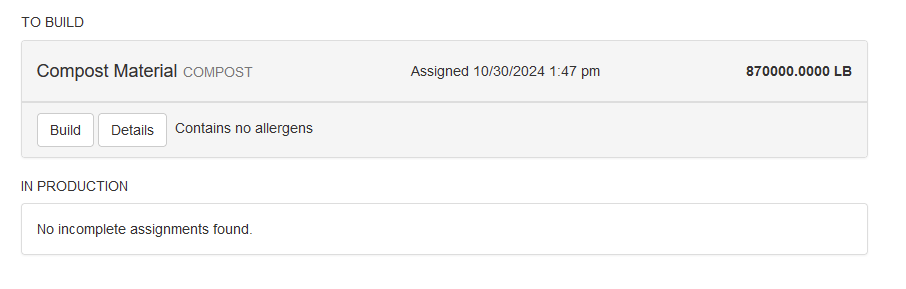
Click build on the job that is being completed, or revisit a previously started job.
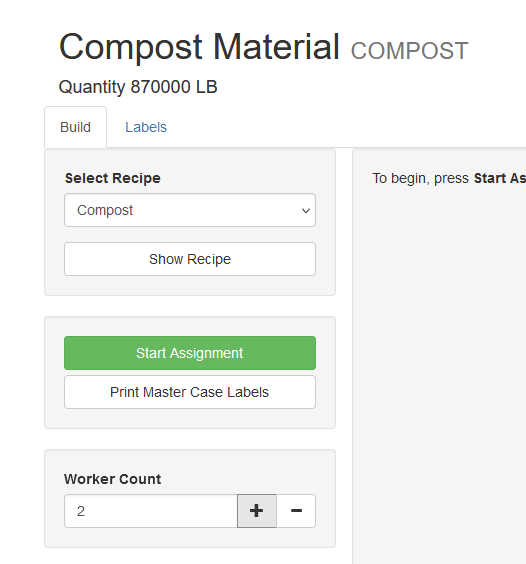
The number of workers must be assigned and then click Start Assignment.
Entering Crop Number
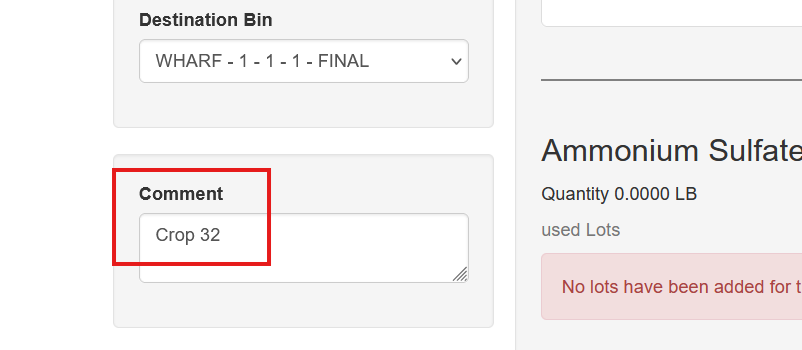
In the comment section the user can optionally enter the Crop number. This will follow subsequent lots and be viewable when running pasteurization and spawning processes.
Selecting Source Lots
On the build screen the user will see every available lot for each item in the recipe. Type in or scan the bar code associated with that lot. If the site used the staging module, the user will see lots previously staged and can choose them.
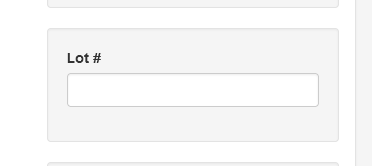
One a lot is selected the user will be prompted to choose the location that the subcomponent was stored, select it if applicable. Complete this for all subcomponents.
The finished WIP will create an inventory receipt. This inventory receipt will show the items used, the cost of the finished goods and where it is stored in your facility.
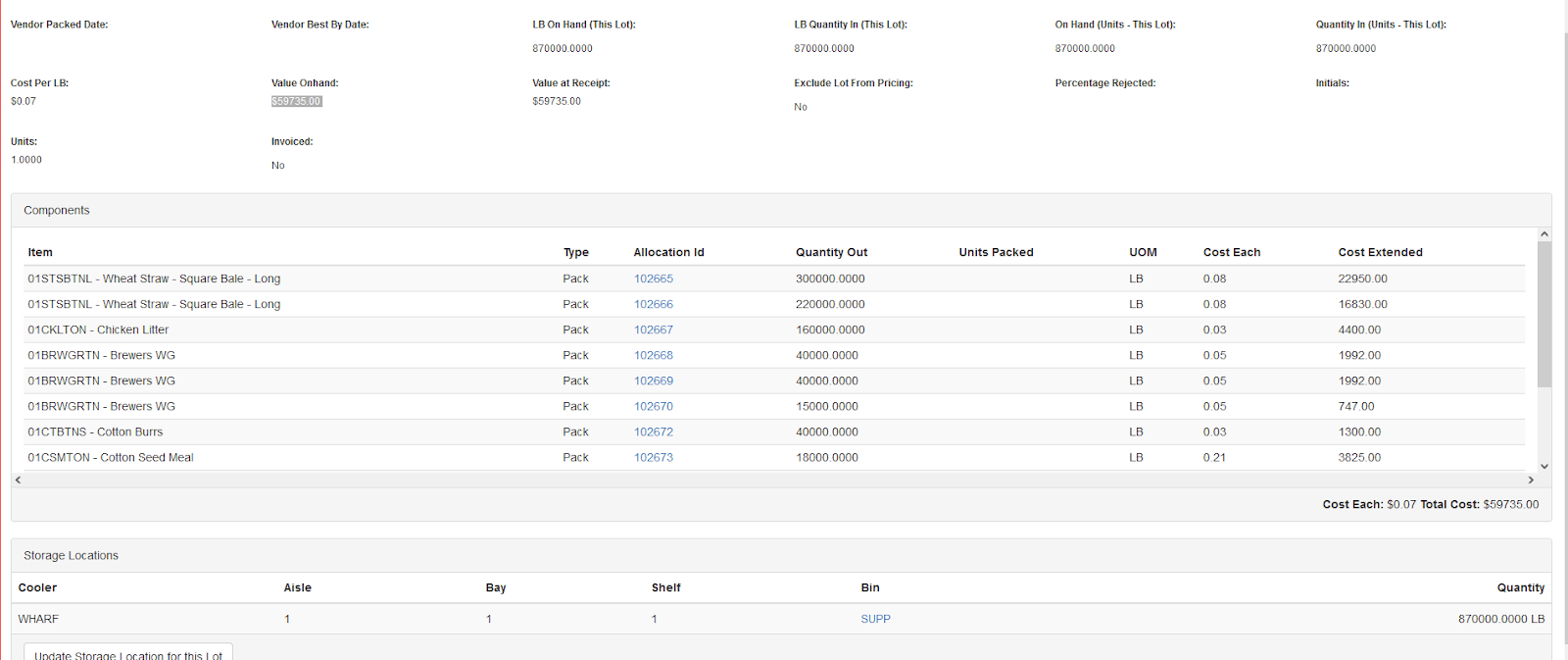
This lot will be used to build the pasteurized compost, or Phase II.