Depositing Checks
Deposit Checks From A Cash Receipt
Once all checks have been applied to customers for a particular day or batch the transaction must be posted to the bank account. This task falls under the AR module within Sprout.
To complete the deposit select AR - Deposits.
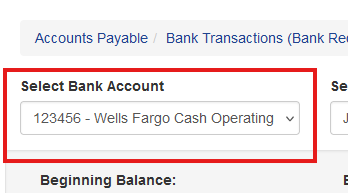
Select the bank account to process the deposit to
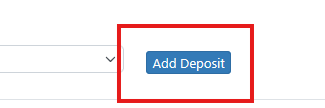
Then click Add Deposit
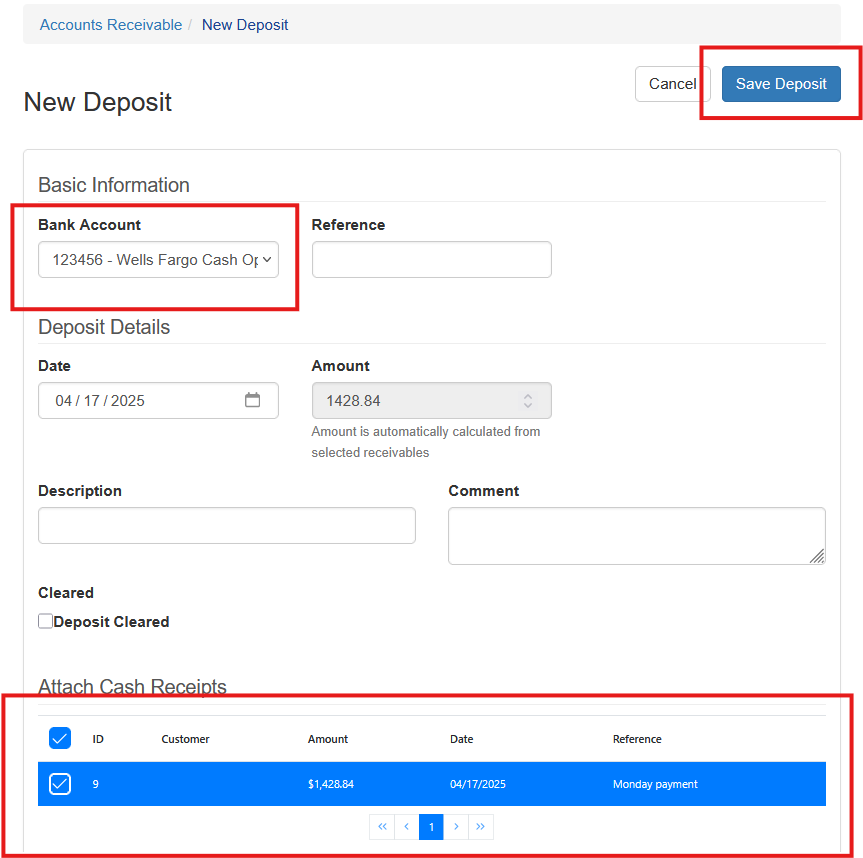
Set the transaction type to Deposit and enter a reference, if applicable. The reference will show in your bank transactions. Select the cash receipts entered and then choose Save.
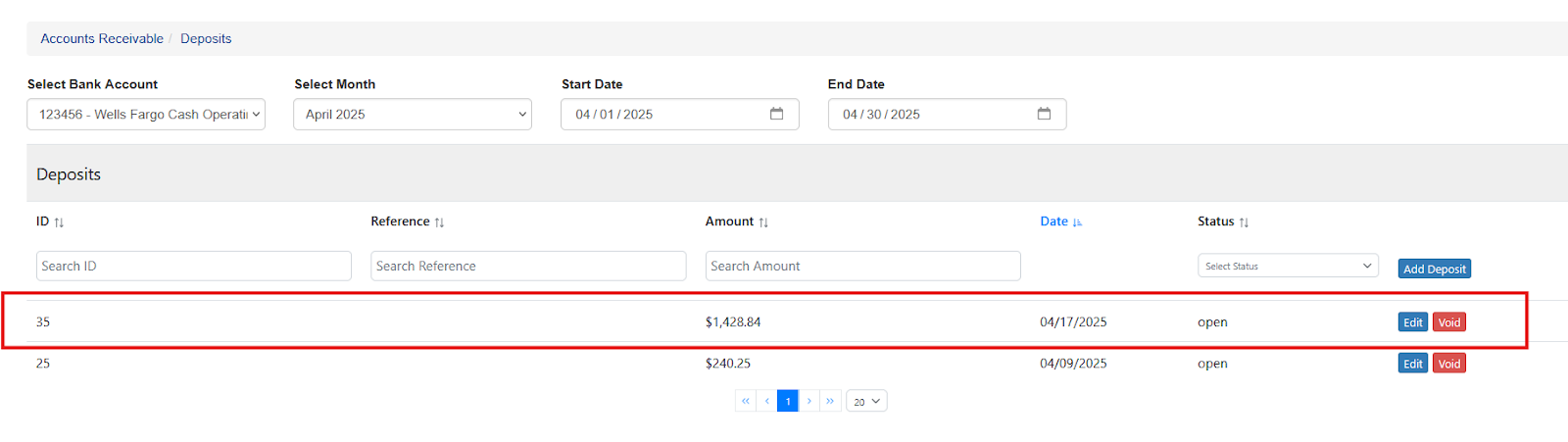
The deposit will now show in the bank account
Depositing Checks Without A Cash Receipt
Deposits can also be made without a cash receipt. This type of deposit is typically for non-accounts receivable transactions.
Keep in mind, most banking transactions are in terms of the bank's perspective. This type of transaction is a CREDIT for a deposit.
Creating A Deposit Without a Receipt
Visit AR - Deposits. Start a new deposit and choose Deposit with no Cash Receipt
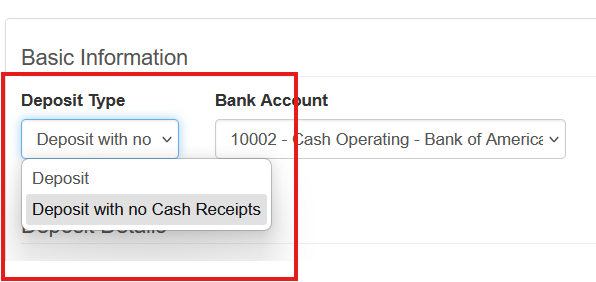
Choose the bank account
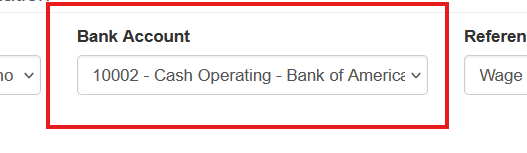
Enter the date and the amount.
Under the General Ledger Distributions those the ledger account(s) and enter the amounts.
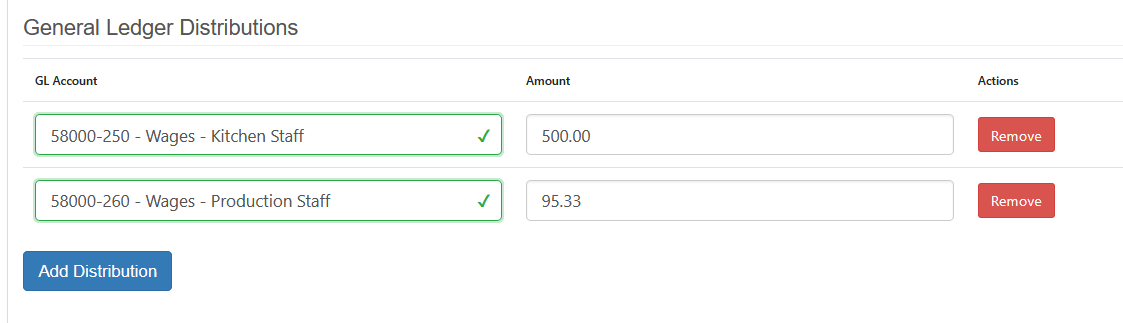
Once all information is entered, choose Save Deposit.
The associated bank account entry is created as well as the corresponding general ledger entries.