Editing Quantities
To modify the quantity received:
- Locate the item line.
- Click the arrow to expand the line.
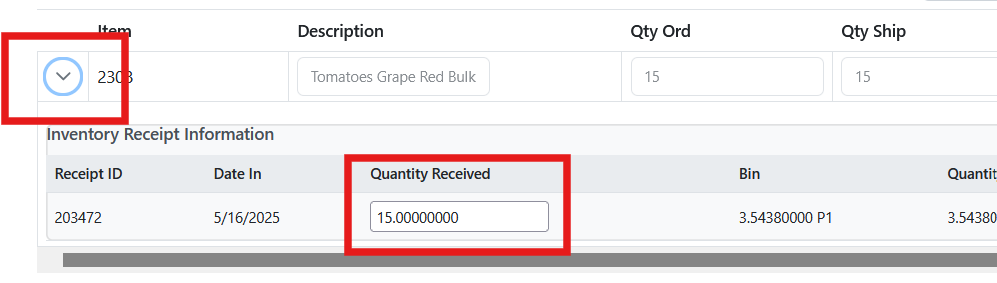
- Review the details of the received lot and the storage bins where the inventory is stored.
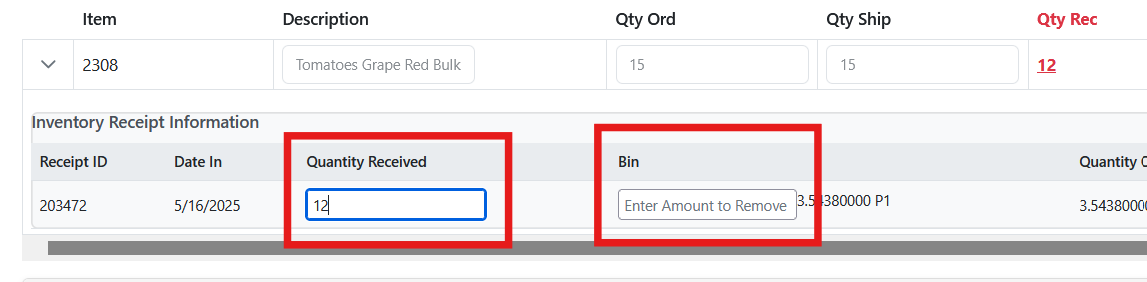
Enter the quantity adjustment and select the storage bin from which the adjustment should be applied.
For example:
If the original received quantity was 15 and the correct quantity is 12, enter 3 in the bin field.
This represents the quantity removed from that location, not the new total quantity.
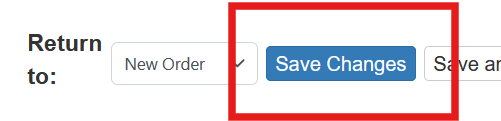
After completing the adjustments, click Save Changes.
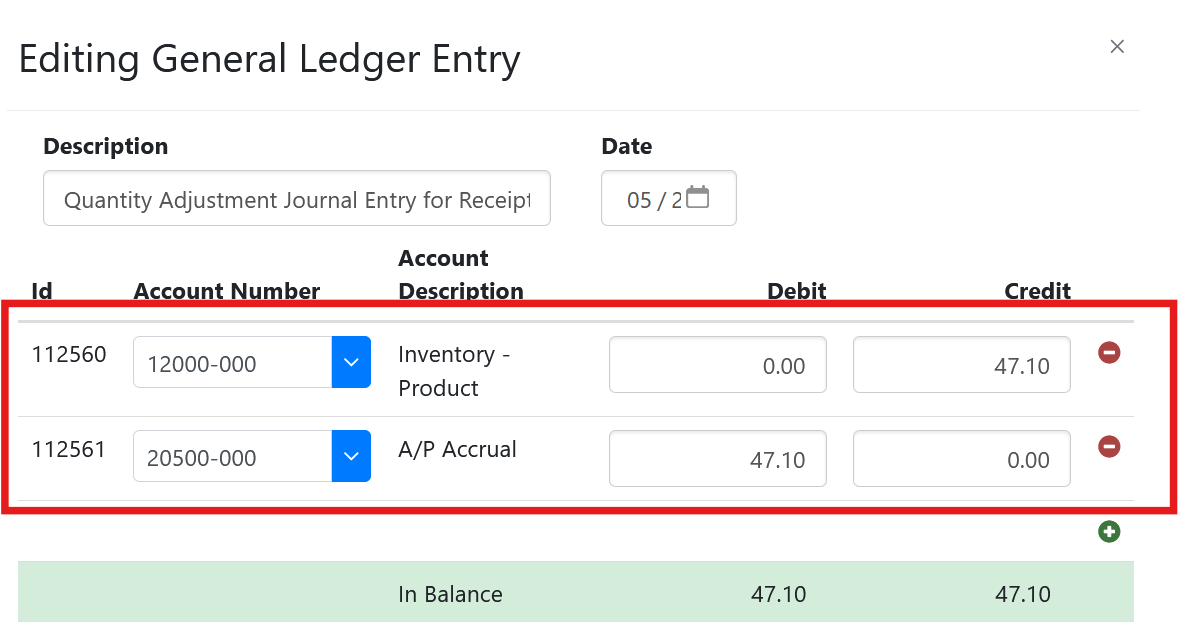
As with cost adjustments, Sprout will create the necessary General Ledger adjustments.