Editing Costs
To modify the cost of an item:
- Locate the item line on the purchase order.
- Update the Cost field.

- Click Save Changes at the top of the screen.
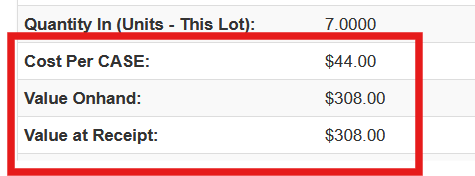
Sprout will automatically update the lot cost for that item.
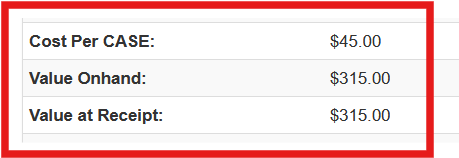
After Cost Change:
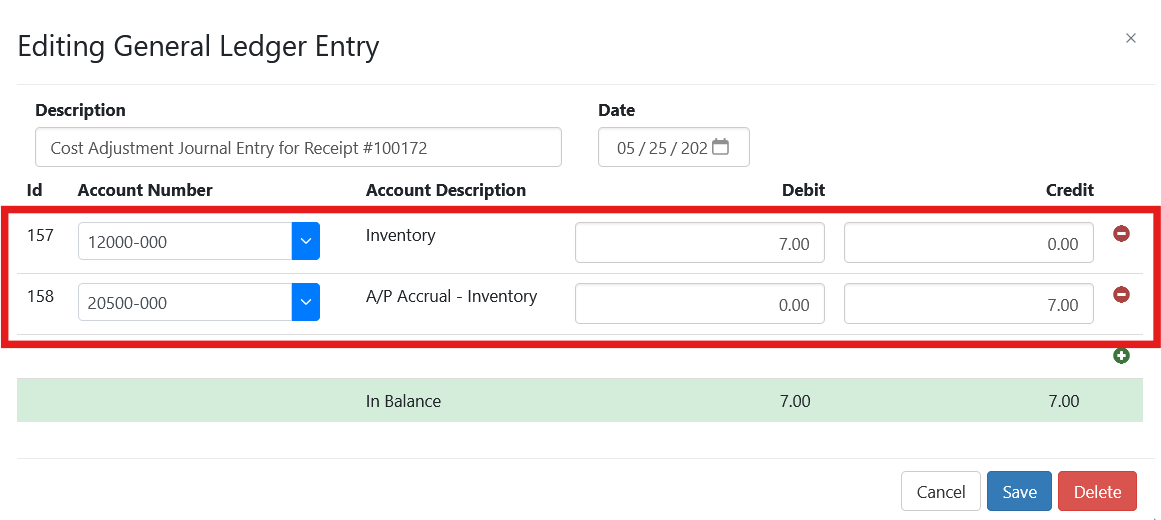
In addition, General Ledger entries will be created to adjust the associated GL accounts.