Locating Purchase Orders
To edit the cost or quantities of a received purchase order that has not yet been invoiced:
- Navigate to PO → Purchase Orders.
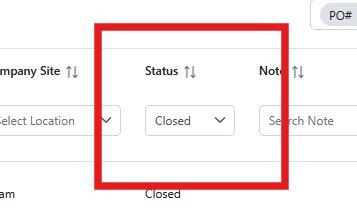
- By default, the Status filter is set to Open.
- Change the status to Closed or All to display received purchase orders.
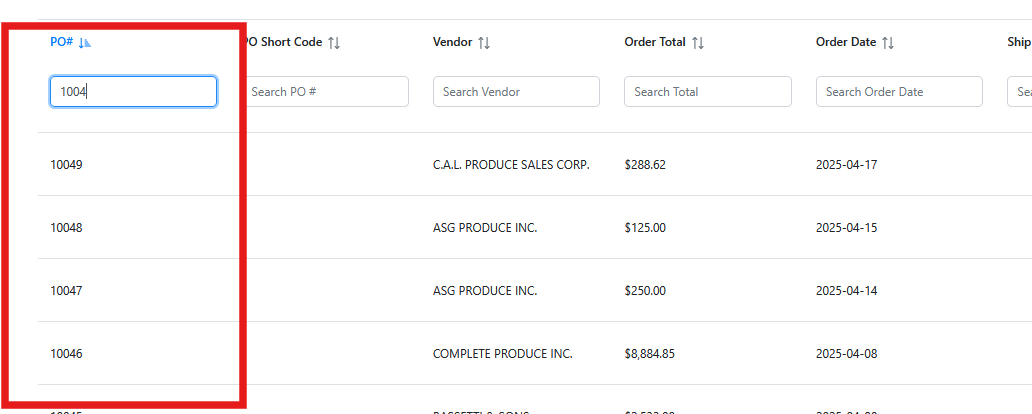
Additional filters can be used to locate the purchase order, including:
- PO Number
- Vendor Code
- Date ranges
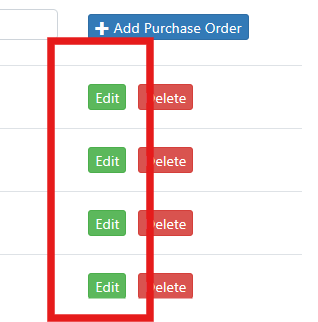
Once the purchase order is located, click the Edit button.