Identifying Pallet by License Plate
A user may need to scan a license plate to determine what an item is. This is useful when an item is too high to read everything, especially since many boxes are the same.
Open the Receiver app on the handheld and choose Search along the bottom

Choose Scan a License Plate
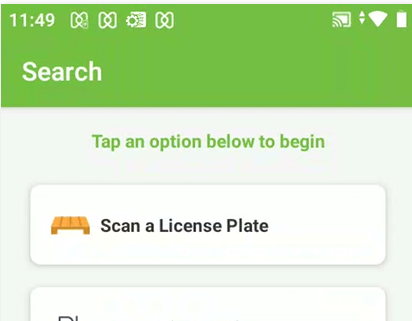
The scanner will be enabled on the handheld.
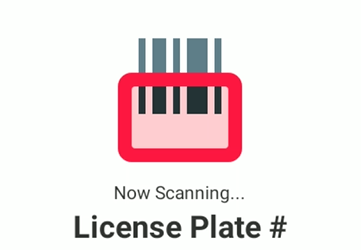
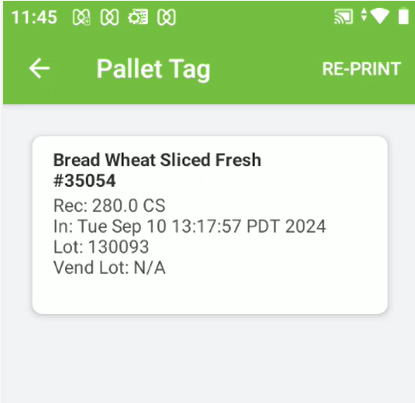
Scan the barcode on the license plate and the details about that item will be displayed.
Reprint a License Plate
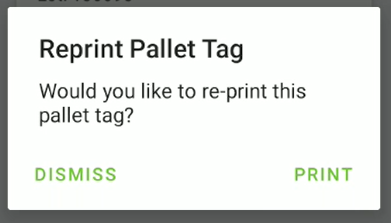
If the user needs to reprint a license plate that can be done from the same screen. Once the license plate has been scanned, choose the Re-Print option in the top right and then click print. This will reprint the exact same license plate as printed when received.