Packaging Tracking Module
Overview
Some countries, provinces, states, or municipalities charge a fee for certain types of packaging, typically single use materials. Sprout has the ability to track these charges to make compliance easier.
Define Material Types
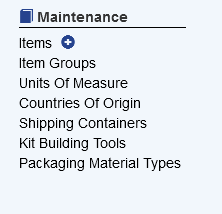
To define packaging materials select IC and choose Packaging Material Types
All three fields are required.
Type: The name or type of packaging material
Fee: The amount charged by the taxation authority
UOM: The unit of measure that the taxation authority charges the fee for. The UOM comes from the systems existing Units of Measure settings
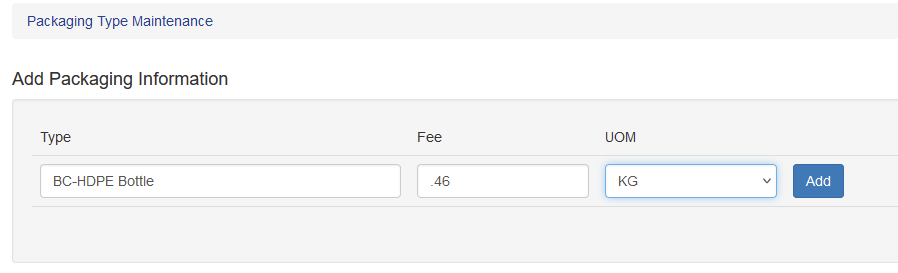
Once all fields are entered click Add.
Modify Existing Material Types
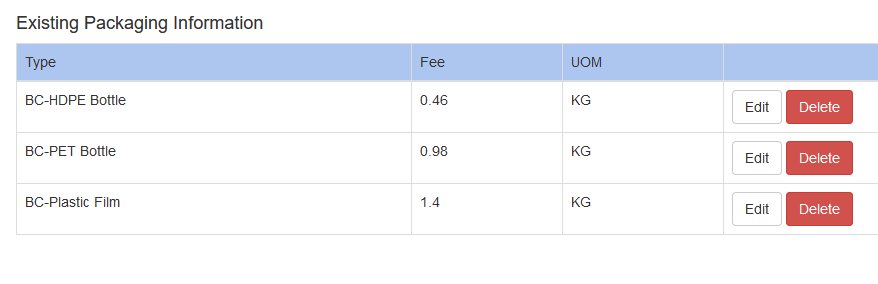
If the fee for a type of material is updated click edit to change the fee for a particular type
Define Item Packaging Material
To track packaging materials the type of packaging used must be assigned to the item. This is done in the Units of Measure tab
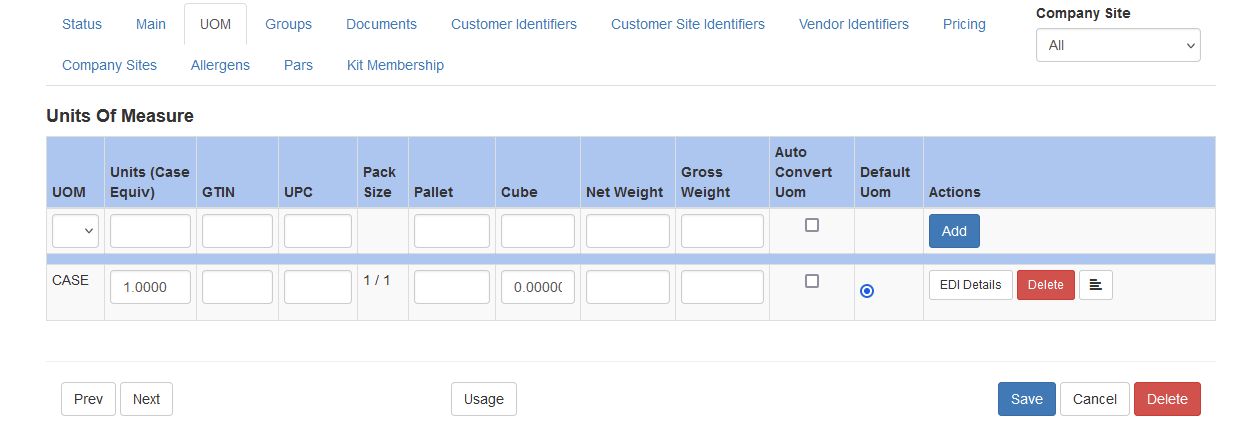
And then clicking the additional options icon. This can be set at a per UOM level, but primarily is set on the UOM that items are purchased under, such as case.

These fields can be required by enabling this setting under System - Company Site
All fields are required
Item UOM: This is listed for the UOM that is being edited
Packaging Type: This is the type of material, defined in the step above
Packaging Type UOM: This is the UOM that the packaging is tracked in, defined in the step above
Total Packaging Weight: This is the total weight for all packaging material in the unit of measure

Total Packaging Weight Details
The total packaging weight field is the total amount of packaging in the given UOM. For example, an 8/1 quart strawberry case contains eight plastic containers. If each plastic container weighed .015 kilograms, then the total weight would be 8 x .015 = .12 The entry for total packaging weight entered in the system is .12
Packaging Tracking Module Uses
Some potential uses of the packaging tracking system are detailed below
Tracking Imported Material
One use for this system is to track packaging imported into an area that requires reporting on quantities of certain materials imported. For example, in British Columbia, Canada distributors are required to track the quantities of certain materials imported from abroad.
Create A Group
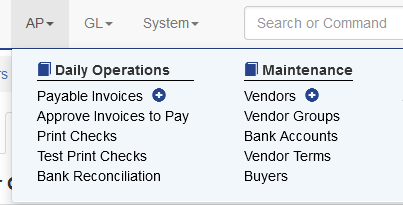
To track this, first a Group must be set up. Go to AP - Vendor Groups
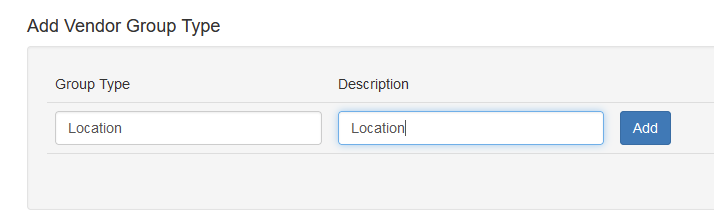
Create a new group named Location and add it. Then click Edit Groups
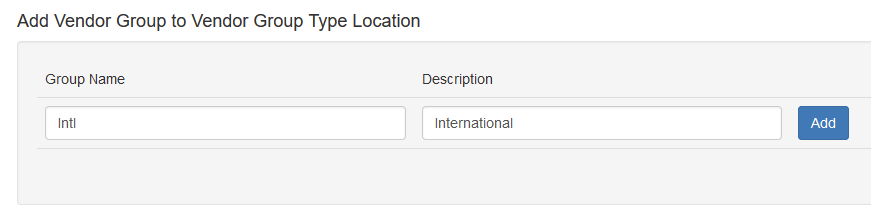
Add a group named “Intl” with a description of International and click Add.
Assign Vendors to the International Group
Once the new group is created, the group must be assigned to vendors that ship qualifying products from abroad.
Locate and Edit the Vendor and choose Groups
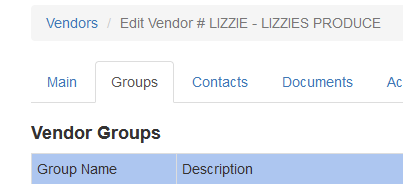
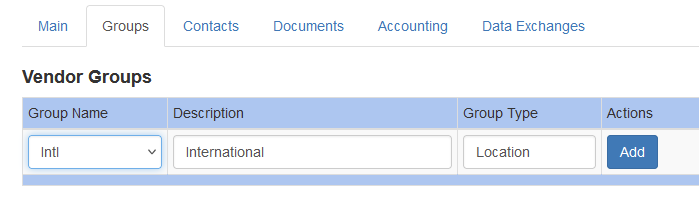
Select the International group, click Add and then Save the vendor
Reporting
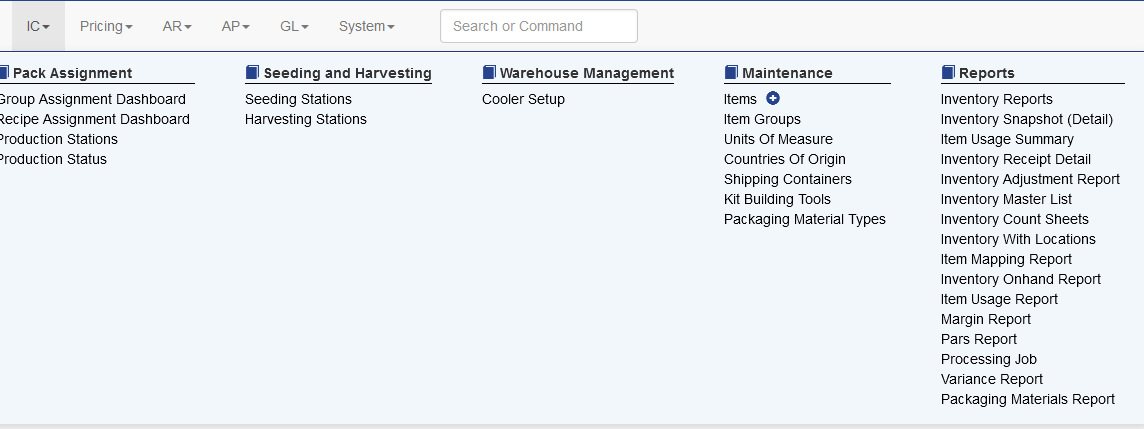
Reports are generated showing all tracked materials. This report can be found under IC - Packaging Materials Report
Select the Vendor Group, date range and type. Then click Re-Dispaly to update the results. These results can be printed or exported
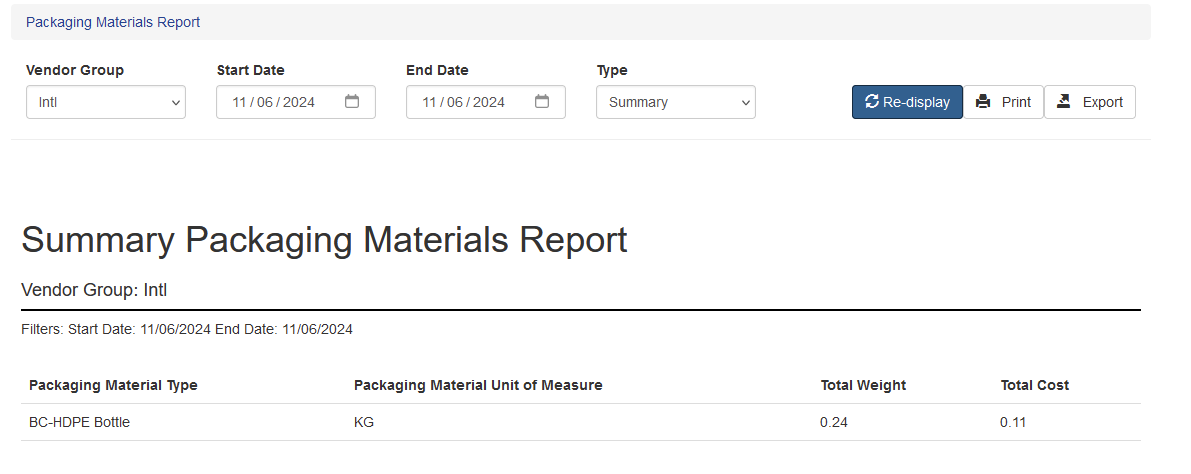
The data can also be shown in detailed form. The export option will send all the data within the range to a CSV file to download and manipulate.