Shipping Containers
For customers that get items grouped in shipping containers, the container must first be configured and items placed in it.
Create Shipping Containers
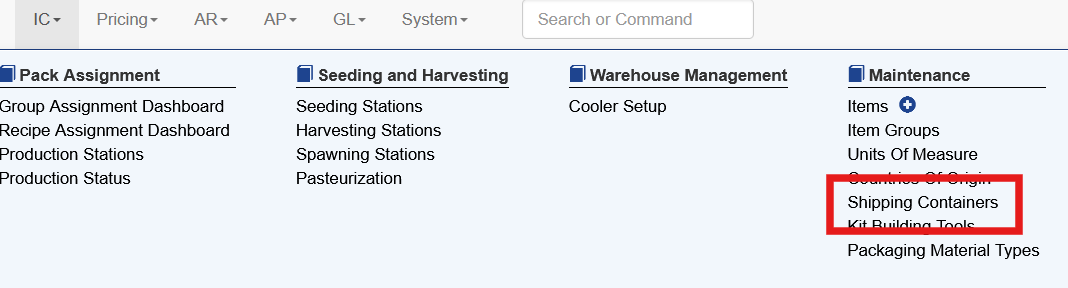
To create or edit shipping containers, under IC select Shipping Containers
Choose New Shipping Container
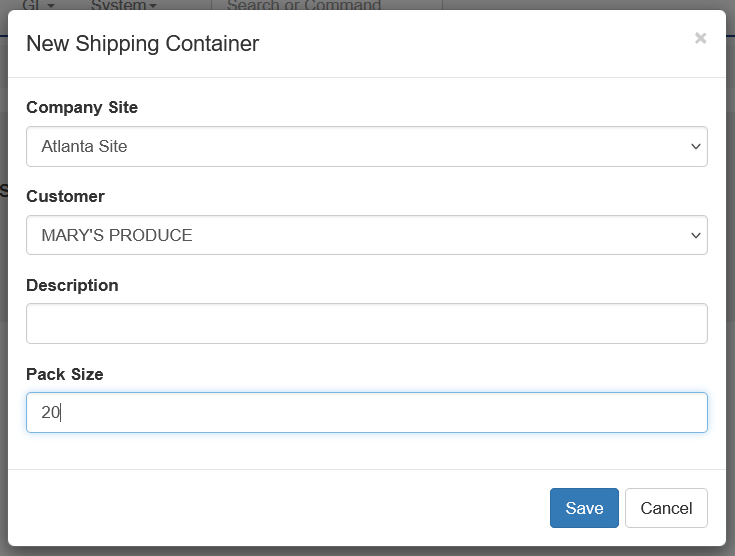
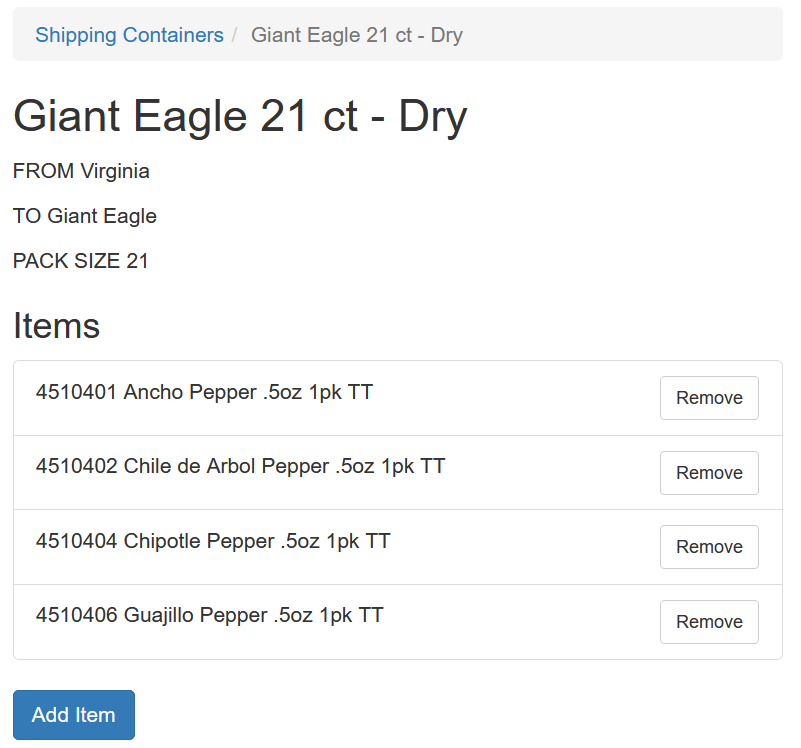
Choose the company site and the customer that the container applies to. The Pack Size is the number of items that the container will hold. This is typically like or similar sized physical items. The system will group all items together until the container is full.
Adding Items To Shipping Container
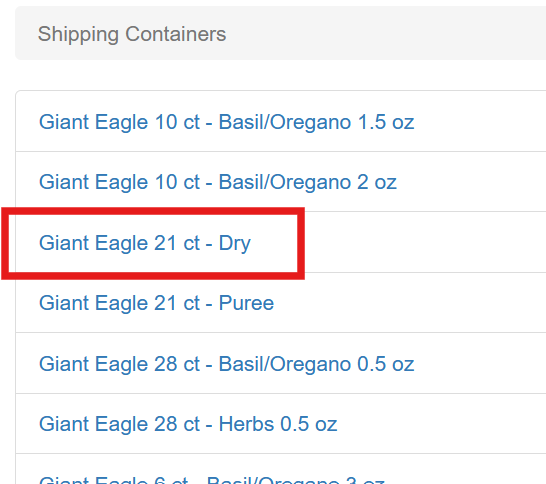
To add or remove items from the shipping container, click the name
To add a new item in this shipping container click Add Item. To remove an existing item from this shipping container choose remove on the line item.
How Shipping Containers Are Used
Orders Via EDI
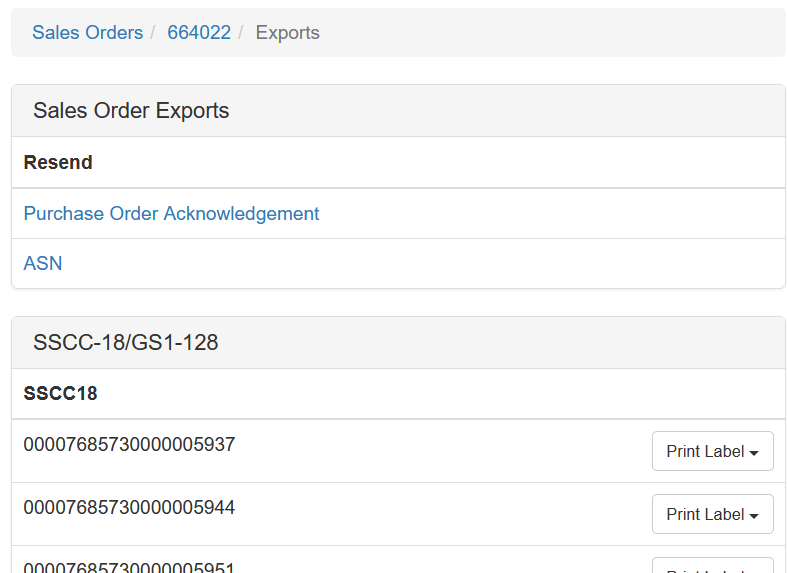
When orders come in electronically the system automatically generates shipping containers and assigns the SSCC-18 code to each package at the moment the order is created. This can be viewed under Sales Order Exports
Orders Manually Entered
When an order is manually keyed in, when the order is saved the SSCC-18s will be generated.
Regenerating Containers
Occasionally the process to regenerate containers may need to occur. This process is not available to the user directly. It has many potential consequences, especially if the customer receives ASN data.
If a container needs to be regenerated please contact support@anovys.com for further assistance.