
Sales Order Status
Sales Order Status
Sales orders have multiple status based on what activity has occured. These statues can be seen on the Sales Order entry screen:
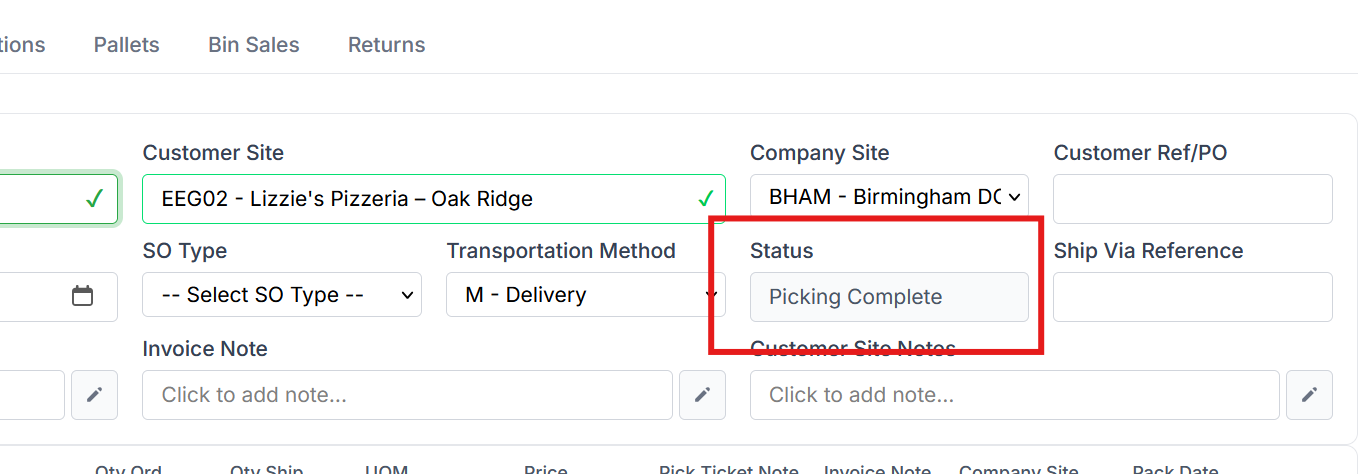
As well as on the Sales Order list screen. On the Sales Order list screen, orders can be filtered based on the status
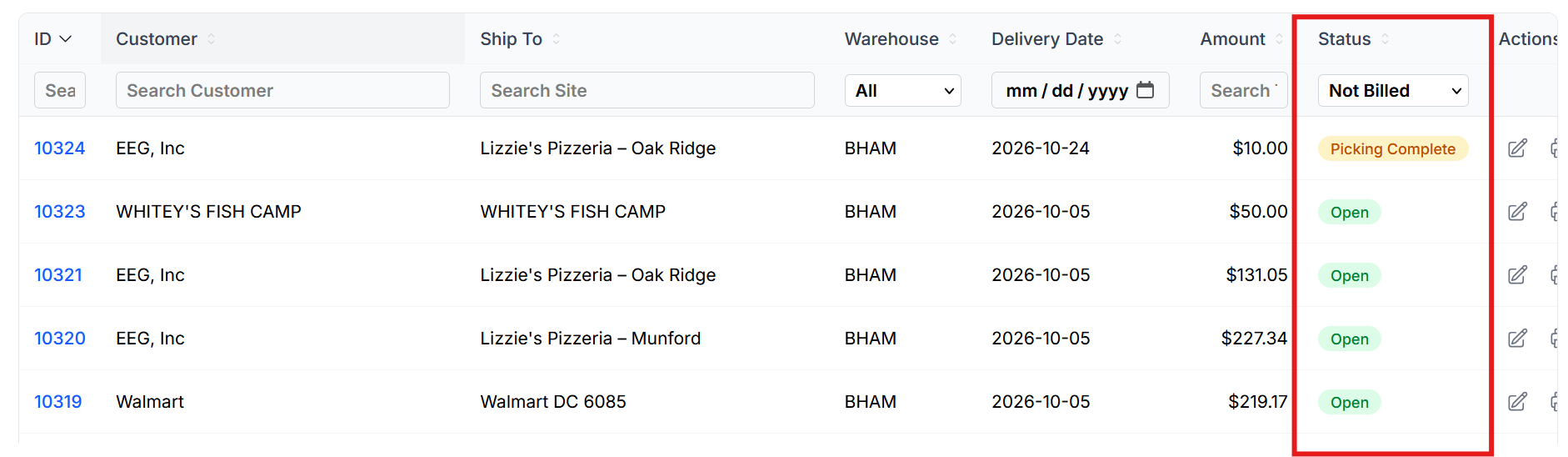
Available Status
|
Status |
Description |
How A Sales Order Gets This Status |
|
Open |
A sales order is entered, but nothing else has occurred |
When a sales order is entered this is the initial status |
|
Picking Started |
Order picking has started |
This is set by the WMS app when picking that order has started |
|
Picking Complete |
Order picking has been completed and/or an invoice has been printed |
This is set by the WMS app when picking has been completed or when an invoice is printed. If a billed sales order is unbilled the status returned to Picking Complete |
|
Shipped |
The order has left the building for delivery |
This is set by the driver's app when the route is started |
|
Delivered |
The order has been delivered to the customer's location |
This is set by the drvier's app when the order has been delivered to the customer |
|
Billed |
The sales order, with an invocie number, has been billed |
When the billing process is completed |
|
Void |
The sales order has been voided |
This is set when using the Void option |