Spawning and Loading Rooms
Spawning and loading rooms combine the pasteurized compost with spawn, casing, etc and loads the spawned compost in to the room for growth.
This process must be done at one time for all pasteurized compost at the same time. The user can’t load part of the rooms and come back later and use import compost. The entire compost lots are used in full when partially selected.
Setup Spawning Stations
[need to add this]
Start The Spawn Process
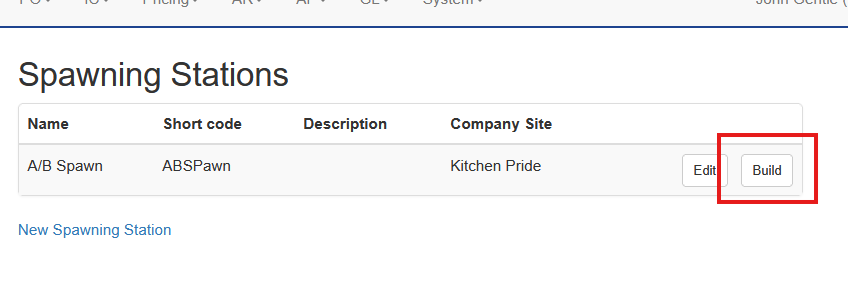
To start the process, the user will go to IC - Spawning Stations. Select Build on for the station that will build spawned compost
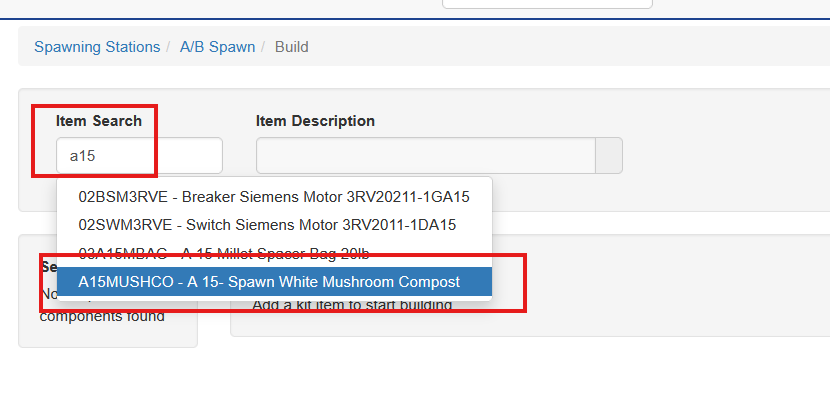
Enter the first item in the search and choose the item that is being made. Note, if there is a hit on multiple items matching the search terms be sure to select the spawned compost item. If you make a mistake you can remove the item.
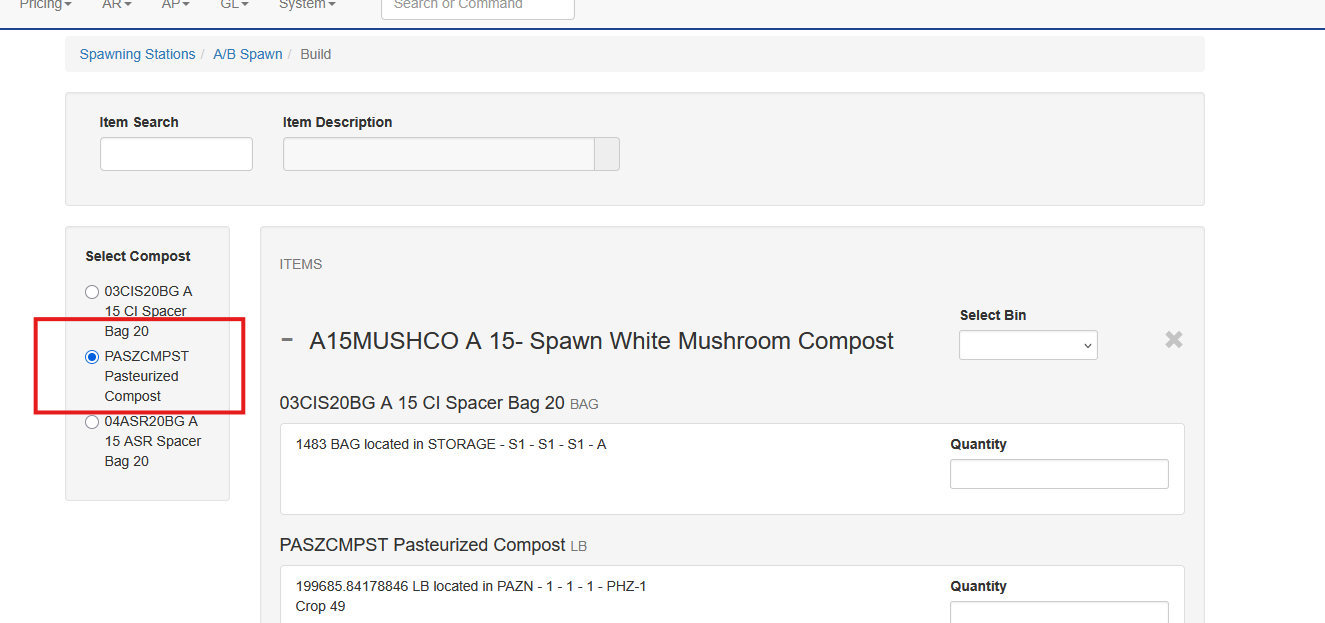
Each item is a kit, containing multiple different input items. All items must contain a constant pasteurized compost item. This pasteurized compost can be in different compost rooms, but it must be the same item code.
The list of components will populate and grow as items are added. Choose the pasteurized compost
For each item you can expand and collapse the item’s components with the plus and minus sign
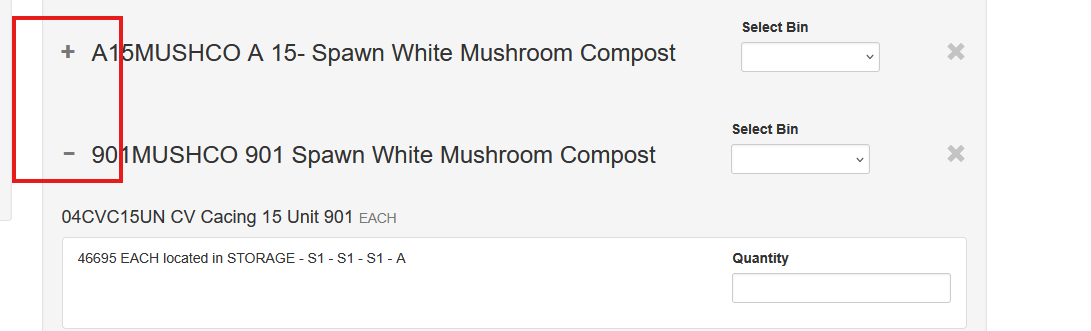
For the first item set the bin, also known as the room, that the spawned compost will be loaded in to
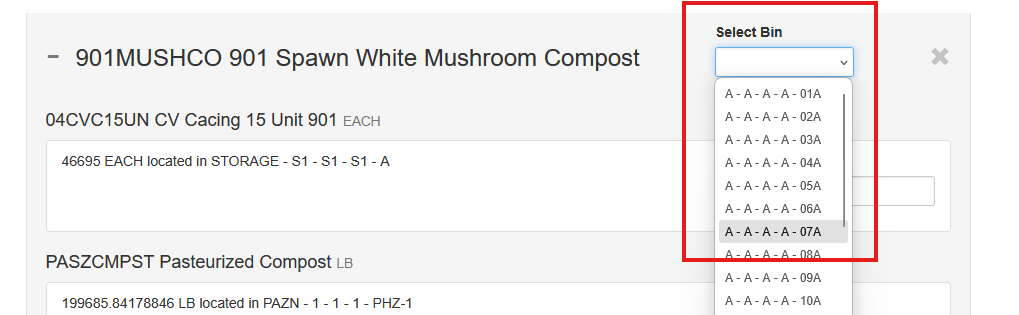
Enter the amount used of each component - not the compost will show the crop ID. Note, the compost is entered in the DRY WEIGHT form as measured by the scales on the hopper.
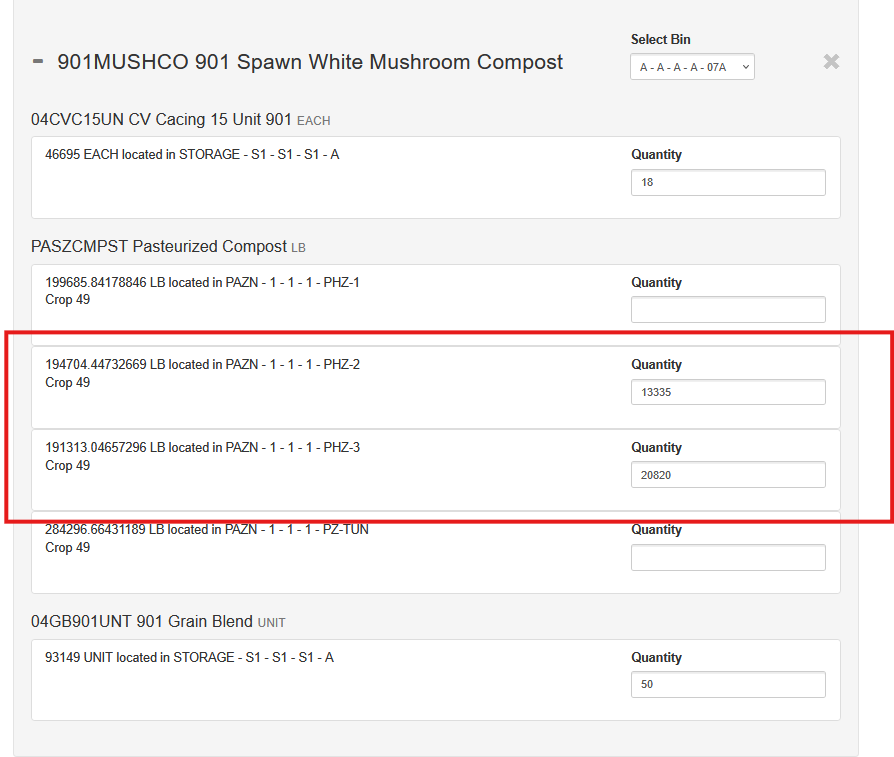
If the room is being loaded with pasteurized compost from more than one room, enter the weight used from each room.
More than one field can be used for any item as well.
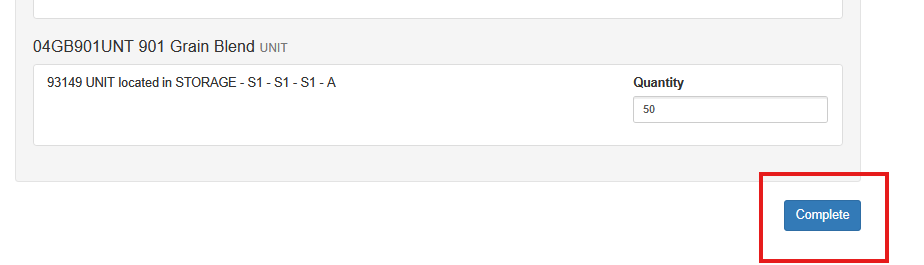
Once all rooms that will be spawned using the current crop’s pasteurized compost choose complete. Please note, there is no undoing this operation. It is important to make sure all data is correct
Unused Items on Spawning
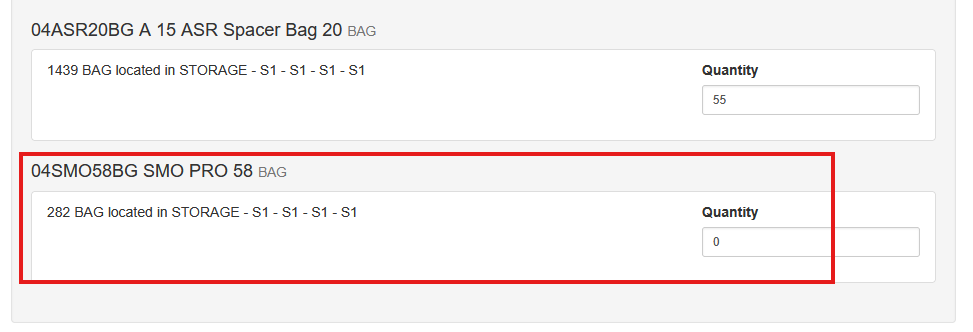
Occasionally an item may be a part of a kit but not currently in use. In this case the user must enter a zero in the field to tell the system that it is being purposefully left off. This item will not be part of the allocation when the spawn is completed.
Logic Behind Spawning Process
When spawned compost is used the input compost lot is exhausted entirely. This is why it is important to build all rooms for the crop at one time. The ratio of the amount used, per room, and the total amount available, are calculated to get the percentage used and that is applied to the build.
The input items are combined to generate a new lot with a combined lot cost. This is ultimately used for harvesting mushrooms and producing WIPs and finished goods.