Accrued Inventory Write Off
Accrued Inventory Write Off
Occasionally an accrued inventory entry needs to be written off. This is when the accrual will never be paid or credited by the vendor. When a accruaed inventory entity is written off the inventory lot remains available in the system.
First set up a GL Account Default for AccrualWriteOff.
Once the GL Default is created visit AP - Accrued Inventory Write-Off
Locate the lot(s) that will be written off and select them with the check box
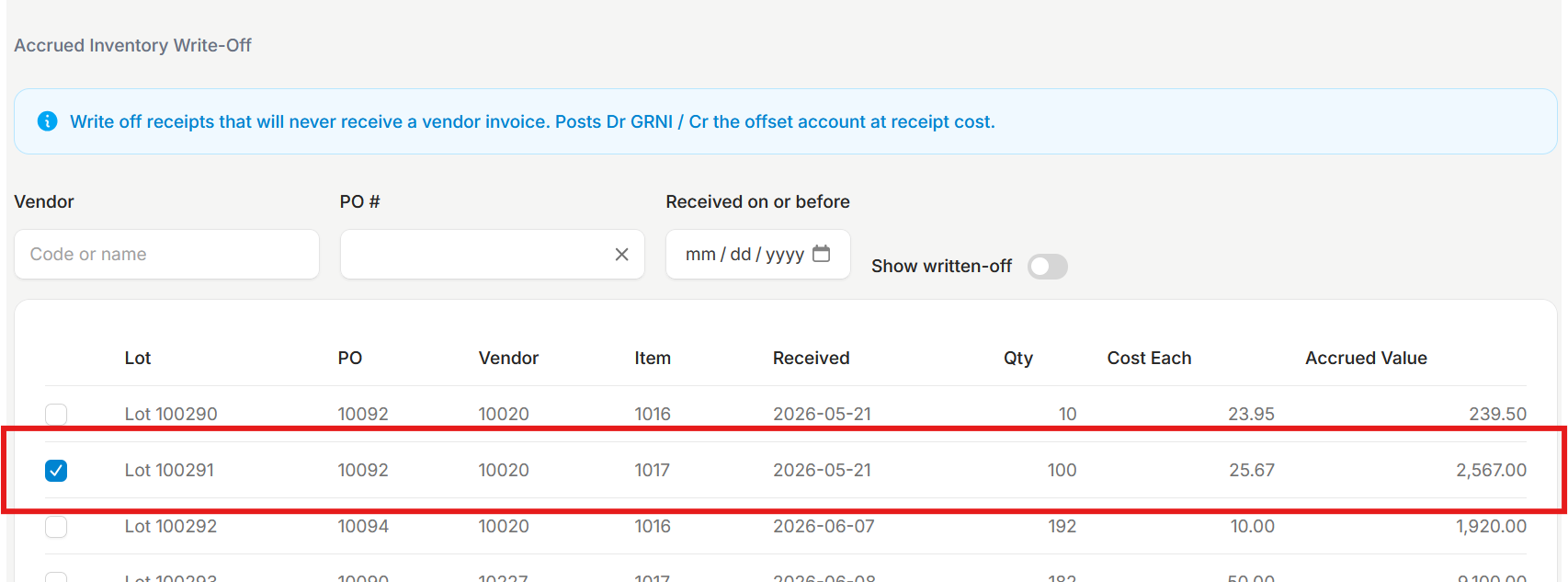
Once all entries are selected verify the GL account and the transaction date, then click Write Off Selected
