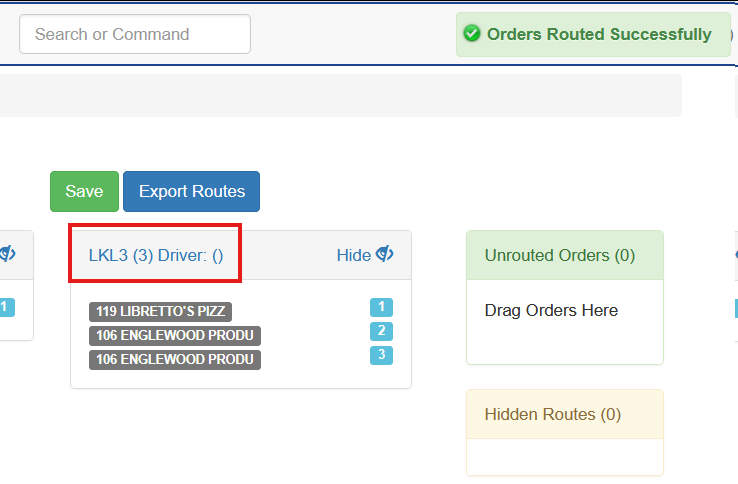
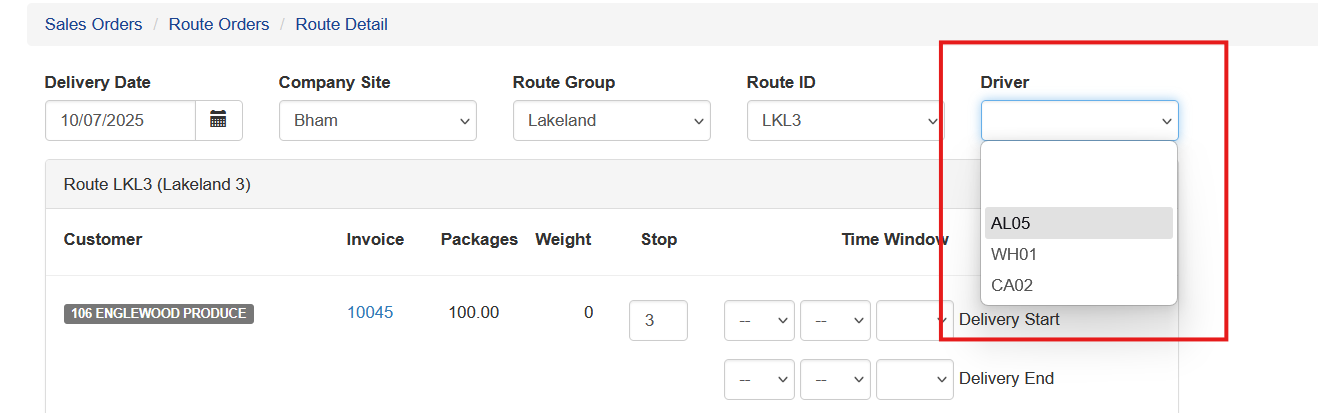
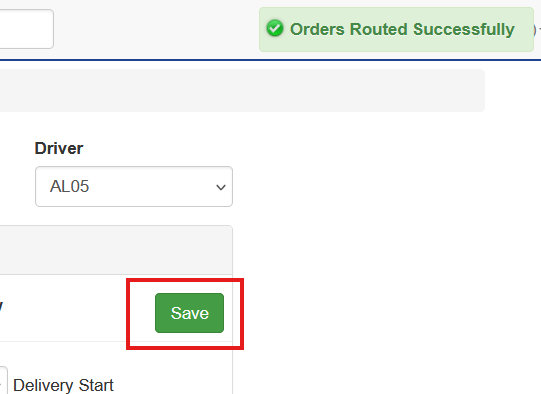
Sales OrdersManaging DeliveryRouting Deliveries Assigning Drivers to Routes Drivers can be assigned to a route at any time. To assign a driver: Click the Route Name. Select the Driver from the dropdown list. Click the green Save button. A confirmation message will appear in the top-right corner of the screen.