Import Pricing
Import Price Details to the Maintain Pricing Grid
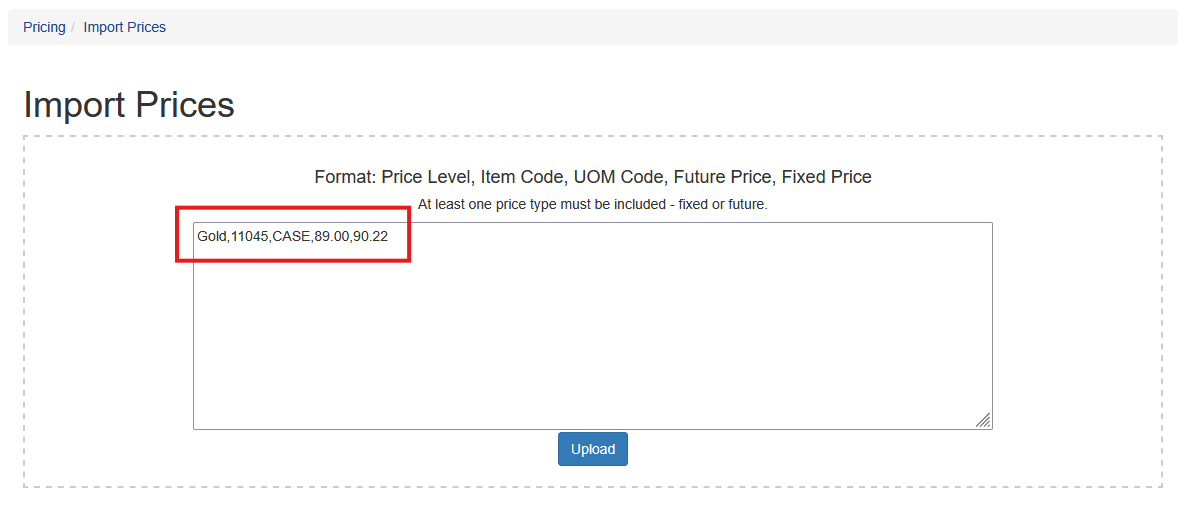
Pricing can also be imported directly in to the pricing grid by price level. This is located by going to Pricing - Import Pricing. The user can fill in the box or upload a CSV. The required fields are: PriceLevel,ItemCode,UOMCode,FuturePrice,FixedPrice
All fields are case sensitive.
For the example below the price level Gold will be updated for item 11045 with a CASE unit of measure. The future price will be set to 89.00 and the fixed price will be set to 90.22/
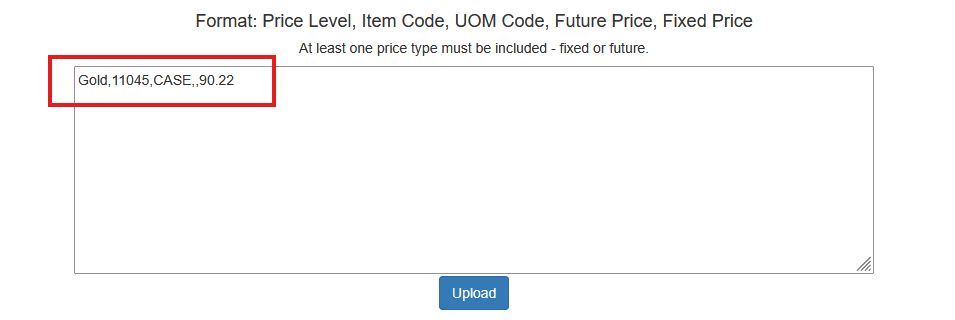
If the user only wants to update the fixed price the import data would include two commas where the future price is. For example: