Maintain Pricing Grid
Maintain Pricing
The pricing grid, located under Pricing - Maintain Level Pricing (Single Level) shows the user the results of all pricing calculations for that specific price level. This also allows for certain fixed prices and overrides to be created.
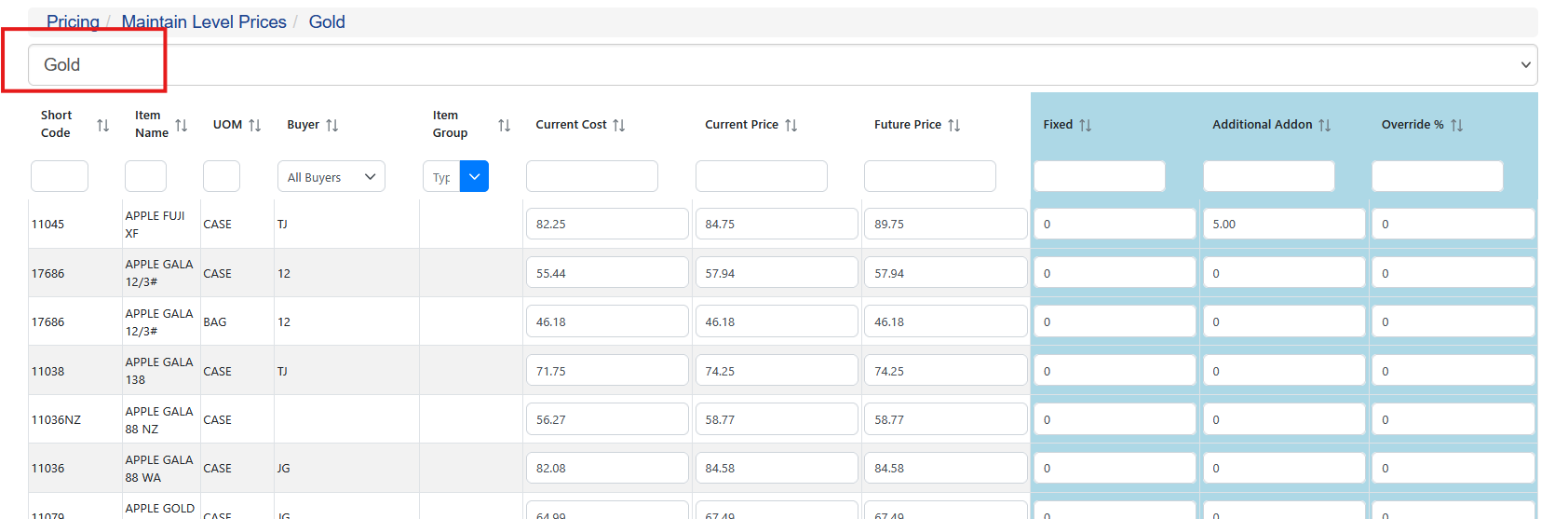
Prices for items are shown by selecting the price level in red.
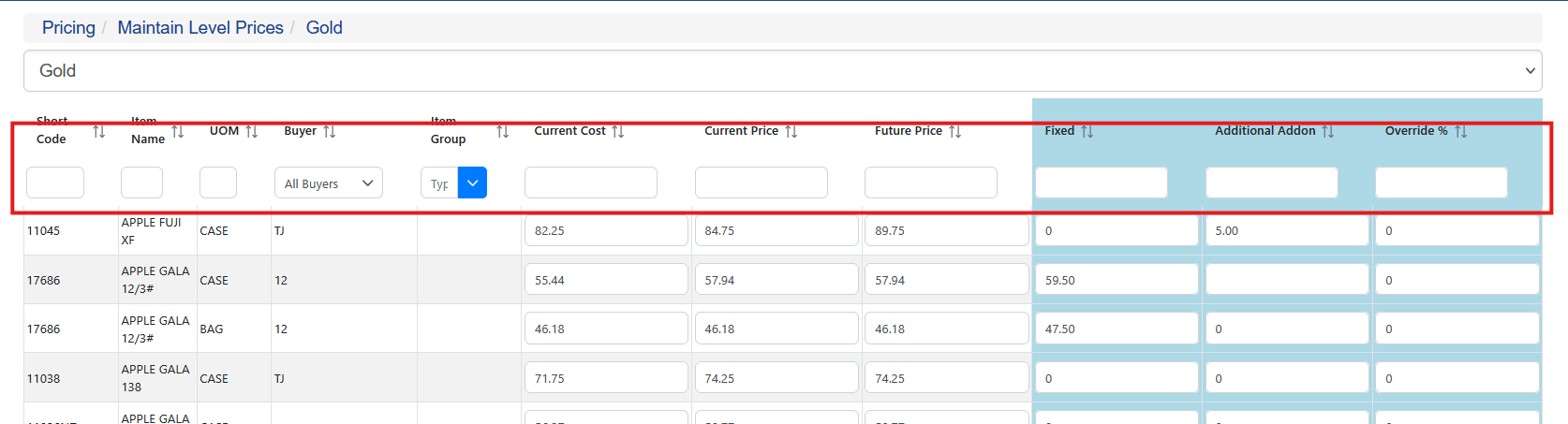
All fields can also be sorted and filtered based on the criteria by using the filter fields
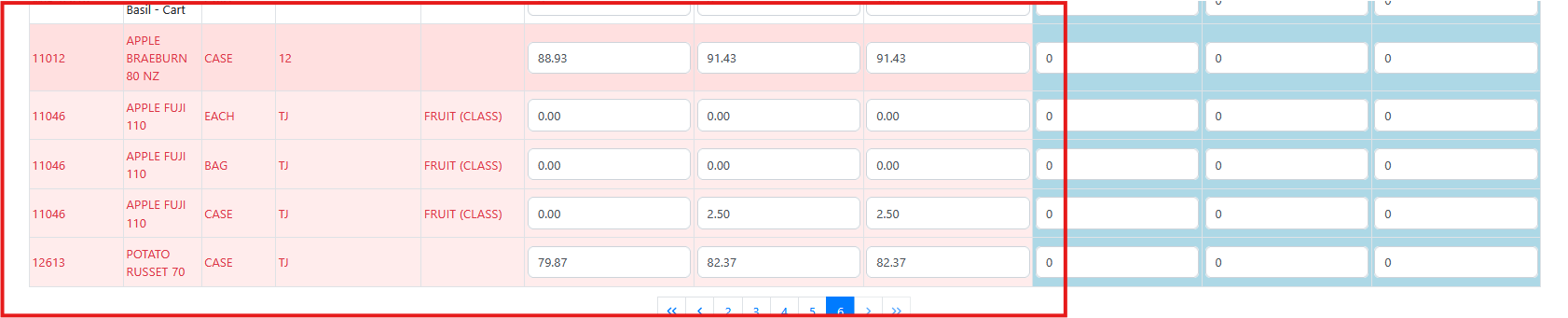
Active and priced items are displayed at the top of the list when the screen is opened. Inactive items are at the bottom and shaded red
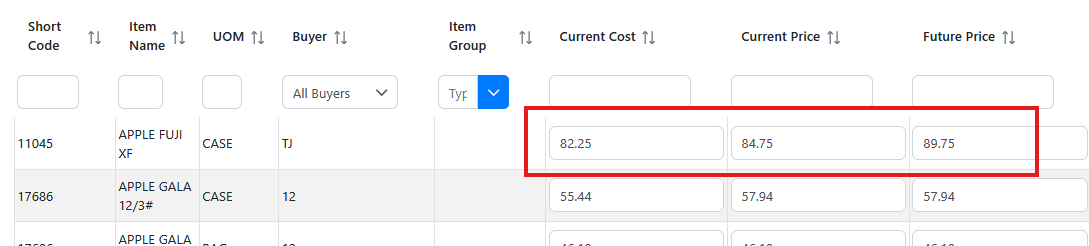
For each item and unit of measure a Current Cost, Current Price and Future Price. The current cost is populated using the advanced cost utilities and any parameters entered during the cost calculation. The current price is the actual price charged to a customer who is on this price list, excluding any pricing overrides that may apply to the customer and item combination. The future price is the price calculated the most recent time the Calculate Future Pricing was run. This will become the Current Price when Update Current Price is run. Each field on this screen can be manually overridden by typing a new value into the respective field.
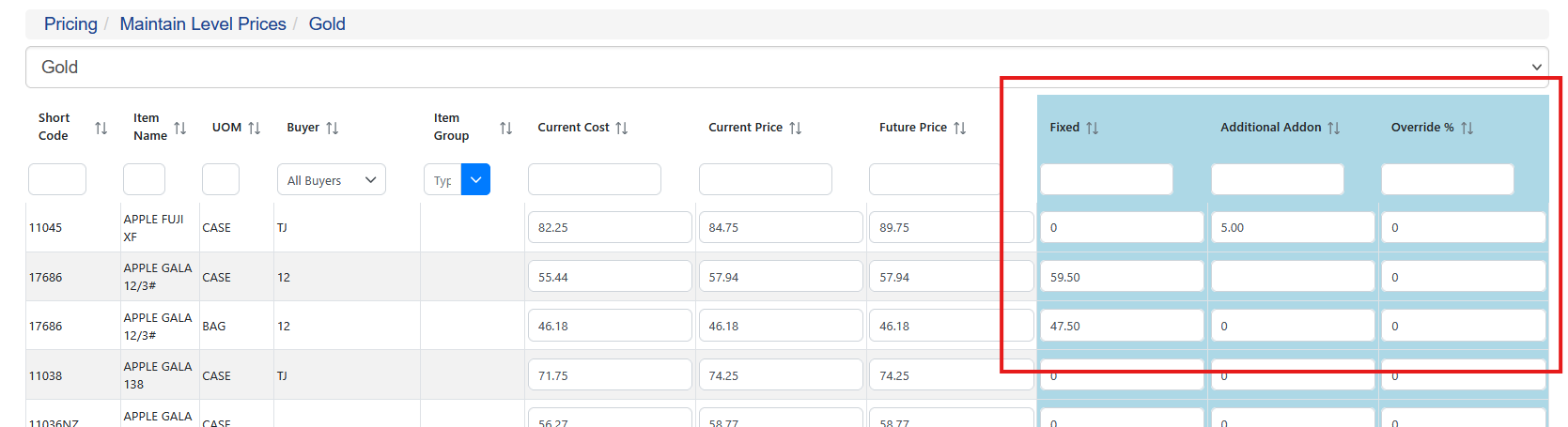
Override Values
Values in the blue shaded section are overrides for price calculation as well as entering a fixed price. The fixed price is a set price that becomes the sell price regardless of any other setting or override. The Additional Addon and Override % is an additional dollar value or percent used during the sell price calculation. This is a per item/unit of measure combination value that can be set.