Routes and Route Groups
A route is a specific delivery route for a day and contains the orders being delivered. In many cases, a route represents a closely related geographic area, such as part of a city. 
A route group is a collection of routes. A route group typically represents a city or region.
Creating Route Groups
To create a route group, go to:
AR → Customer Route Groups
This screen displays all existing route groups. To create a new route group, enter the name and description, then click Add.
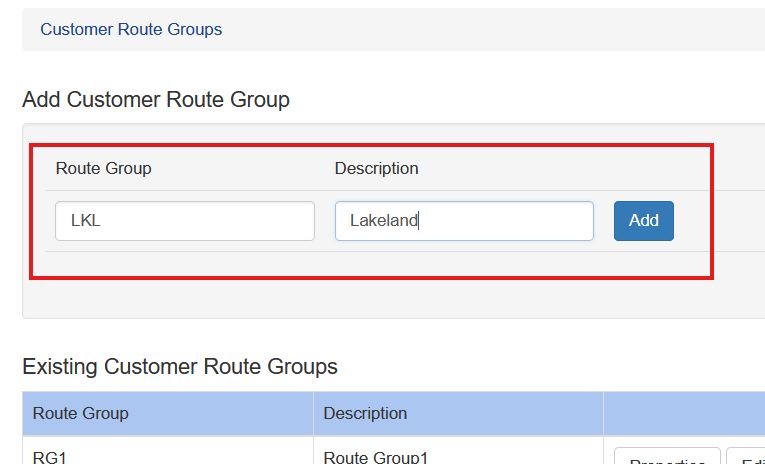
To rename a route group, click Properties. The short code and description can be changed, and Sprout will automatically update existing uses of that route group.
Creating Routes in Route Groups
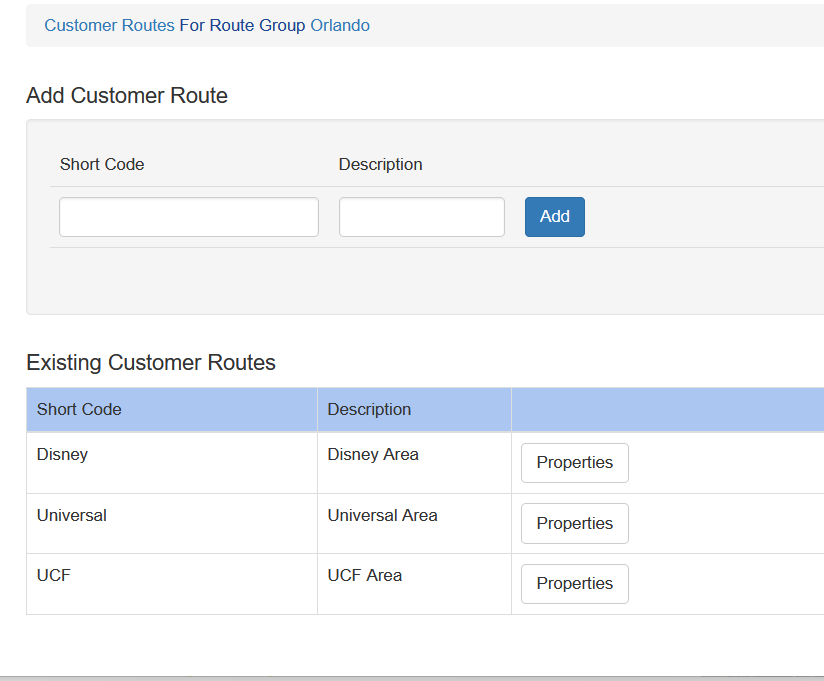
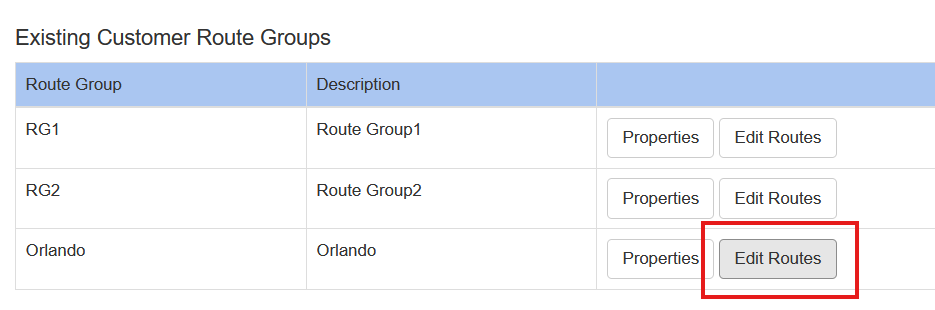
After a route group has been created, individual routes can be added by clicking Edit Routes for that route group.
This screen displays the routes already assigned to the route group and allows the user to:
- create new routes
- edit the name of an existing route