Sales Order List
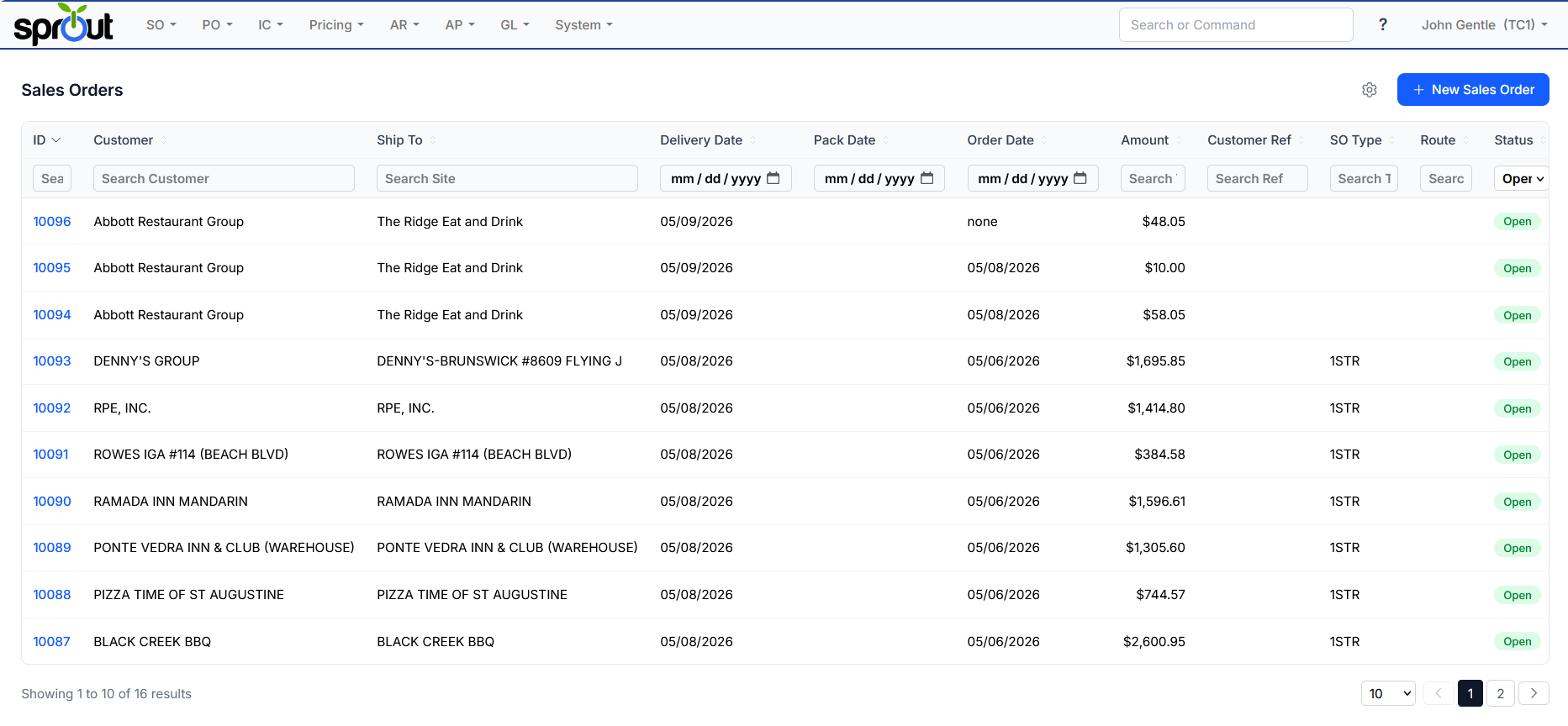
Sales Order Listing Screen
The sales order screen, located under SO - Sales Orders shows all current sales orders.
Filtering Fields
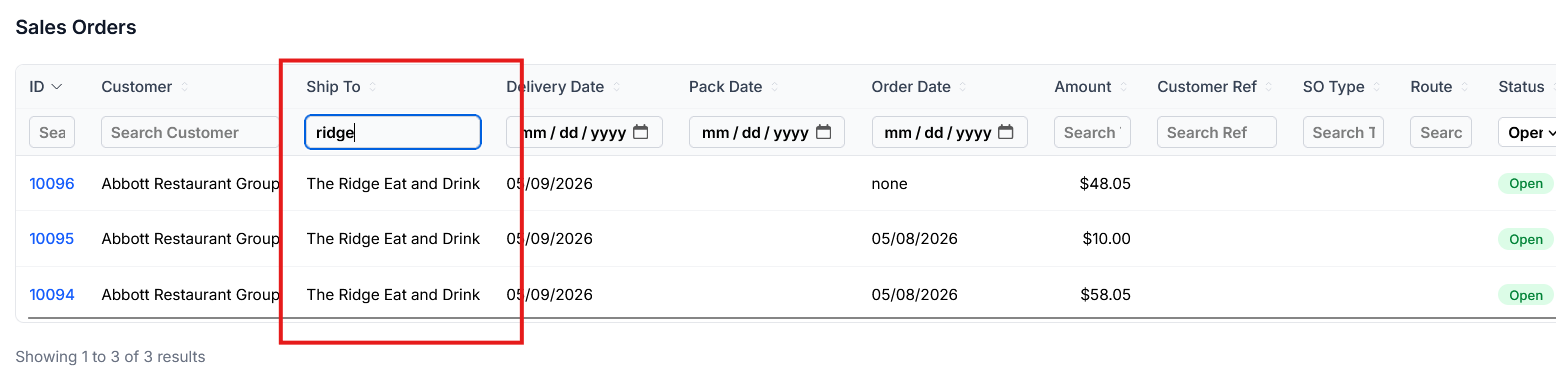
To quickly find a order in question a user can enter data in the search fields. This will filter only on what matches that filter. Multiple filters can be used in conjunction with each other.
Optional Fields
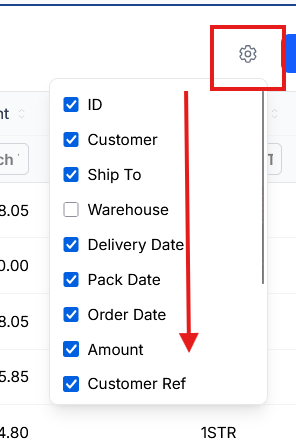
Many users do not to see all the columns for sales orders. For example, a faciltiy that does not pack may not need to see Pack Date where as a single warehouse facility does not need to see the Warehouse column. To adjust the columns shown in a users screen choose the Gear icon. Removing a check box will prevent that column from showing.