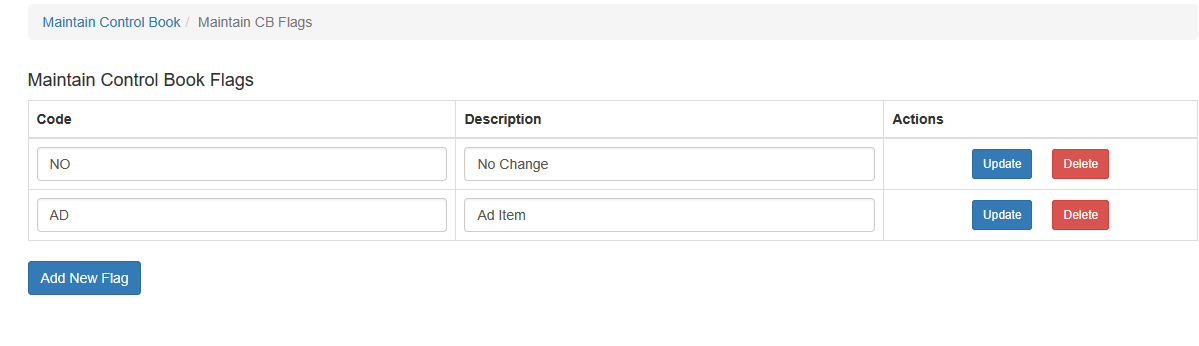
Setup Control Book Flags
Control Book Flags are used to highlight important changes or notes for items in a Control Book, such as New Item, Price Change, or Seasonal Item.
To add, edit, or remove Control Book Flags:
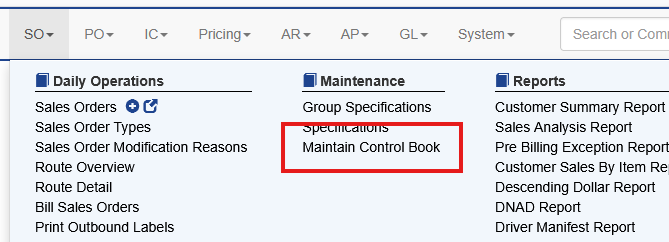
- Select SO → Maintenance → Maintain Control Book.
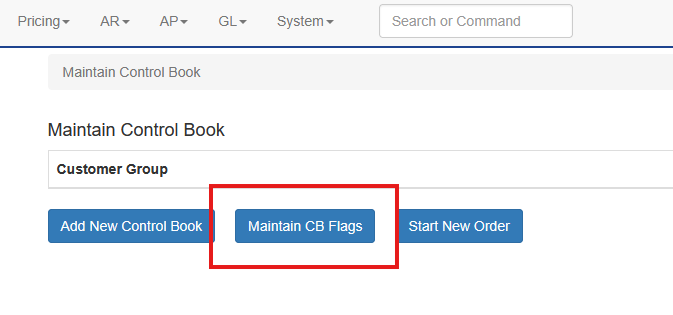
- Choose Maintain CB Flags.
Existing flags can be edited or deleted, and new flags can be added as needed.