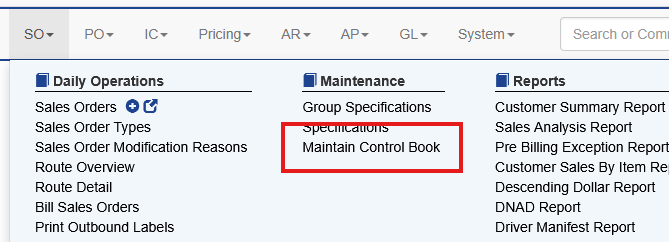
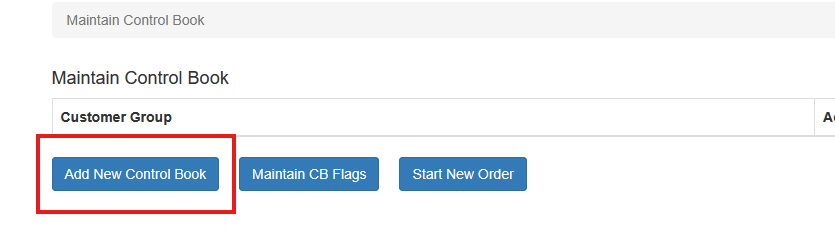
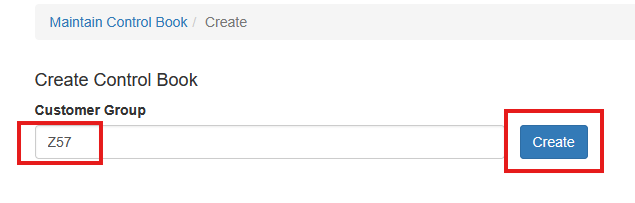
Sales OrdersControl Books Setup New Control Books To create a new Control Book: Select SO → Maintenance → Maintain Control Book. Click Add New Control Book. Enter a name for the Control Book. Click Create. The Control Book will then appear in the list and can be configured with customers and items.