Company and Company Site Settings
Company and Company Sites
Sprout separates entities within Sprout by using a Company with Company Sites. The company represents a single legal entity - usually the same General Ledger, Ownership and Tax ID. The company site is the entity that performs the business, often referred to as a warehouse or similar.
Company Setup
The company setup is located under System - Company. Most of these settings are entered when Sprout is first installed. The company setup is divided in to multiple parts
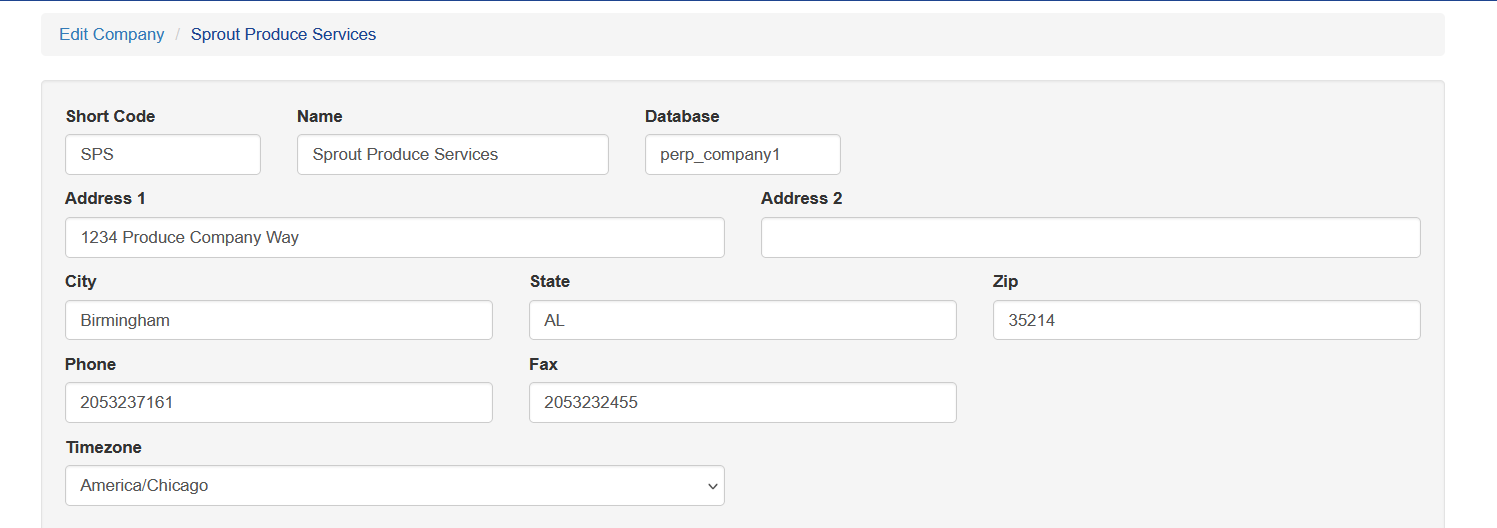
Location Information
Sort Code: Used to identify the company on certain records
Name: The legal name of the entity
Database: Set by Anovys during setup
Address Information: This is the company head quarters information
Timezone: Company headquarters time zone
Remit Address
The remit address is used for Accounts Receivable functions and can be shown in printed invoices. This is an alternate address, such as a lock box, where payment should be sent.

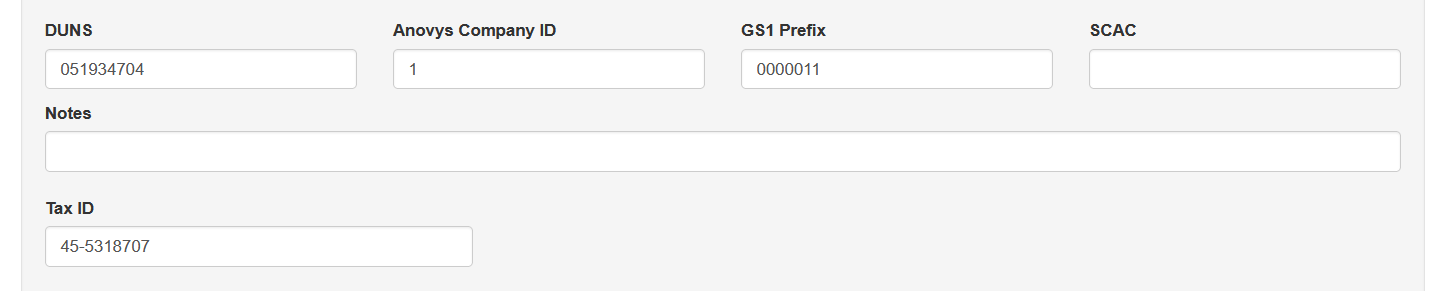
Business Identifiers
The business identifier section stores details about the business. These numbers and registrations are used within Sprout, often for EDI transactions.
Email Address Definitions and Other Settings
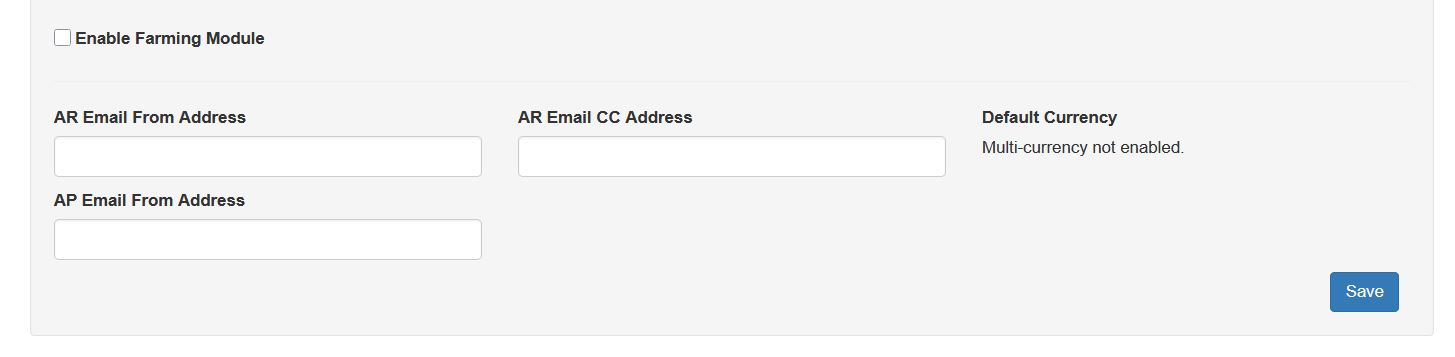
The email addresses in this section are used on emails to customers.
For entities that run Sprout for farming, the farming options are enabled at the company level. For companies conducting business in multiple currencies the Default Currency defines what currency is default. This setting is enabled only by Anovys. Please contact support for assistance.
Company Site Settings
Company sites are under System - Company Sites These settings
Company Site Details
The company site details are the name and address location of the particular site.
Short Code: A code used to define the company site on recrods such as inventory, sales orders, etc.
Name and Address: This is the address location of the site
AR Division: This field is used for external financial reporting. Anovys will assist as needed
Timezone: This is the time zone of the physical location. It is used for showing the times transactions or events occured
Customer Service Email: This mailbox is used during certain EDI transactions as well as email addresses for mobile delivery transactions
GLN and DUNS +4: This is used in conjunction with the Company settings to further identify an individual site. This is often used in EDI transactions
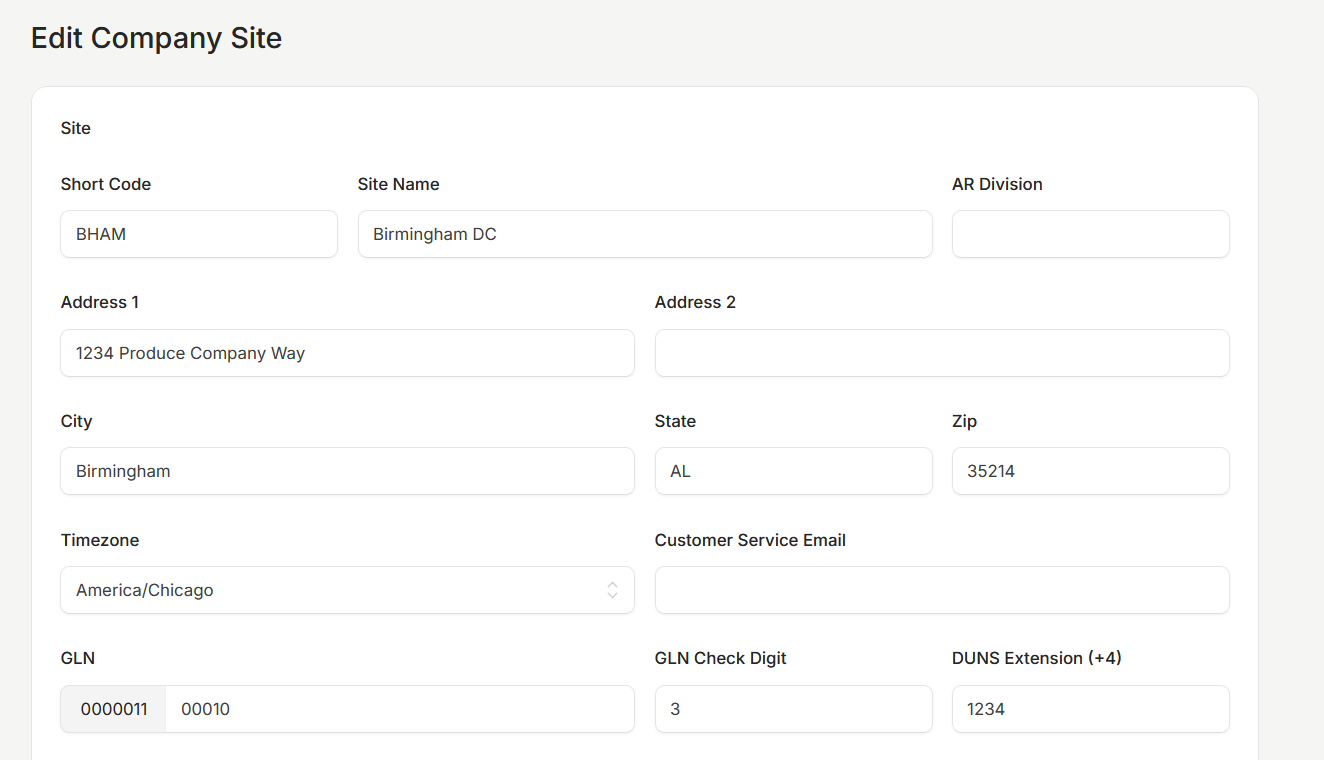
Notes: This is an internal only field for free text notes
Hidden: Leaves the site out of the picker within the system
Edit PO After Received Days: This is the number of days after a PO was received that the PO can be edited.
Auto Allocate Quantity Less Than: When using Sprout's production module this value determines if a lot is used entirely when the lot is less than the defined amount
Supervisor Approval PIN: In Sprout's production module this PIN is used to override required fields.
Mandatory Net Weight: This requires net weight to be entered on every item's UOM. When this is enabled a new item and/or UOM can't be added without filling in the net weight. This should be enabled for companies running WMS and outbound route optimization
Require Inventory Recyclables Material: Enabling this requires recyclable material settings for items
Hide Linked Inventory Adjustments: Hiding linked adjustments prevents the inventory receipt screen from showing adjustments in or out on a specific lot. This should be maintained by the company's food safety manager based on the company policy
Number of Invoice Prints: This tells Sprout to print multiple copies of an invoice whenever an invoice is printed
Show Route Revenue: Turns on or off the total amount of a route in the Route Overview screens. When unchecked the revenue is not shown
Require Inventory GL Override: This requires the GL overrides to be set when creating items. This is recommended for companies that use more than a single inventory GL code.
Show Item Import Reference: When a company goes live on Sprout often item codes are updated. Enabling this option shows the old item code on item code maintenance. This can be turned on and off as needed
Enable Bin Sales: This turns on the bin sales feature in Sprout
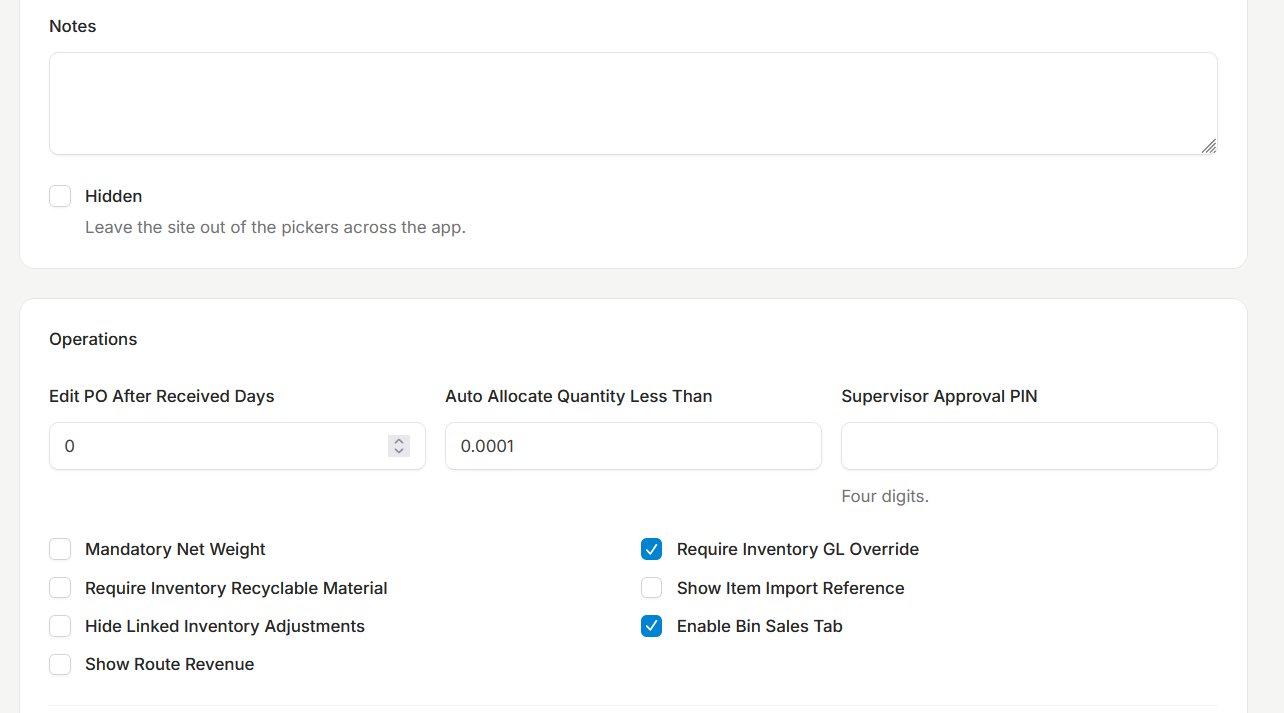
Default Scrap Inventory Reason: This is the adjustment reason used by default when a scrap adjustment is entered
Default Return Inventory Reason: This is the adjustment reason when inventory is returned to the system. This is used only when the production module is in use
Default Undo Build Kit Reason: This is the adjustment reason used when kit builds are undone. This is used only when the production module is in use
Default Transportation Method: This is used on sales orders to define how a delivery is made when the company may have both delivery and pickups.
Below Cost Warning: This setting chooses the cost base to use if a below cost warning is displayed during the sales order entry screen. Setting to none disables this.
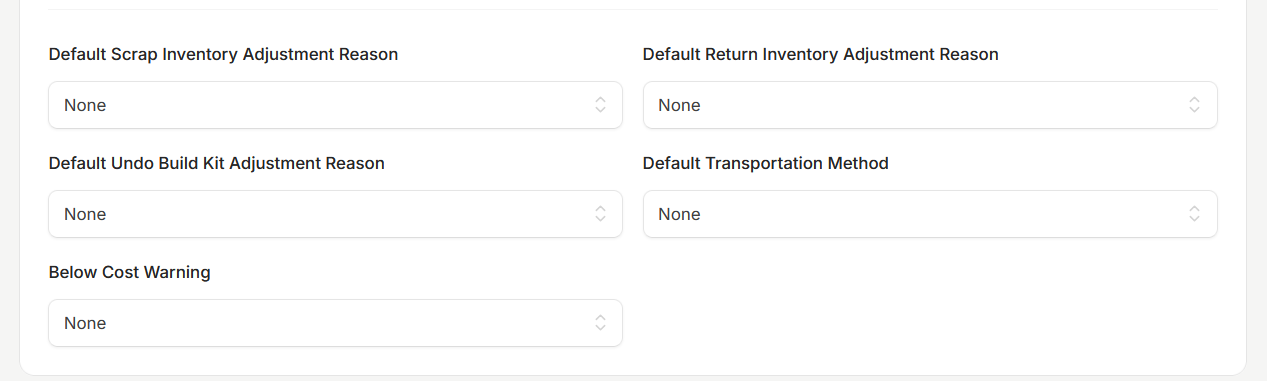
Invoice Layout: This allows the company site to choose the invoice layout. Always work with Anovys support before changing this
PACA Trust Language: This is the legal language used on invoices to preserve PACA rights. This should be changed only in conjunction with the company's attorney and legal team
Optional Footer Line 1 and 2: This allows messages to be added to invoice prints
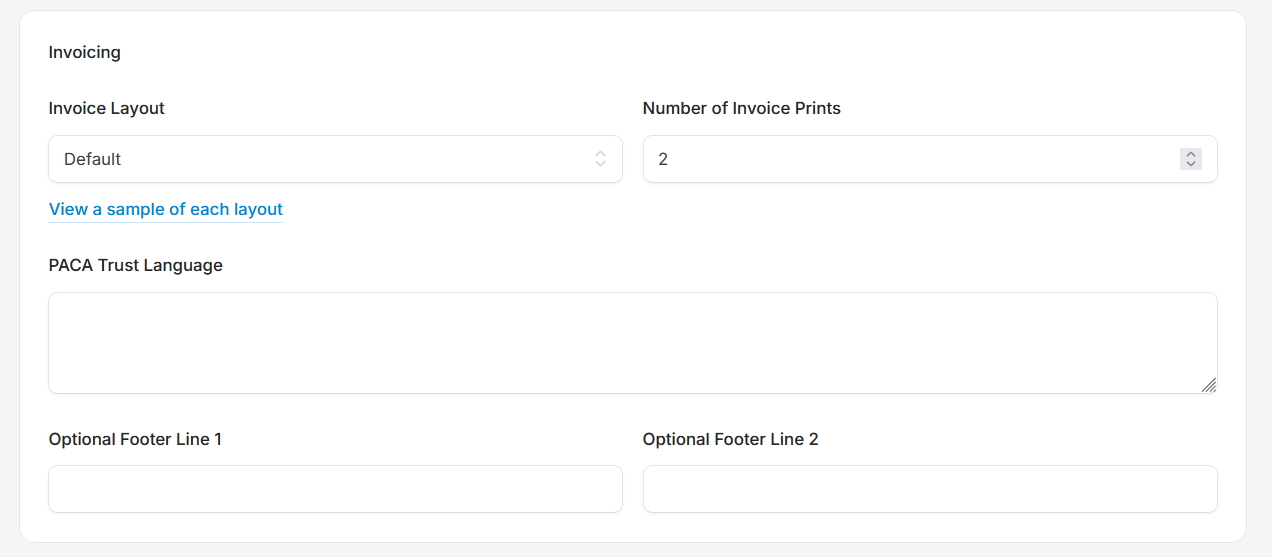
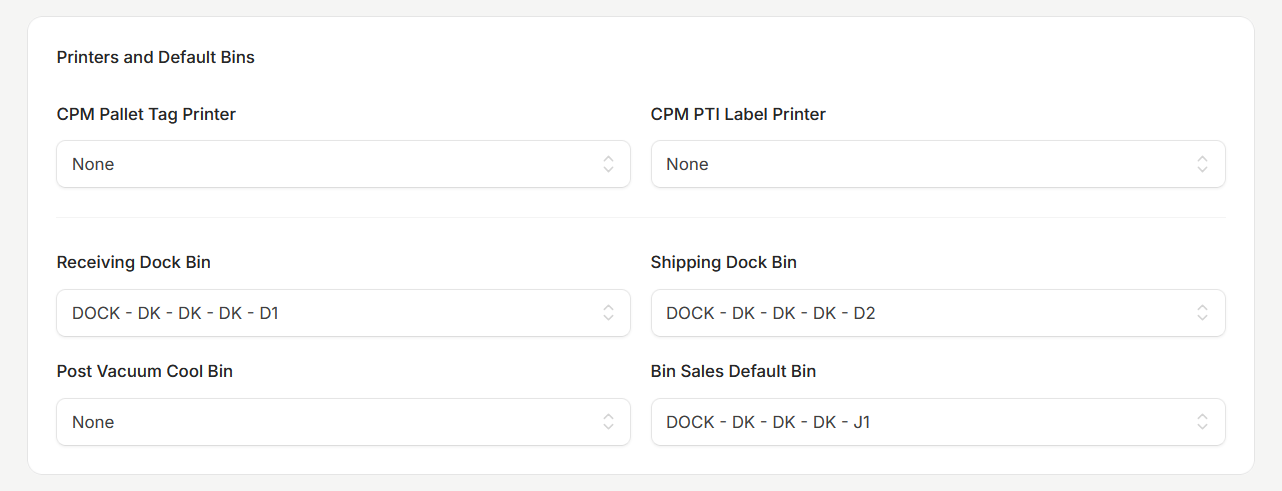
CPM Printer: This is used for certain farming operations. Contact Anovys for additional details
Receiving Dock Bin: This is the bin received product goes until it is moved to its storage bin
Shipping Dock BIn: This bin is used for shipping processes. Returned items also go here
Post Vacuum Cool Bin: During farming operations post cooled product goes in this bin
Bin Sales Default Bin: For Bin Sales the system looks in this bin for product by default
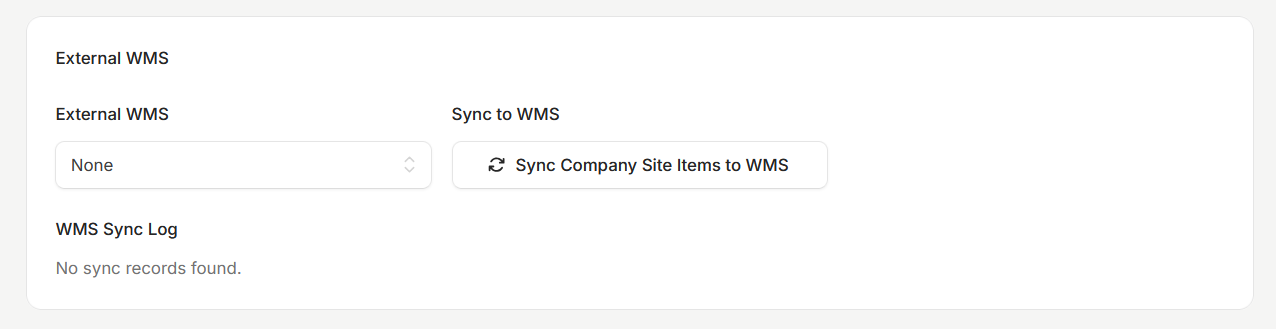
External WMS: This is used to tie to external WMS systems. Contact Anovys for additional details
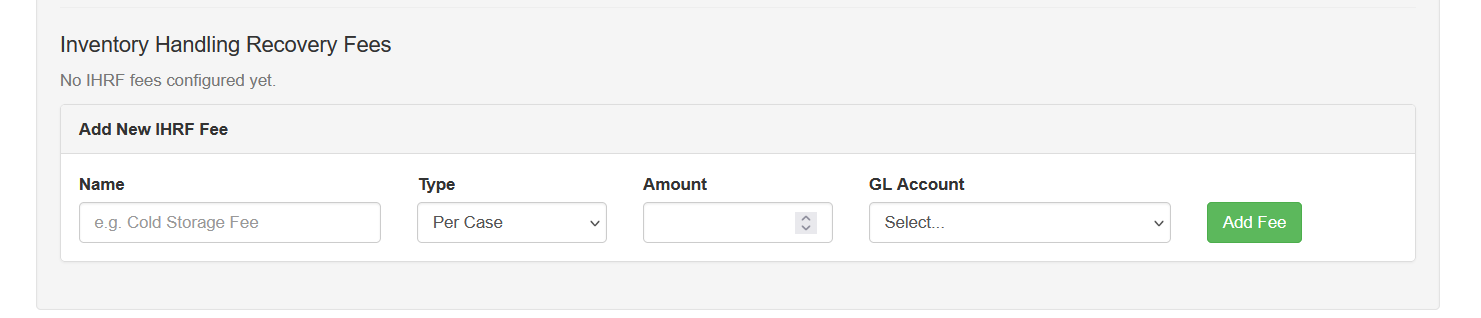
Inventory Handling Fees
The inventory handlign fees module in Sprout allows the cost of small fees to get added to the delivered cost. More details are here